


Convert
Thai Baht (THB) to Open Campus (EDU) Instantly


Purchase Open Campus (EDU) with Thai Baht (THB) easily at Switchere and benefit from fast, secure transactions.
About
Open Campus (EDU)
Open Campus (EDU) is a pioneering Web3 education protocol designed to fundamentally reshape the global learning landscape by decentralizing control and returning value to educators and learners. Operating on the BNB Chain, this decentralized network tackles inefficiencies in the traditional education system by empowering content creators to tokenize their intellectual property. The core of its infrastructure involves Publisher NFTs, which are smart contracts that represent ownership and revenue-sharing rights for educational content. This blockchain technology enables a transparent and equitable system where educators can directly monetize their materials and co-own the content they create, fostering a more collaborative and innovative digital asset ecosystem for learning materials.
The EDU token is the native utility and governance token that fuels the entire Open Campus ecosystem. Its tokenomics are designed for deep integration and functionality. As a utility token, EDU is used for payments, giving users access to exclusive content, courses, and other educational products offered through the protocol. Furthermore, as a governance token, holders can participate in on-chain voting, influencing key decisions regarding the platform's development and treasury allocation. This community-led approach positions Open Campus as a key player in building a new, decentralized educational infrastructure, creating a global marketplace where knowledge itself becomes a verifiable and tradable digital asset on a public ledger.

How to Buy Open Campus (EDU)
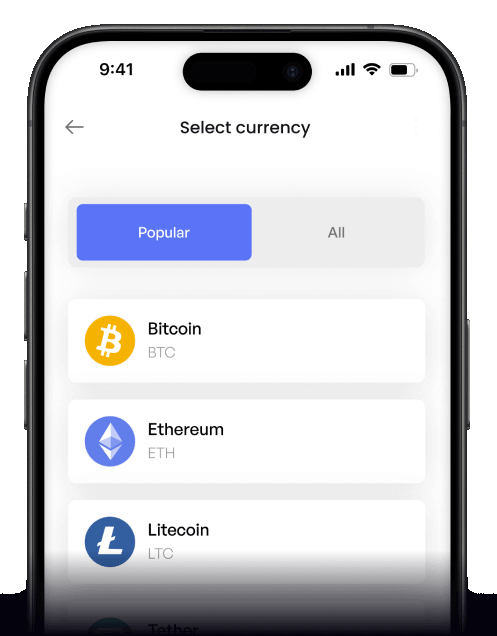
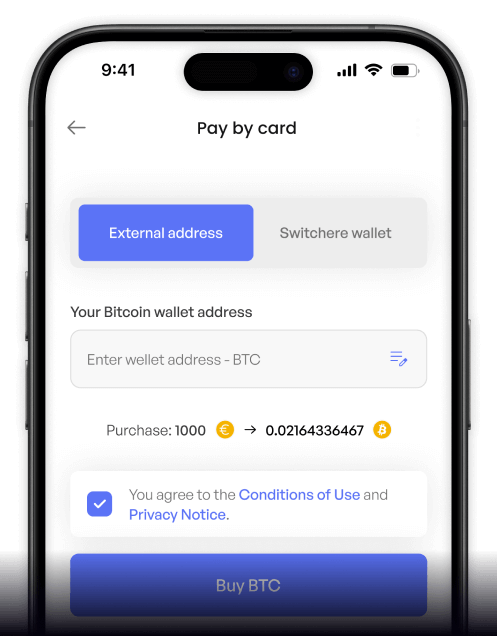
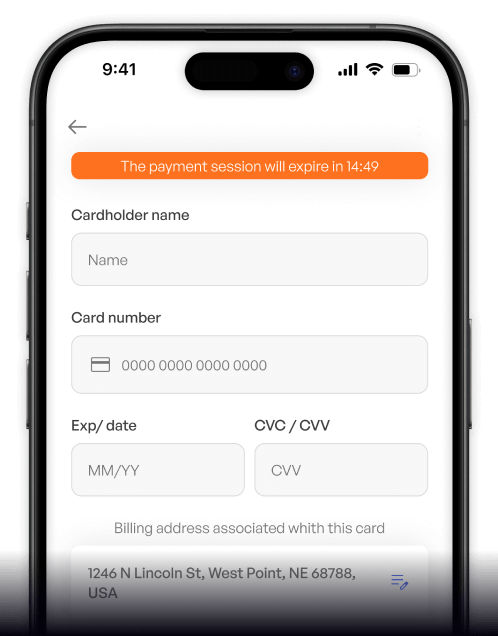
 Step-by-step guidance
 Easy credit card payments
 Streamlined purchase process
 Web
Web
Popular Coins for Thai Baht (THB)




Other Coins for Thai Baht (THB)









Frequently asked questions
-
What does the THB/EDU trading pair represent for users in Thailand?
The THB/EDU trading pair allows users to directly purchase Open Campus (EDU) tokens, a key component of the Web3 education protocol, using Thai Baht (THB). This acts as a direct fiat on-ramp, enabling Thai users to invest in the decentralized education ecosystem without first needing to convert THB into a major cryptocurrency like BTC or ETH, simplifying the digital asset acquisition process on a cryptocurrency exchange. -
What are the typical KYC requirements for purchasing EDU tokens with Thai Baht?
To buy Open Campus (EDU) with THB on a regulated local Thai exchange, users must complete a Know Your Customer (KYC) and Anti-Money Laundering (AML) verification process. This typically involves submitting a national ID card, proof of address, and completing facial recognition, ensuring compliance with SEC Thailand regulations for secure fiat-to-crypto transactions. -
What specific functions does the EDU token have within the Open Campus ecosystem?
The EDU token is the native utility and governance token of the Open Campus protocol. Its primary functions include making payments for educational content, rewarding educational content creators, minting Publisher NFTs which represent revenue shares, and participating in governance to shape the future of this decentralized education platform. -
Which payment methods are commonly used to fund a THB/EDU purchase?
For acquiring EDU tokens with Thai Baht, cryptocurrency exchanges in Thailand commonly support local payment methods. The most prevalent options include direct mobile banking transfers from Thai banks and Thai QR payment systems, offering a fast and integrated way to fund your account for a digital asset purchase. -
After buying EDU with THB, what is the importance of choosing the correct blockchain network for withdrawal?
Open Campus (EDU) exists as a token on specific blockchain networks, such as the BNB Smart Chain (BEP-20). When withdrawing your EDU from an exchange to a secure wallet, it is critical to select the correct network. Choosing the wrong network (e.g., Ethereum's ERC-20 if the wallet doesn't support it) can result in the permanent loss of your digital tokens. Always double-check the destination wallet's compatibility.

Buy on the go
Anywhere. Anytime.
Buy crypto with your credit card from anywhere. Live rates, transparent fees, and 3D Secure on every order - the full Switchere card-buy experience in your pocket.



Scan to download the app iOS and Android

