


- Home
- Google Pay

Buy Crypto
with Google Pay
Pay with the card already in your Google Wallet, confirm with a fingerprint or screen unlock, and the coins are on the way to your wallet. Works across any Android device and inside Chrome on desktop.
Buy now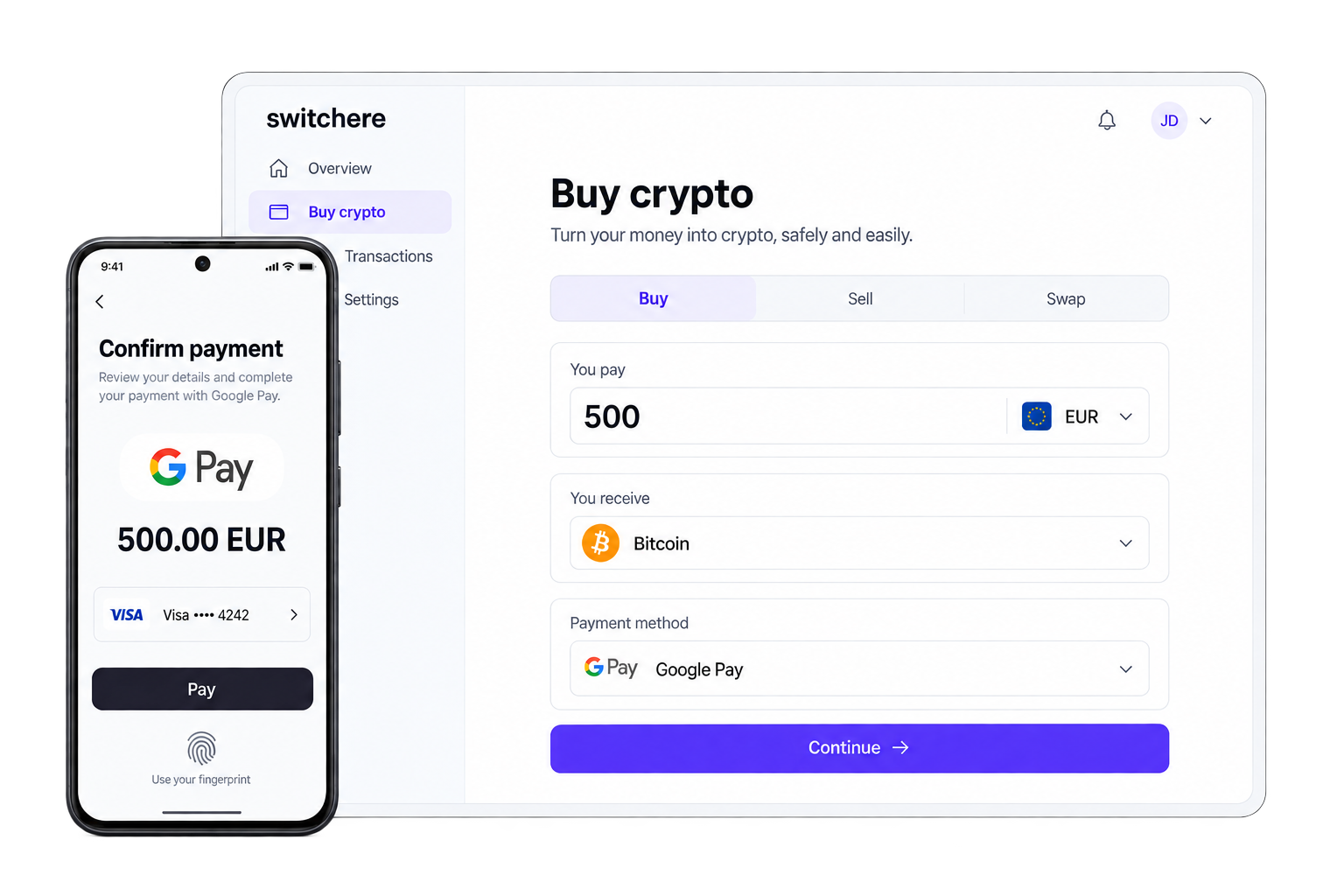












How to buy crypto with
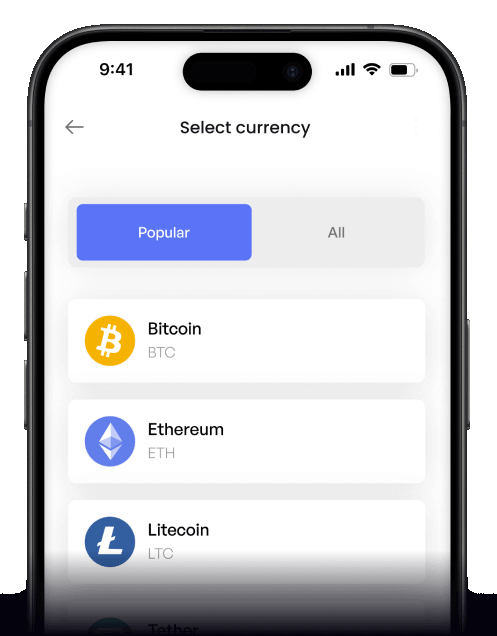
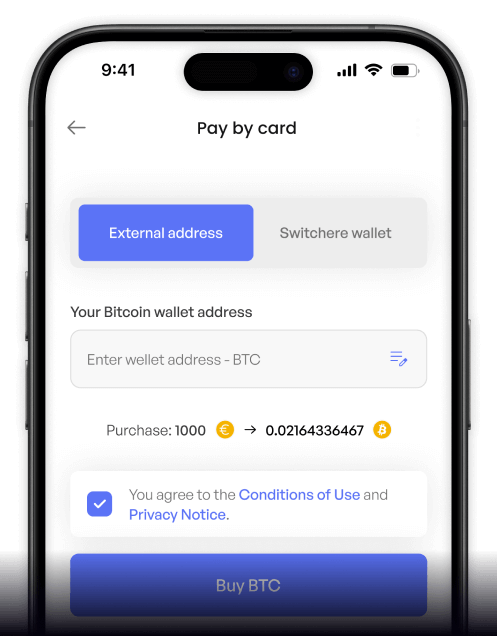
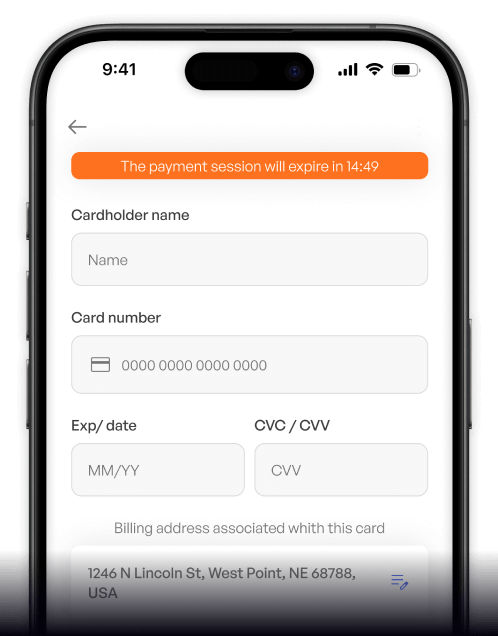
Google Pay on Switchere
 Tap-to-pay checkout
 Fingerprint or screen unlock
 Instant order placement
Why buy crypto with
Google Pay on Switchere
Tap-to-pay speed
No card numbers to type, no expiry date, no CVV. The whole checkout fits inside a single biometric tap, often in under five seconds.
Tokenized payments
Google Pay never sends your real card number to the merchant. Each transaction uses a network token plus a one-time cryptogram, so the actual card details stay sealed inside Google Wallet.

Higher acceptance rates
Device-level authentication acts as a strong replacement for manual 3D Secure prompts. Issuers see clean signals from the device, which often translates to fewer declines than a manually entered card.
Live rates, transparent fees
The exchange rate, the service fee, and the final crypto amount are shown on the confirmation screen before the Google Pay sheet appears. No hidden spreads, no surprise deductions.

Buy crypto with Google Pay
from your phone
The Switchere mobile app pairs naturally with Google Pay on Android. Pick the coin, paste the wallet address, and confirm with the same biometric you already use for everything else. The same flow runs in Chrome on desktop, with cards saved to your Google account.



Scan to download the app iOS and Android

Same converter, same coin list, same loyalty discounts as the web version - finished by a single fingerprint or screen-unlock confirmation.

Live rates and order status are always one tap away, so you can decide and act when the market gives you a window.
Frequently asked questions
-
Can I buy crypto with Google Pay on Switchere?
Yes. Google Pay is supported on Android phones and Wear OS watches, and inside Chrome on desktop with cards saved to your Google account. The card backing your Google Wallet entry needs to be a supported VISA, Mastercard, or Maestro. -
Why use Google Pay instead of typing my card details?
Speed and security. Google Pay tokenizes the card so the merchant never sees the real number, the biometric tap acts as a built-in fraud check, and the whole flow finishes in roughly the time it takes to glance at your phone. Issuers also tend to approve Google Pay transactions at a higher rate than manually entered ones. -
How long does it take to receive my crypto?
The Google Pay payment is approved in seconds. After that, the platform broadcasts the crypto transfer to the network - delivery to your wallet depends on the destination chain. Bitcoin typically takes 10-30 minutes during normal load, while networks like Tron or Polygon settle in under a minute. -
What does it cost?
A service fee plus the live exchange rate, both shown before the Google Pay sheet opens. Loyalty members earn up to 45% off the service fee on qualifying orders. Google Pay itself adds nothing on top of your card's existing terms. -
Are there limits on Google Pay crypto purchases?
Google Pay inherits the limits of the underlying card and your verification tier. Verified accounts have higher per-transaction and daily ceilings - the Limits page has the current breakdown. Your card issuer's own daily ceiling also applies on top. -
What if Google Pay does not show up at checkout?
Three usual causes: the card you added to Google Wallet is from an issuer that does not support Google Pay for crypto purchases, your region is not in the supported list, or the device does not have Google Pay set up correctly. Try a different card from your Wallet, or fall back to a standard card payment. A small share of issuers also block crypto-related charges regardless of the payment rail. -
How does Google Pay work on desktop?
You can use Google Pay on your desktop via the Chrome browser. Just select the Google Pay option at checkout and verify the transaction.

One tap. One order. Done.
Get the full Google Pay buy flow in the Switchere mobile app on Android, or finish the same order in Chrome on desktop. Live rates, transparent fees, and biometric checkout - ready when you are.


Scan to download the app iOS and Android
