


Experience the speed of Sweden's favorite mobile payment app. Buy QTUM with Swish on Switchere and receive your crypto directly to your wallet. Invest in this unique Bitcoin-Ethereum hybrid architecture with no hidden fees and instant payment approval.



Scan to download the app iOS and Android
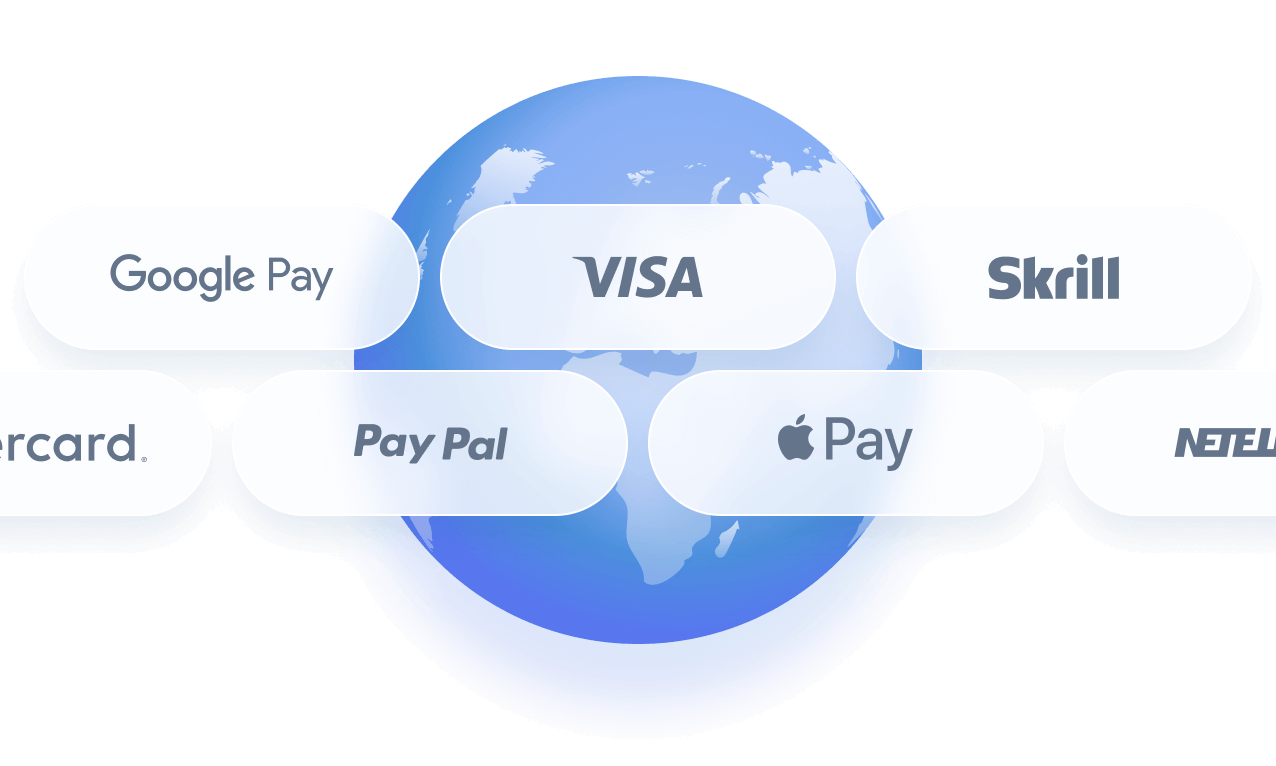
Additional payment methods




















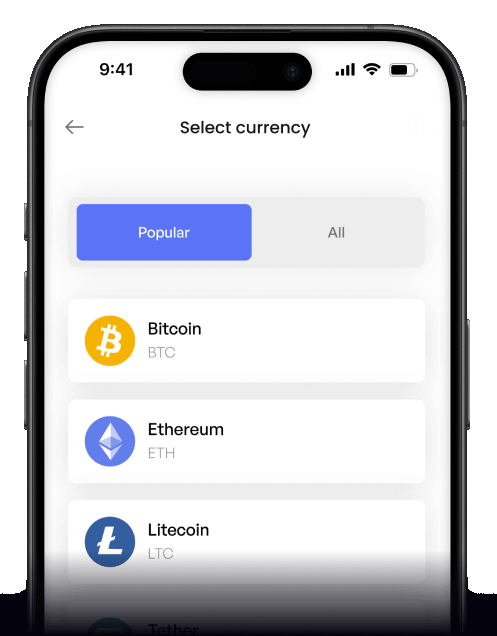
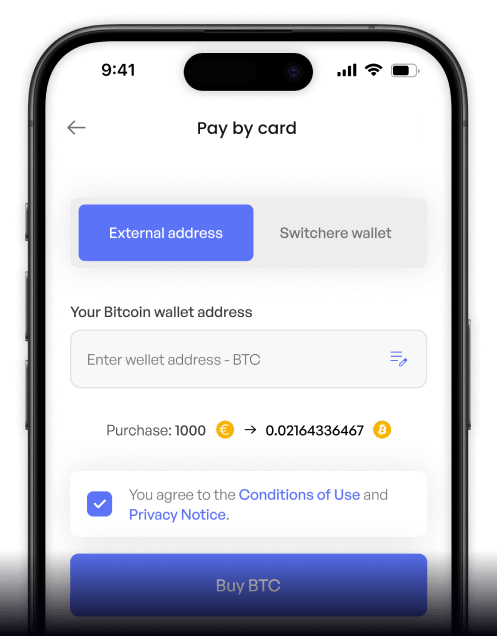
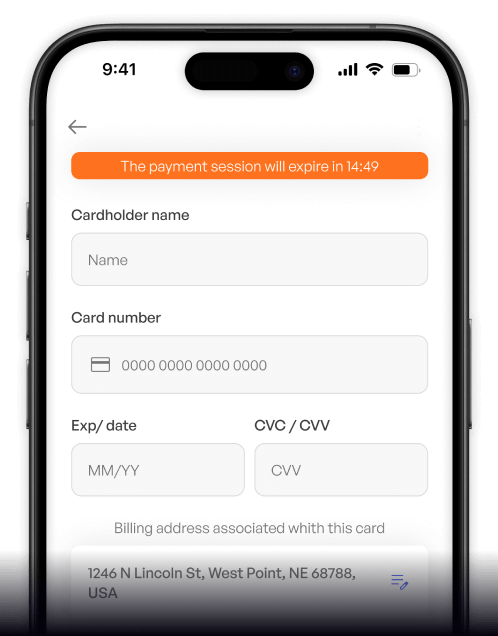
How to buy QTUM with Swish on Switchere
 Choose amount
 Enter Swish
 Confirm & receive
Why buy QTUM with Swish on Switchere
Instant Swish Approvals
Authorize your purchase seamlessly using your Swish app. Enjoy instant fiat settlement directly from your linked bank account, eliminating delays and manual data entry.
Hybrid Tech Value
Expand your portfolio with a network combining a UTXO + smart contract hybrid design. Swish makes it effortless to invest in this advanced proof-of-stake blockchain ecosystem.

Non-Custodial Security
Take full control of your assets. We deliver QTUM straight to your personal wallet address leveraging its Account Abstraction Layer, ensuring you hold your own keys.
Transparent Pricing
Buy crypto with confidence. Switchere guarantees no hidden charges, displaying the exact exchange rate and service fee before you confirm your Swish payment.
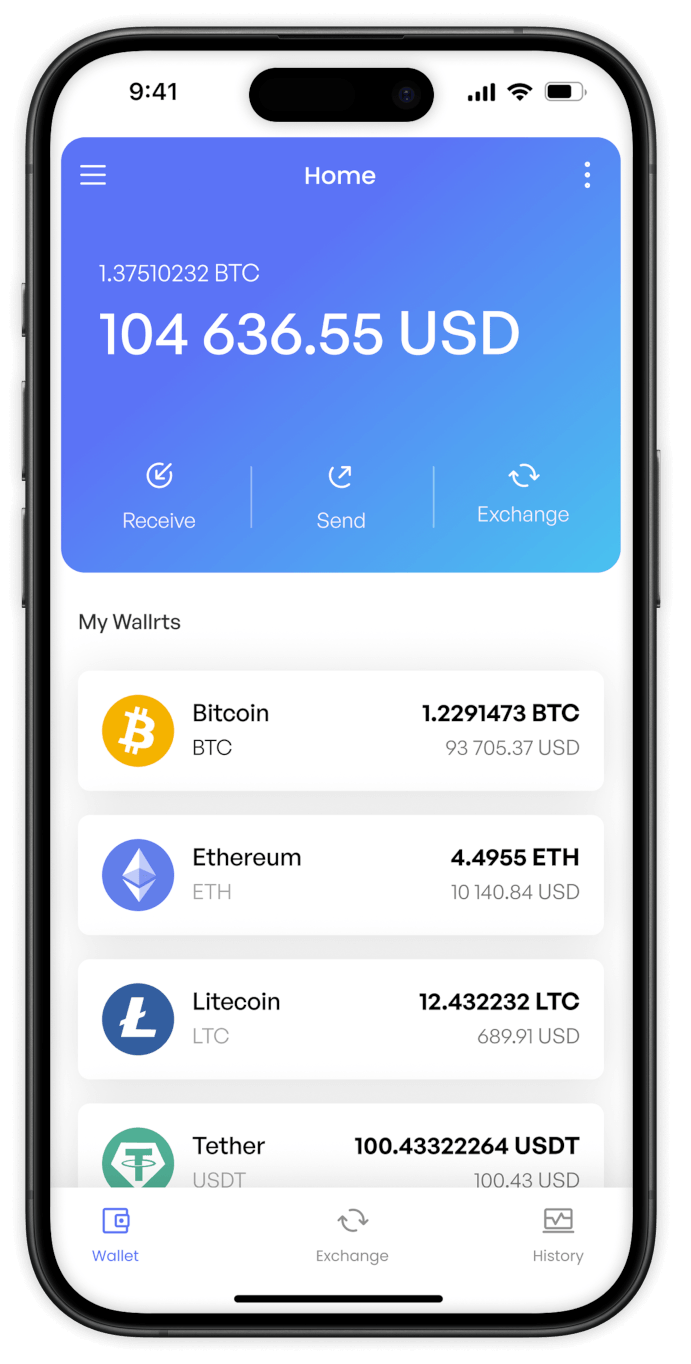
Buy QTUM (QTUM) with Swish from your phone
Take the power of Switchere wherever you go. Using our native iOS or Android app, you can purchase QTUM with Swish instantly. Enjoy seamless access to Qtum’s proof-of-stake ecosystem directly from your pocket.


Scan to download the app iOS and Android

The Switchere app makes mobile crypto purchases incredibly simple. Select QTUM, choose Swish, and approve the payment seamlessly on your device for rapid on-chain delivery.

Review live exchange rates and transparent service fees before every transaction. Our intuitive interface ensures you always know exactly how much QTUM you will receive.
Frequently asked questions
-
Can I buy QTUM (QTUM) with Swish on Switchere?
Yes, Switchere provides a fast, regulated platform to purchase QTUM using Swish. Simply enter your desired amount, input your native Qtum wallet address, and complete the payment using your mobile app. -
Why use Swish to purchase QTUM instead of typing card details?
Swish offers instant, secure mobile bank transfers without exposing your card numbers online. It provides a frictionless way to explore Qtum’s Account Abstraction Layer and Bitcoin-Ethereum hybrid architecture safely. -
How long until I receive my QTUM in my wallet?
After you approve the Swish payment on your phone, the crypto is dispatched immediately. Due to Qtum's efficient proof-of-stake network, on-chain delivery and confirmation typically take just a couple of minutes. -
What does it cost to buy QTUM via Swish?
We show the live exchange rate and a transparent service fee before you finalize your order. There are no hidden costs, and our loyalty program can discount fees by up to 45%. -
Are there limits when buying QTUM with Swish?
Yes, purchase limits depend on your current KYC verification tier. Passing higher verification levels on Switchere unlocks greater volume allowances for your Swish transactions, accommodating both small and large purchases. -
What if my Swish payment is delayed or doesn't show at checkout?
Ensure you have a stable internet connection and that the Swish app is updated. If a payment remains pending, our 24/7 customer support team is ready to help resolve the issue immediately.

Open the Swish app. Approve. Get crypto.
Log in, choose your amount, and approve the payment with Swish. Getting QTUM into your UTXO + smart contract hybrid wallet has never been more straightforward or secure.
Scan to download the app iOS and Android
