


Experience the easiest way to invest in this unique Bitcoin-Ethereum hybrid architecture. Use iDEAL to pay securely from your Dutch bank without entering card details. Simply approve the transaction in your banking app, and receive your QTUM directly in minutes.


Scan to download the app iOS and Android
Additional payment methods


















How to buy Qtum (QTUM) with iDEAL on Switchere
 Choose amount
 Enter Qtum wallet
 Approve & receive
Why buy Qtum (QTUM) with iDEAL on Switchere
Seamless Dutch Banking
iDEAL is the Netherlands' most trusted payment method. Select your bank and authorize the purchase instantly via your familiar mobile banking app without typing card numbers.
Advanced Hybrid Tech
Investing in a UTXO + smart contract hybrid has never been simpler. By blending Bitcoin's security with EVM capabilities, Qtum offers a highly scalable and robust network ecosystem.

Direct Wallet Delivery
We send your crypto straight to your personal wallet, giving you full custody. Interact securely with Qtum's Account Abstraction Layer without leaving funds on a centralized exchange.
Clear Limits and Fees
What you see is what you pay. We lock in the live exchange rate and show our transparent service fee upfront, so there are zero hidden surprises.
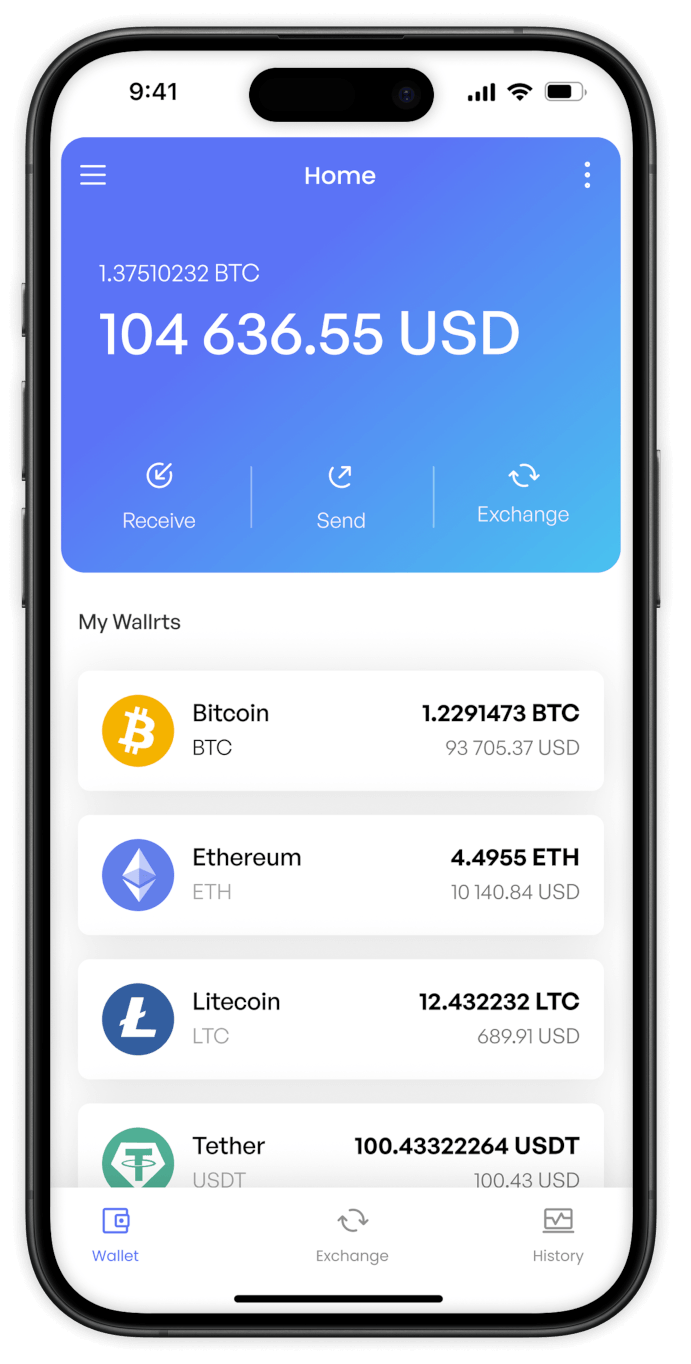
Buy QTUM (QTUM) with iDEAL from your phone
Download the Switchere app for iOS or Android to buy QTUM on the go. Choose iDEAL to authenticate via your Dutch banking app instantly, keeping your proof-of-stake assets flowing smoothly.


Scan to download the app iOS and Android

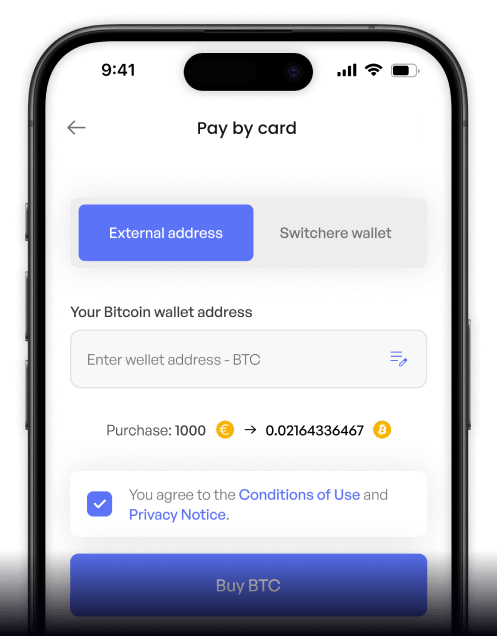
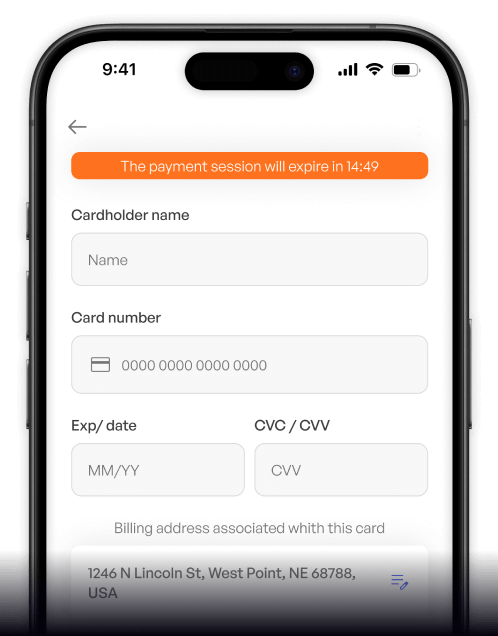
Select your preferred Dutch bank, authenticate securely via your mobile banking app, and finalize your QTUM purchase without manually entering card details.

Track your order status, monitor live EUR-to-QTUM exchange rates, and explore Bitcoin-Ethereum hybrid architecture tokens all from one clean mobile interface.
Frequently asked questions
-
Can I buy QTUM (QTUM) with iDEAL on Switchere?
Yes. You can instantly purchase this UTXO + smart contract hybrid coin using iDEAL. Simply select QTUM, pick your Dutch bank, and approve the transaction in your banking app. -
Why use iDEAL instead of a bank card?
iDEAL uses your bank's native security, meaning you don't type or expose any sensitive card numbers online. It is fast, secure, and the most trusted payment method in the Netherlands. -
How long until I receive my QTUM?
Once you authorize the payment via your bank, iDEAL settles instantly. The crypto is then sent to your wallet, typically taking just a couple of minutes on the Qtum native chain. -
What does it cost to use this method?
Switchere displays the live exchange rate and a transparent service fee upfront before you confirm. There are no hidden charges, and you can reduce fees by up to 45% through our loyalty program. -
Are there limits on my iDEAL purchases?
Yes, your maximum purchase limit depends on your current KYC verification tier. Advancing to a higher tier unlocks larger transaction ceilings for your proof-of-stake crypto investments. -
What if my banking app isn't showing the iDEAL prompt?
If the redirect or QR code fails, simply refresh the Switchere checkout page or try selecting your bank again. Make sure your Dutch banking app is updated to the latest version.

Pick your bank. Approve. Done.
Ready to explore the Account Abstraction Layer? Start your order, approve the payment safely via iDEAL, and receive QTUM straight to your own wallet.
Scan to download the app iOS and Android
