


Skip the credit card hassle and fund your crypto purchase directly through your Bancomat Pay app. Invest in QTUM’s unique Bitcoin-Ethereum hybrid architecture effortlessly. Enjoy transparent fees, secure non-custodial delivery, and get your proof-of-stake tokens sent right to your wallet.


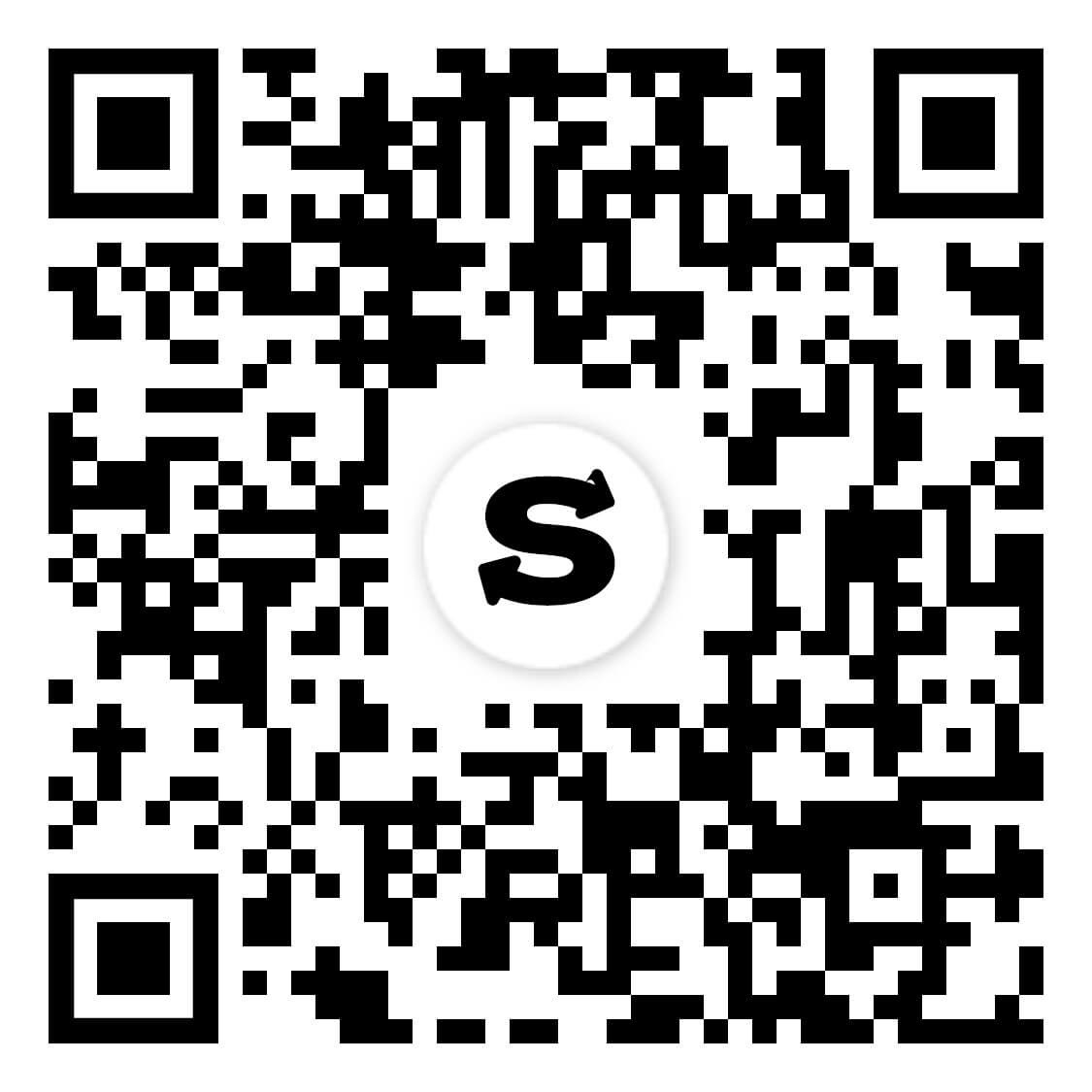
Scan to download the app iOS and Android
Additional payment methods



















How to buy QTUM with Bancomat Pay on Switchere
 Choose amount
 Add wallet address
 Confirm & receive
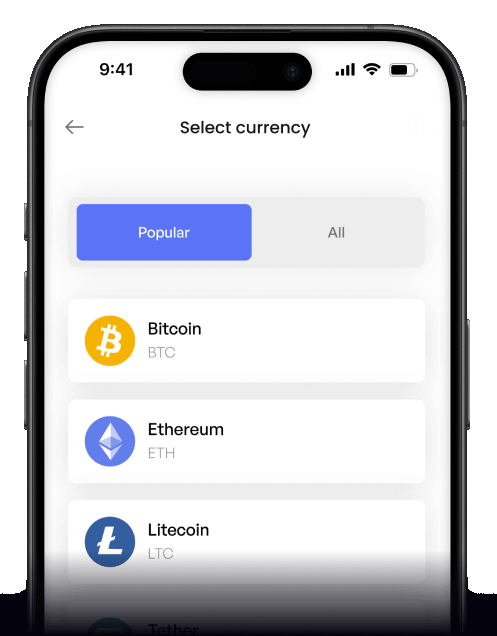
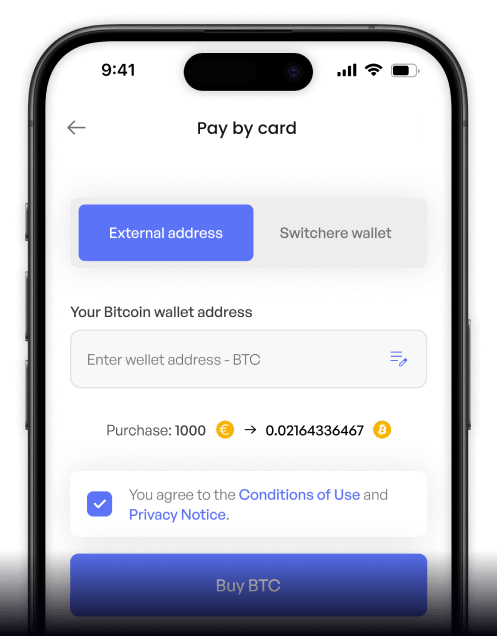
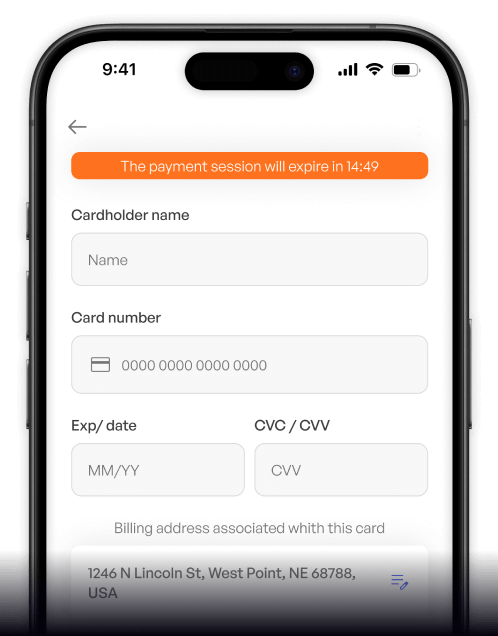
Why buy QTUM with Bancomat Pay on Switchere
App-Based Approval
Forget typing long card numbers. Simply authenticate your fiat payment securely from your phone using your Bancomat Pay app for a frictionless checkout experience.
Hybrid Architecture
Gain exposure to a powerful UTXO + smart contract hybrid network. Switchere delivers your QTUM right to your native wallet in just a couple of minutes.

Account Abstraction Ready
Participate in a proof-of-stake blockchain featuring a unique Account Abstraction Layer. Your non-custodial purchase ensures you retain total control over your new assets immediately.
Transparent Pricing
What you see is what you get. We show the exact service fee and final crypto amount before you confirm, plus loyalty discounts on future trades.
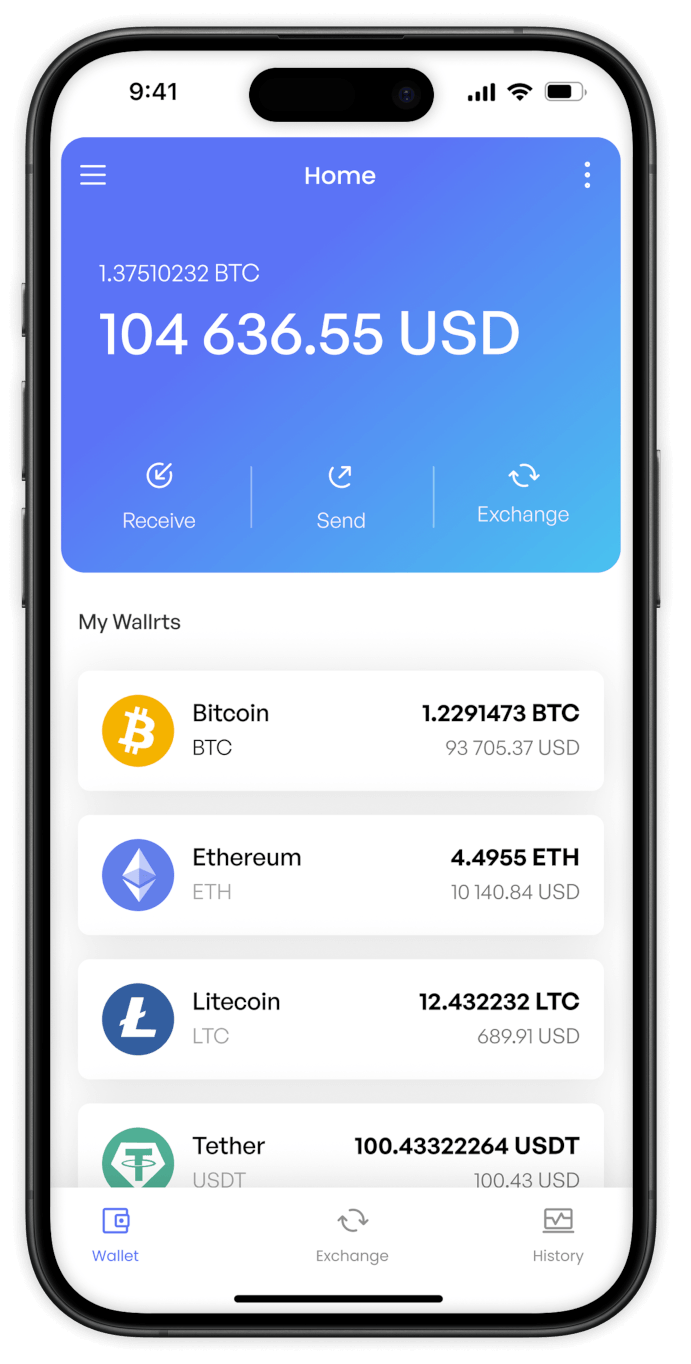
Buy QTUM (QTUM) with Bancomat Pay from your phone
Switchere's native iOS and Android applications let you acquire QTUM on the go. Utilize Bancomat Pay for a smooth mobile experience, sending this innovative Bitcoin-Ethereum hybrid asset directly to your preferred wallet.


Scan to download the app iOS and Android

Skip typing long numbers. Link your purchase to the Bancomat Pay app and authorize your fiat-to-crypto transaction with a quick tap, securing your tokens effortlessly.

Navigate the smart contract hybrid ecosystem with confidence. Our app provides clear, upfront pricing and real-time order tracking, ensuring you always know exactly what you are paying.
Frequently asked questions
-
Can I buy QTUM with Bancomat Pay on Switchere?
Yes, you can quickly purchase QTUM using Bancomat Pay. Select the token, choose Bancomat Pay at checkout, and confirm the transaction via your banking app for a seamless fiat-to-crypto gateway. -
Why use Bancomat Pay over typing card details?
Bancomat Pay offers a highly secure, frictionless checkout. You simply approve the payment within your trusted banking app, meaning there's no need to manually enter or expose sensitive card numbers online. -
How long until I receive my QTUM?
After your Bancomat Pay authorization, we send the coins immediately. Because QTUM uses an efficient proof-of-stake network, on-chain delivery to your wallet typically completes in just a couple of minutes. -
What does it cost to buy QTUM?
You will always see the live QTUM exchange rate and a transparent service fee before confirming your order. Additionally, our loyalty program lets you accumulate discounts of up to 45% on processing fees. -
Are there purchase limits for this method?
Yes, purchase limits depend on your current KYC verification tier. As you complete higher verification levels, your maximum transaction ceilings automatically increase, allowing for larger Bancomat Pay and crypto on-ramp orders. -
What if Bancomat Pay doesn't show at checkout?
Bancomat Pay availability can depend on your region and currency settings. Ensure you are operating in a supported jurisdiction and have completed the required identity verification to unlock all regional payment options.

Approve in your app. Get QTUM.
Step into the advanced UTXO + EVM hybrid ecosystem today. Start your order, approve it instantly with Bancomat Pay, and receive your QTUM to any non-custodial wallet.
Scan to download the app iOS and Android
