


Use Belgium's trusted online payment method to securely fund your crypto portfolio. Approve the transaction directly in your banking app and receive QTUM non-custodially, letting you easily access its powerful Bitcoin-Ethereum hybrid architecture and proof-of-stake network.


Scan to download the app iOS and Android
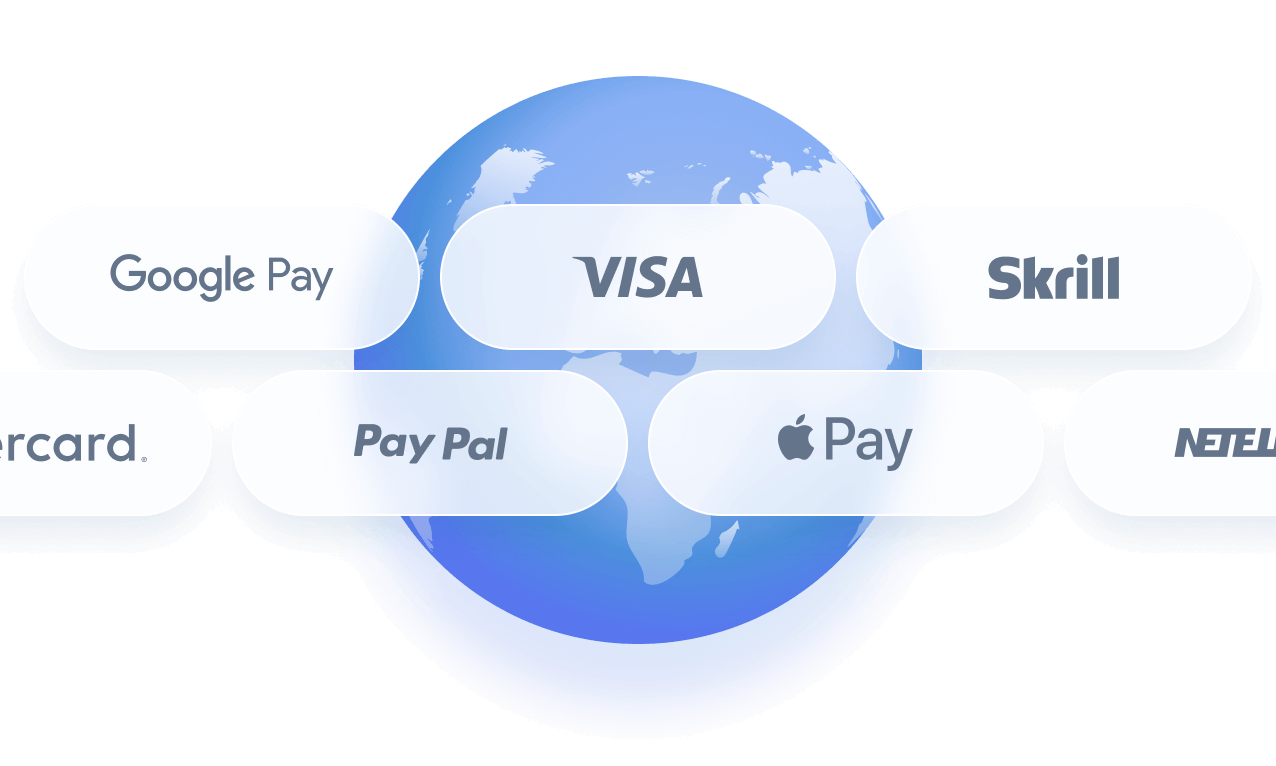
Additional payment methods


















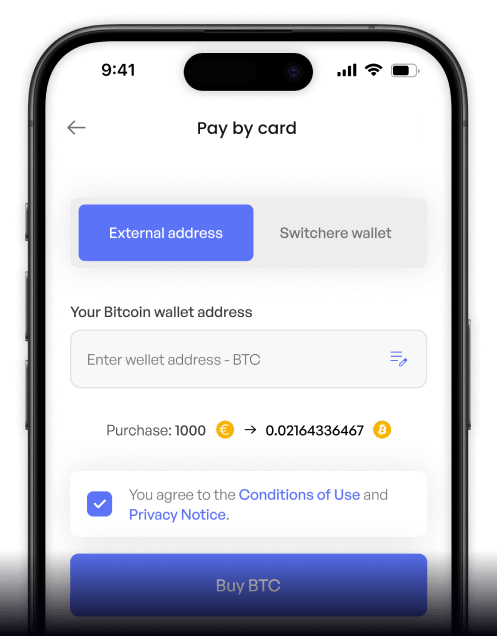
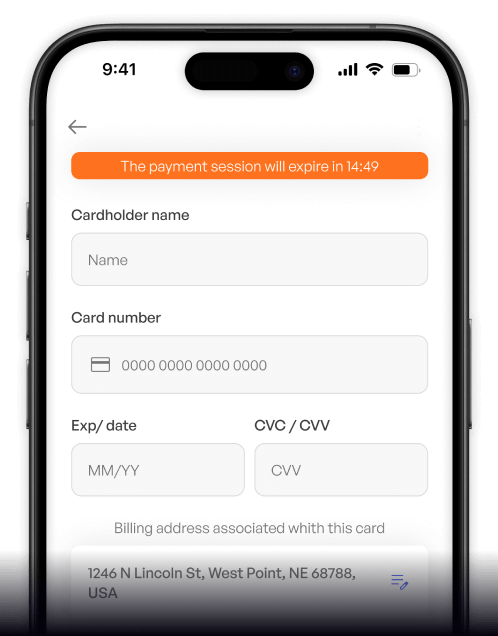
How to buy Qtum with Bancontact on Switchere
 Choose crypto amount
 Add wallet address
 Approve & receive
Why buy Qtum with Bancontact on Switchere
Familiar Belgian Checkout
Skip entering card numbers by using Bancontact. Simply authorize the transaction within your trusted banking app, ensuring maximum security and a seamless fiat-to-crypto experience.
Hybrid Network Access
Quickly participate in Qtum's unique ecosystem. By purchasing natively, you interact directly with a chain blending a UTXO model with EVM compatibility, powered by an Account Abstraction Layer.

Fast On-Chain Delivery
Because Bancontact settles EUR payments instantly, your order is processed without delay. Thanks to Qtum's efficient proof-of-stake consensus, the asset arrives in your wallet in a couple of minutes.
Transparent Exchange Rates
You always know exactly what you are paying. We show the real-time conversion rate and any transparent service fees upfront, ensuring a fair and predictable purchase every time.
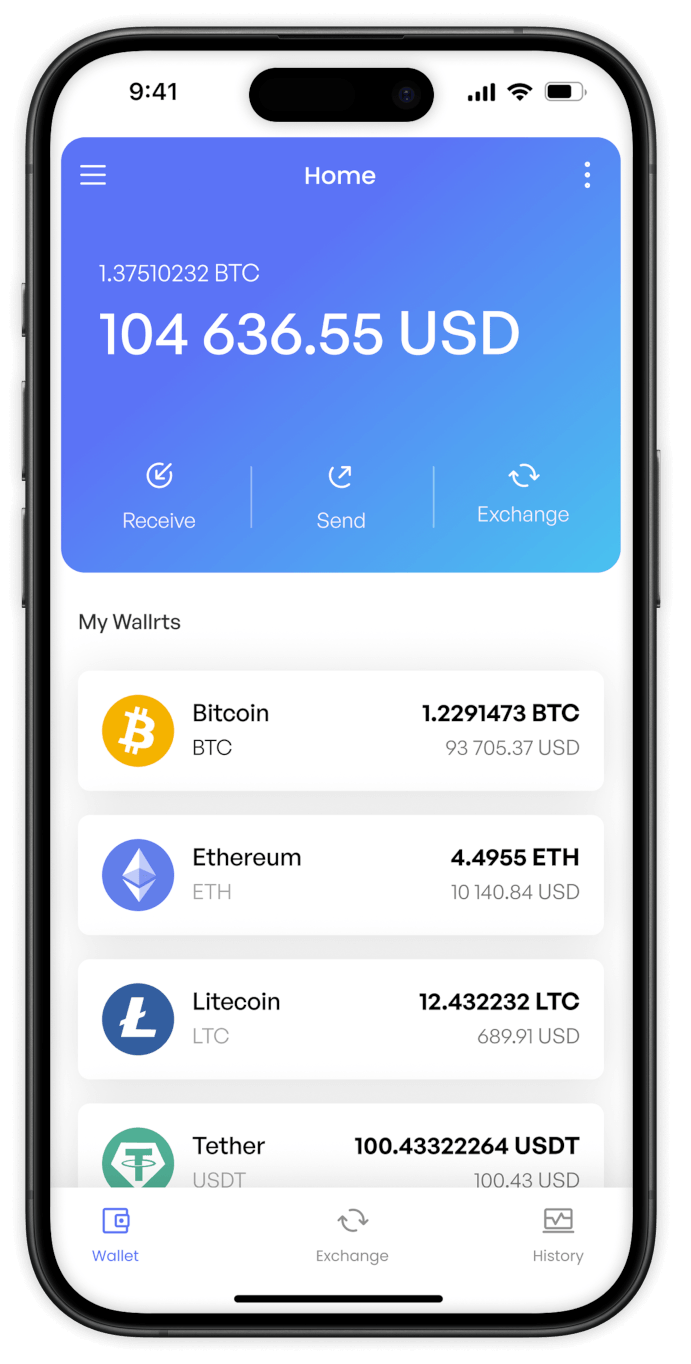
Buy QTUM (QTUM) with Bancontact from your phone
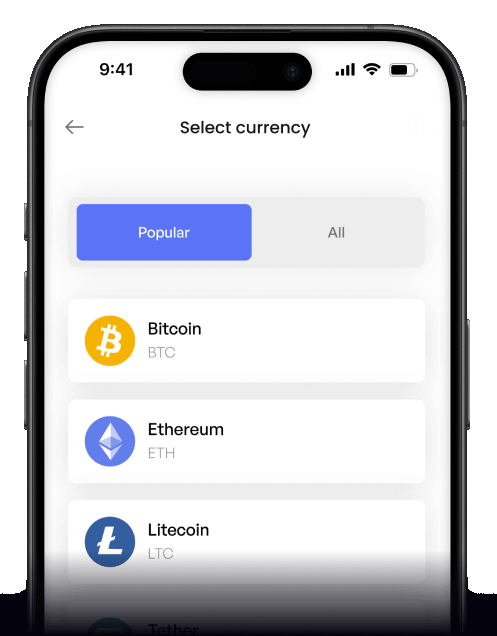
Take the hybrid power of Qtum wherever you go. Download the Switchere app for iOS or Android, select Bancontact, and complete your proof-of-stake crypto purchases securely from your mobile device.


Scan to download the app iOS and Android

Skip manual entry. Simply use the Payconiq by Bancontact app or your mobile banking to authorize the payment instantly, sending QTUM straight to your wallet.

Monitor live exchange rates, view transparent service fees, and manage your account verification seamlessly. Our intuitive mobile interface makes acquiring QTUM straightforward and stress-free.
Frequently asked questions
-
Can I buy QTUM (QTUM) with Bancontact on Switchere?
Yes. You can purchase QTUM via Bancontact and receive it in your non-custodial wallet. Switchere supports the native Qtum chain, taking advantage of its unique Bitcoin-Ethereum hybrid architecture and Account Abstraction Layer. -
Why use Bancontact instead of a standard card payment?
Bancontact lets you authorize payments directly through your trusted Belgian banking app. This means no long credit card numbers to type out, lowering the risk of data entry errors and offering a familiar, highly secure flow. -
How long does it take to receive my QTUM?
Once you authorize the Bancontact transaction, fiat settlement is nearly instant. Your QTUM is then dispatched, taking just a couple of minutes to confirm on the UTXO + smart contract hybrid network. -
What fees apply when buying QTUM via Bancontact?
Switchere displays the live exchange rate and a fully transparent service fee before you ever confirm your Bancontact order. Additionally, our loyalty program can discount your service fees by up to 45%. -
Are there purchase limits for Bancontact orders?
Yes, your purchasing ceiling depends on your current KYC verification tier. Completing higher levels of identity verification on Switchere unlocks substantially larger transaction limits for your Bancontact payments. -
What if I don't see Bancontact at checkout?
Ensure your account details align with a supported region, as Bancontact is exclusive to Belgian bank account holders. If issues persist, our 24/7 customer support team is available to assist you.

Approve in your app. Get QTUM.
Ready to hold this innovative proof-of-stake asset? Choose your amount, authorize the payment directly in your trusted banking environment, and receive QTUM in minutes.
Scan to download the app iOS and Android
