


Skip the tedious forms and buy QTUM using Portugal's favorite mobile payment app. Approve the purchase instantly in MB Way to receive your UTXO + smart contract hybrid tokens in minutes. Safe, fast, and completely card-free.


Scan to download the app iOS and Android
Additional payment methods
















How to buy QTUM with MB Way on Switchere
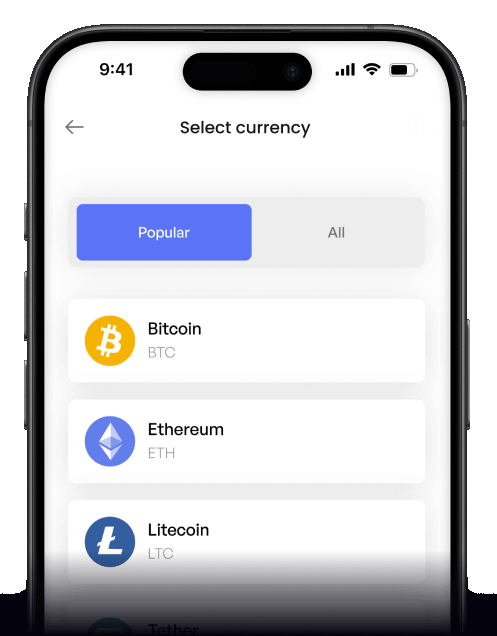
 Choose amount
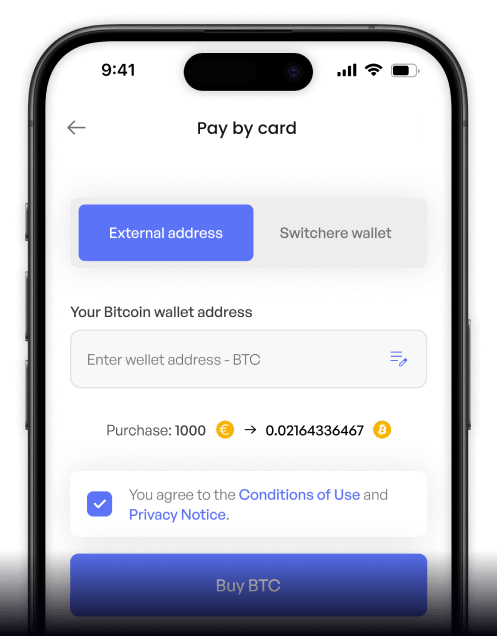
 Enter wallet
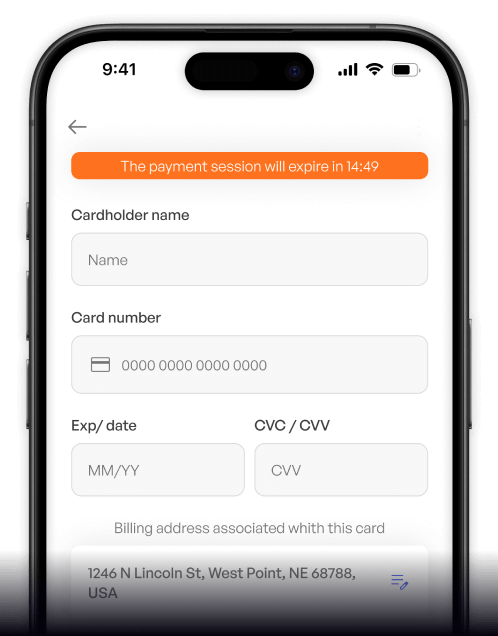
 Approve & receive
Why buy QTUM with MB Way on Switchere
Instant App Approval
Skip typing long credit card numbers. Just authorize the secure payment through your MB Way app for instant EUR settlement and faster crypto delivery.
Hybrid Tech Access
Quickly invest in Qtum's UTXO + smart contract hybrid. Your coins are sent directly to your non-custodial wallet so you retain full control.

Fair & Transparent Pricing
What you see is exactly what you get. Enjoy real-time market rates and a clear fee structure, with loyalty discounts available for regular purchasers.
Secure Account Abstraction
As you explore Qtum's Account Abstraction Layer and dApp ecosystem, rely on our regulated, bank-grade infrastructure to process your local Portuguese payments safely.
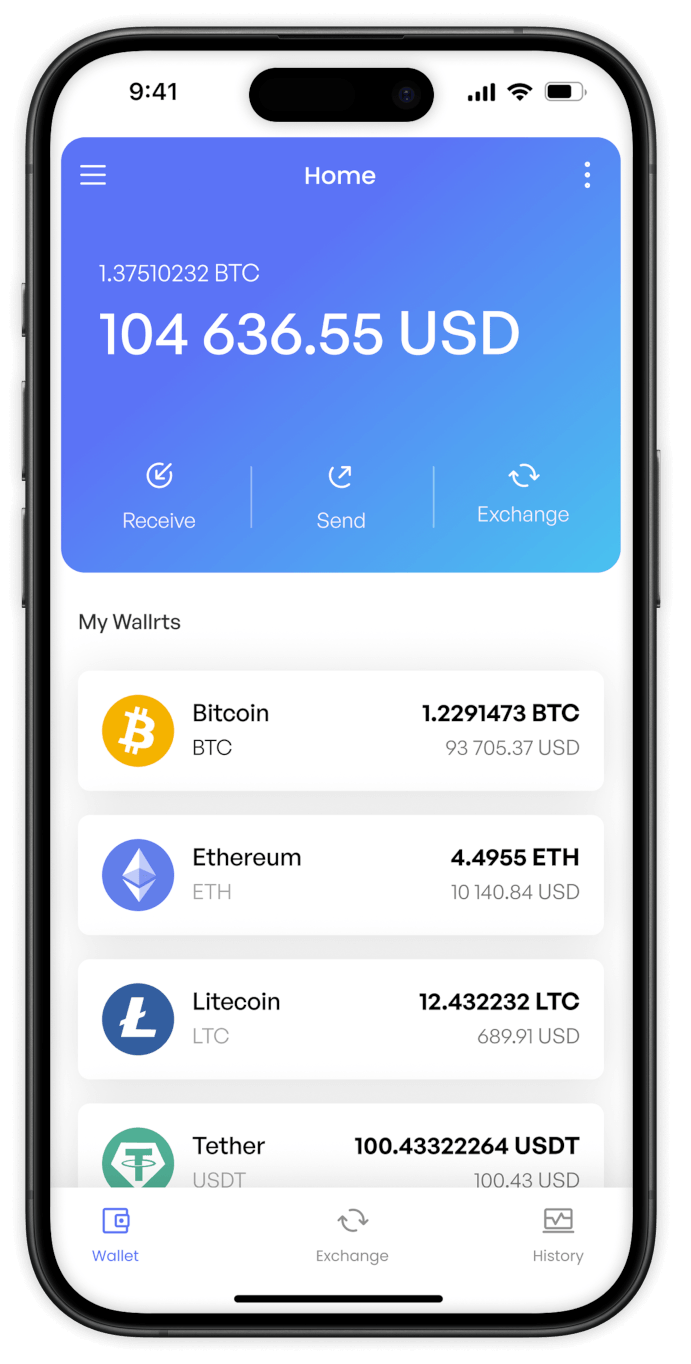
Buy QTUM (QTUM) with MB Way from your phone
The Switchere app makes it simple to buy Qtum on the go. Enjoy seamless MB Way integration on iOS and Android to fund your crypto wallet wherever you are.


Scan to download the app iOS and Android

Connect your MB Way app to Switchere for a quick checkout. Invest in Qtum's unique Account Abstraction Layer technology without typing out card numbers manually.

Keep track of your purchases with our intuitive interface. Review live exchange rates and exact fees before you confirm your QTUM order.
Frequently asked questions
-
Can I buy QTUM (QTUM) with MB Way on Switchere?
Yes, Switchere supports MB Way for fast and secure purchases. You can easily acquire the UTXO + smart contract hybrid token directly to your personal Qtum wallet. -
Why use MB Way instead of typing card details?
MB Way allows you to approve the payment securely from your mobile device using your phone number, eliminating the need to expose sensitive card details online. -
How long until I receive my QTUM?
Once authorized, your transaction is processed on the native Qtum proof-of-stake blockchain. On-chain delivery typically takes just a couple of minutes to appear in your wallet. -
What does it cost to buy Qtum?
We show the live exchange rate and a transparent service fee before you pay. Regular users can even reduce fees by up to 45% through our loyalty program. -
Are there limits on my QTUM purchases?
Yes, purchase ceilings depend on your KYC verification tier. Completing higher verification levels unlocks increased buying power for this Bitcoin-Ethereum hybrid architecture asset. -
What if MB Way doesn't show at checkout?
MB Way is specifically available for users in supported regions, primarily Portugal. Ensure your account details and currency settings align with regional requirements to access it.

Instant MB Way Checkout
Enter your phone number, approve the prompt in your MB Way app, and watch your QTUM arrive on-chain in minutes.
Scan to download the app iOS and Android
