


- Home
- Buy
- Quant (QNT) (QNT)
- Quant via Bancontact

- Home
- Buy
- Quant (QNT) (QNT)
- Quant via Bancontact

Buy Quant (QNT) with Bancontact
Invest in the Overledger interoperability network quickly and securely. Buy Quant with Bancontact and receive the QNT ERC-20 token directly in your non-custodial wallet. Experience seamless fiat-to-crypto onboarding with live rates, zero hidden fees, and transparent service.


Scan to download the app iOS and Android
Additional payment methods
















How to buy Quant (QNT) with Bancontact on Switchere
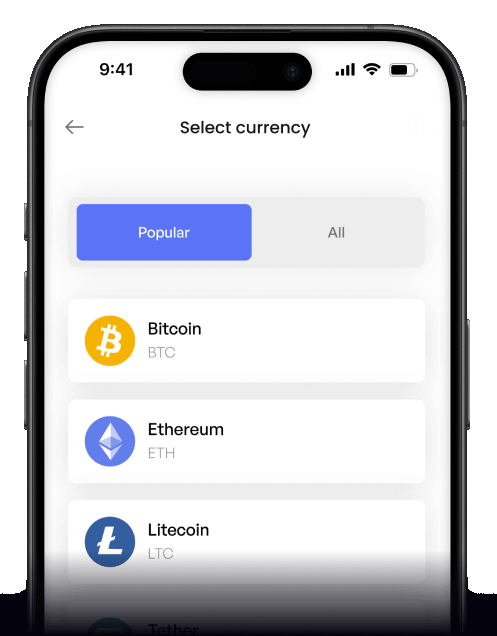
 Choose amount
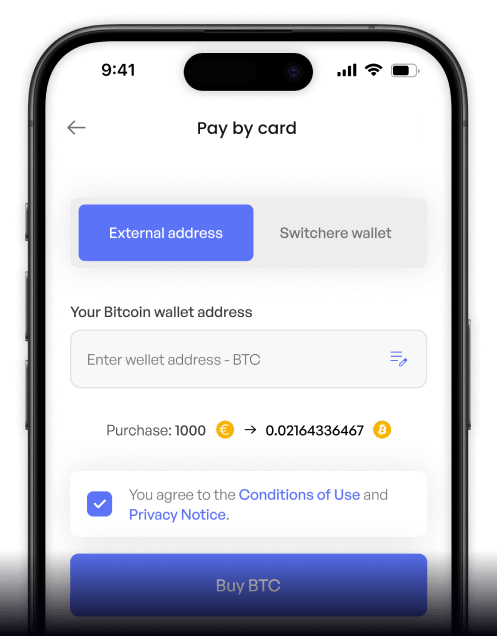
 Add wallet address
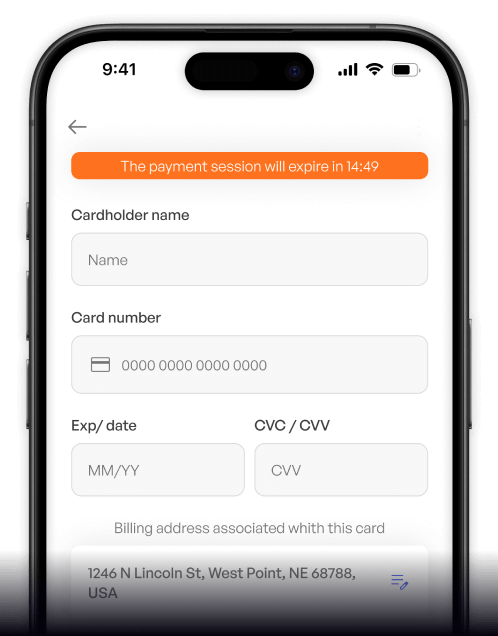
 Confirm & receive
Why buy Quant (QNT) with Bancontact on Switchere
Direct Bancontact Checkout
Skip complex funding processes. Bancontact connects securely to your Belgian bank, letting you pay for Quant instantly with the familiar app authentication you already trust.
Built for Interoperability
QNT powers true enterprise interoperability through blockchain-of-blockchains connectivity. Secure your stake in this multi-DLT integration ecosystem with fast, non-custodial delivery to your private wallet.

Transparent Live Rates
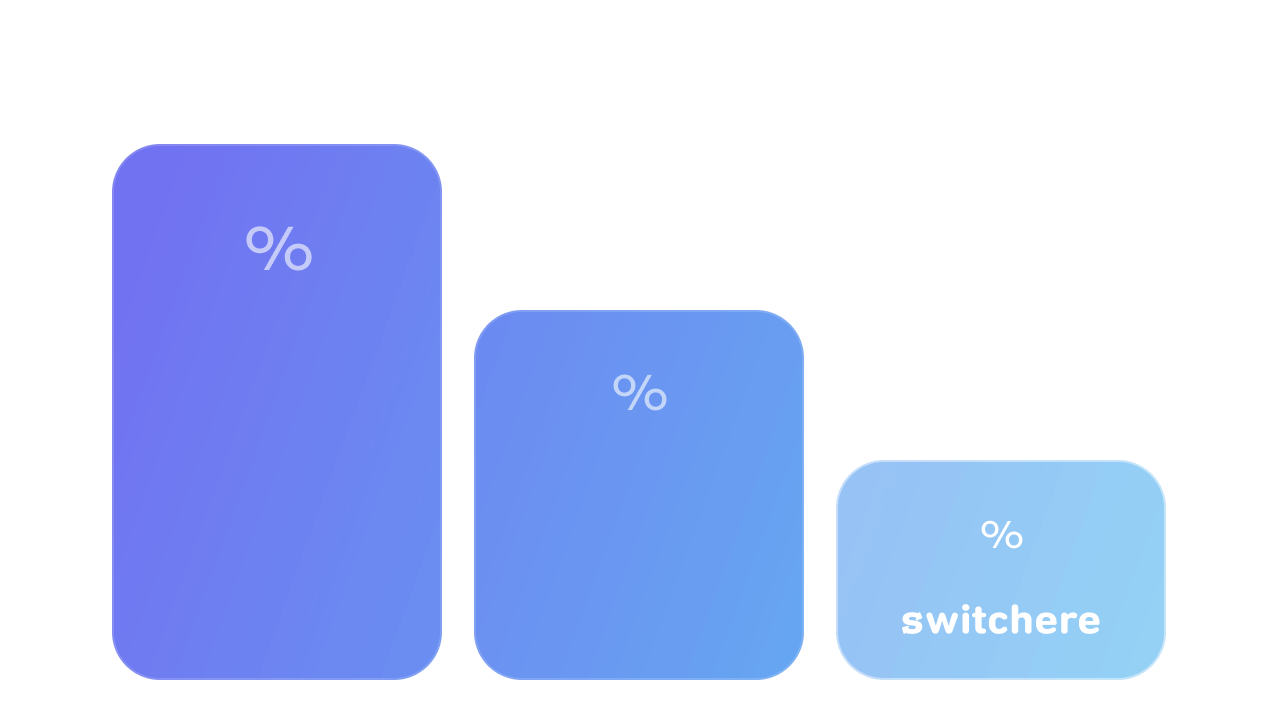
Know exactly what you pay. Switchere provides real-time pricing and displays all service fees upfront, ensuring you receive the exact amount of QNT quoted at checkout.
Fast ERC-20 Delivery
Your QNT is routed directly to your personal address. Settlement completes in just seconds to a few minutes, giving you full control of your digital assets without delay.
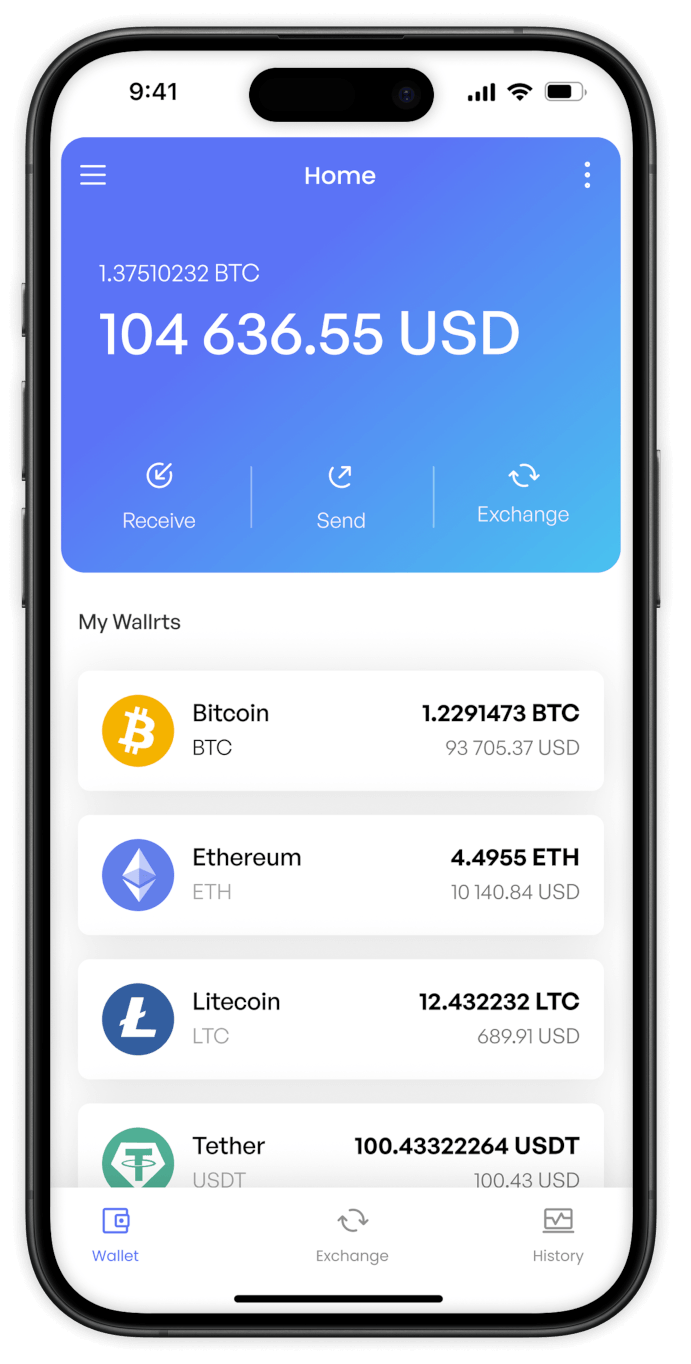
Buy Quant (QNT) with Bancontact from your phone
Buy Quant wherever you are using the Switchere app for iOS and Android. Experience smooth Bancontact checkout optimized for your mobile device’s screen.


Scan to download the app iOS and Android

No hidden fees. You see the exact QNT output and network delivery time before you commit to your Bancontact payment.

Execute your transaction instantly. Complete the order in-app and authorize via your bank’s Bancontact integration for a lightning-fast on-ramp.
Frequently asked questions
-
Can I buy Quant (QNT) with Bancontact on Switchere?
Yes. You can seamlessly buy QNT using your Bancontact app or card. It is the perfect way to secure your stake in this multi-DLT integration network without typing out credit card numbers. -
Why use Bancontact to buy Quant?
Bancontact is Belgium’s leading payment method. It allows you to leverage direct bank clearing, often resulting in higher ceilings and lower fees compared to cards—ideal when investing in enterprise interoperability technology. -
How long until I receive my QNT?
The Bancontact payment itself authorizes instantly. Following that, on-chain delivery of the ERC-20 token on the Ethereum network typically takes from a few seconds to a couple of minutes to confirm, depending on gas and network traffic. -
What does it cost to buy into Overledger technology?
Switchere displays a transparent exchange rate plus a service fee directly in the converter before you proceed. The exact amount of crypto you see upfront is what we send to your wallet. Our loyalty program can also provide fee discounts. -
Are there any limits to using Bancontact?
Limits are largely based on your Switchere KYC verification tier. Once verified, you can tap into the generous direct-bank ceilings of Bancontact to fund large orders of blockchain-of-blockchains connectivity tokens. -
What if Bancontact declines or the payment stays pending?
Because Bancontact settles through your bank, declines usually mean your bank’s limit is hit or funds are insufficient. Check with your bank to resolve it, or try another supported payment method on Switchere to claim your QNT.

Direct Pay-by-Bank Checkout
Place your order and pay directly from your Belgian bank account using Bancontact. Approve the transfer securely, and your QNT is delivered straight to your wallet.
Scan to download the app iOS and Android
