


- Home
- Buy
- Quant (QNT) (QNT)
- Quant via Bancomat Pay

- Home
- Buy
- Quant (QNT) (QNT)
- Quant via Bancomat Pay

Buy Quant (QNT) with Bancomat Pay
Invest in the Overledger interoperability network seamlessly. Use Bancomat Pay for a fast, secure fiat checkout directly from your local banking app, and receive your ERC-20 QNT tokens directly to your own wallet without any hassle.


Scan to download the app iOS and Android
Additional payment methods



















How to buy Quant (QNT) with Bancomat Pay on Switchere
 Choose amount
 Add wallet address
 Confirm & receive
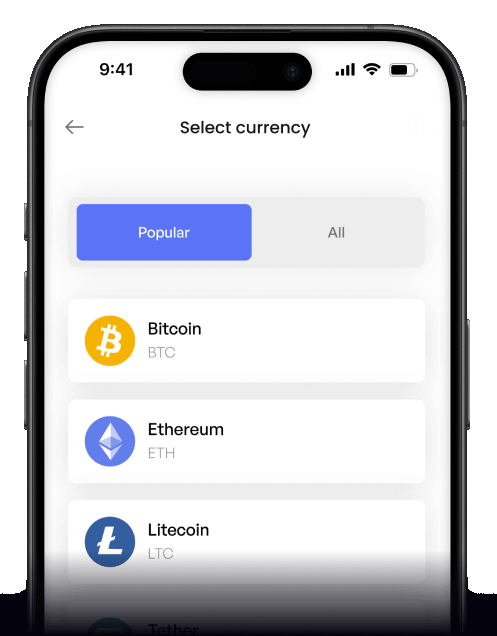
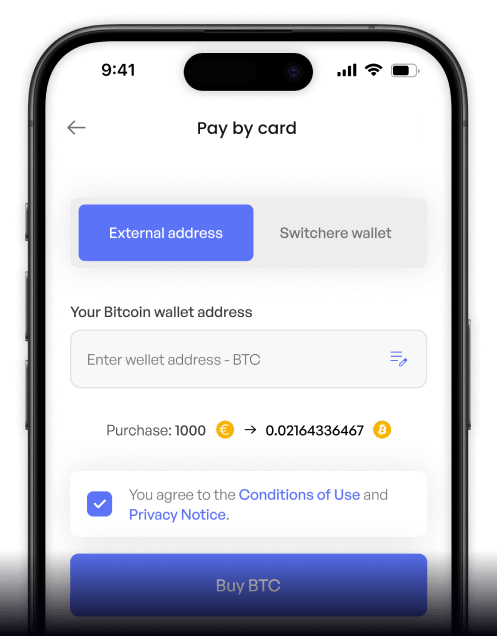
Why buy Quant (QNT) with Bancomat Pay on Switchere
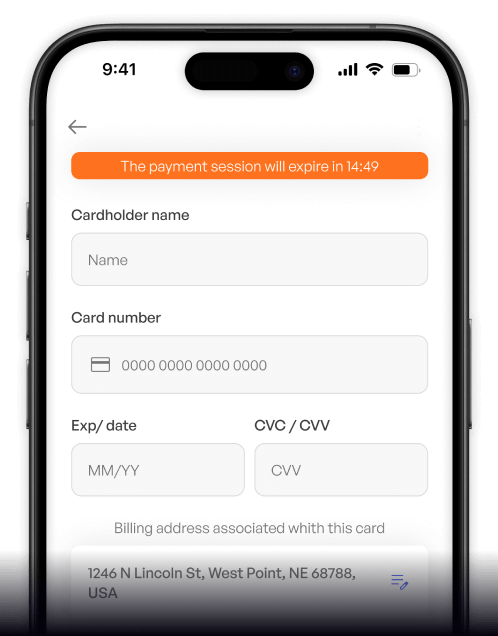
Familiar Local Payment
Skip typing lengthy card details. Bancomat Pay lets you approve the transaction securely and instantly from your mobile banking app, designed for maximum convenience.
Multi-DLT Integration
Gain exposure to enterprise interoperability and the blockchain-of-blockchains connectivity that Quant offers, delivered straight to your non-custodial wallet without holding delays.

Clear Upfront Pricing
What you see is exactly what you get. The live QNT exchange rate and transparent service fees are clearly displayed before you confirm your Bancomat Pay order.
Regulated & Secure
Benefit from higher limits by leveling up your verification tiers. Enjoy peace of mind knowing your fiat-to-crypto on-ramp process runs on trusted, regulated infrastructure.
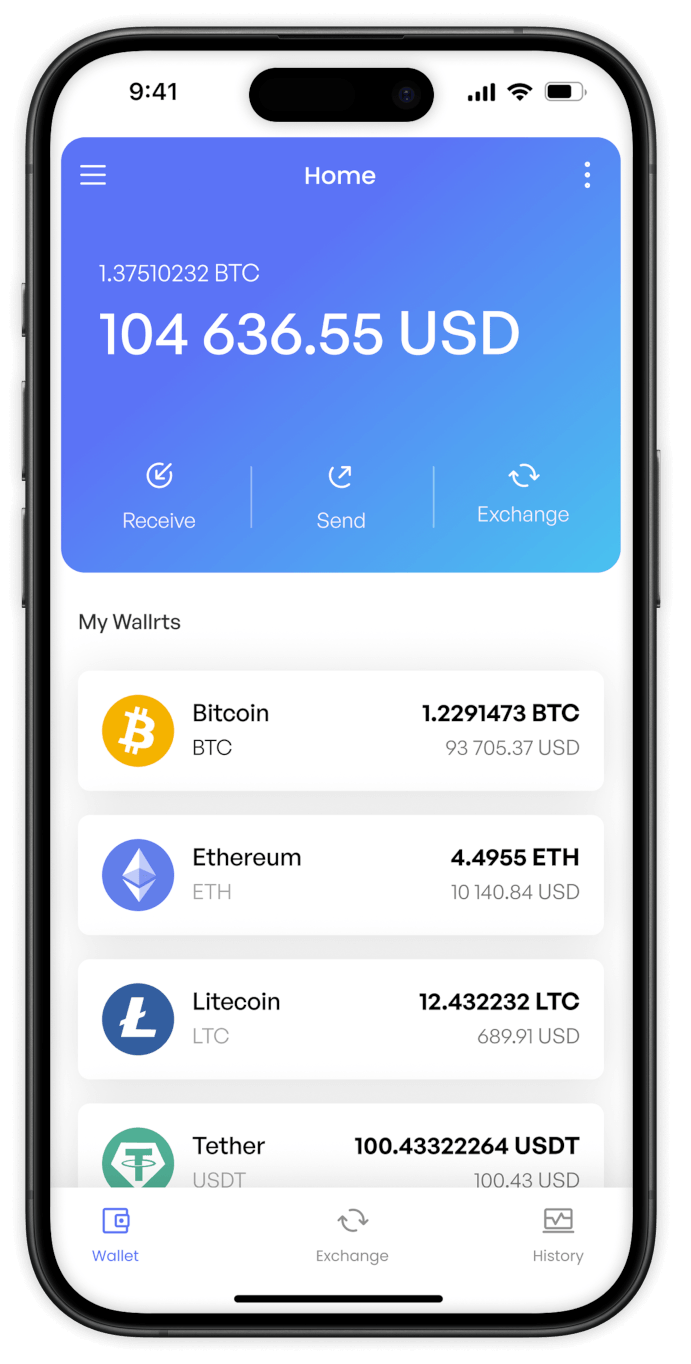
Buy Quant (QNT) with Bancomat Pay from your phone
Download the Switchere app for iOS or Android to seamlessly purchase Quant (QNT) using Bancomat Pay. Enjoy rapid checkout, real-time portfolio tracking, and access to the Overledger interoperability network directly from your pocket.


Scan to download the app iOS and Android

Launch the Switchere app, select QNT, and authorize Bancomat Pay instantly. Forget typing lengthy card numbers; securing your piece of enterprise interoperability has never been faster.

Experience a clean interface where fees and live exchange rates are perfectly transparent. Always know exactly how much QNT you will receive before you confirm your order.
Frequently asked questions
-
Can I buy Quant (QNT) with Bancomat Pay on Switchere?
Yes, you can easily purchase Quant using Bancomat Pay. Just select QNT as your desired cryptocurrency, provide your ERC-20 wallet address, and authorize the transaction directly through your secure Bancomat Pay app. -
Why use Bancomat Pay instead of typing card details?
Bancomat Pay offers a fast, frictionless experience without exposing sensitive card numbers. You approve the payment right from your banking environment, ensuring high security while quickly investing in blockchain-of-blockchains connectivity. -
How long until I receive my QNT?
Once your Bancomat Pay order is approved, Switchere dispatches your tokens immediately. On-chain delivery to your Ethereum wallet typically takes seconds to a few minutes, occasionally longer during busy gas periods. -
What does it cost to buy QNT this way?
We show a live exchange rate and a transparent service fee before you ever confirm your purchase. There are no hidden charges, and you can even utilize our loyalty program to discount fees up to 45%. -
Are there limits on how much Quant I can buy?
Yes, your purchase limits depend on your current KYC verification tier. As you complete higher tiers of identity verification, your daily and monthly ceilings for buying multi-DLT integration assets like QNT will increase. -
What if Bancomat Pay doesn't show at checkout?
Bancomat Pay is available for users in supported regions, primarily Italy. If it doesn't appear, ensure your account matches the eligible country criteria, or choose an alternative instant bank transfer or e-wallet method available on Switchere.

Instant Bancomat Pay Checkout
Ready to explore the Overledger interoperability network? Log in, pick your bank, and approve your Bancomat Pay order to receive your QNT in seconds.
Scan to download the app iOS and Android
