


- Home
- Buy
- eCash (XEC)
- eCash via Bancontact

- Home
- Buy
- eCash (XEC)
- eCash via Bancontact

Buy eCash (XEC) with Bancontact
Add eCash to your portfolio directly from your bank account. Using Bancontact on Switchere lets you skip typing card details for a faster, secure checkout. Embrace peer-to-peer electronic cash ideal for low-denomination micropayments today.


Scan to download the app iOS and Android
Additional payment methods
















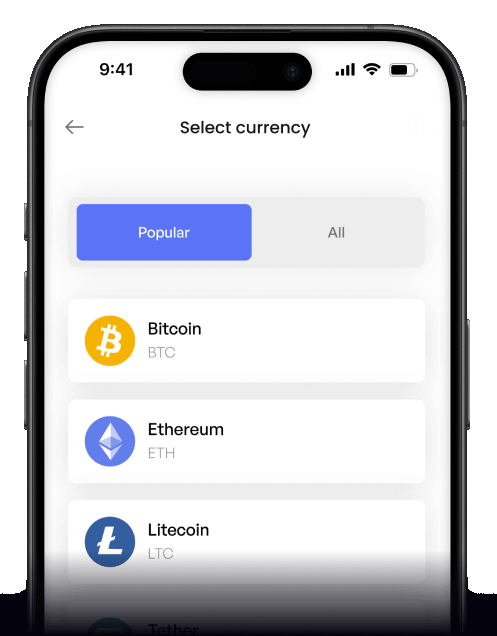
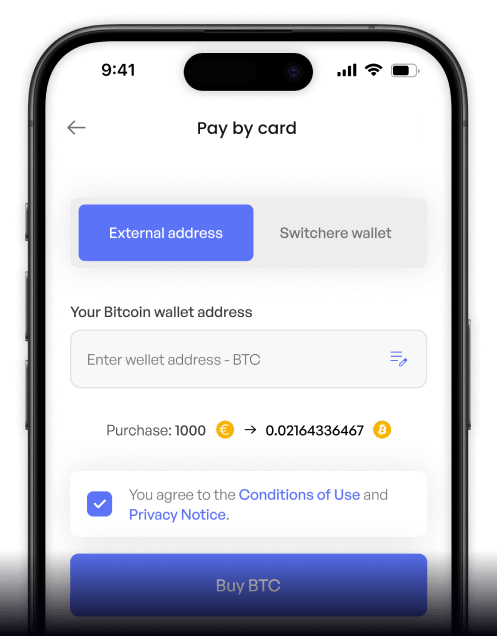
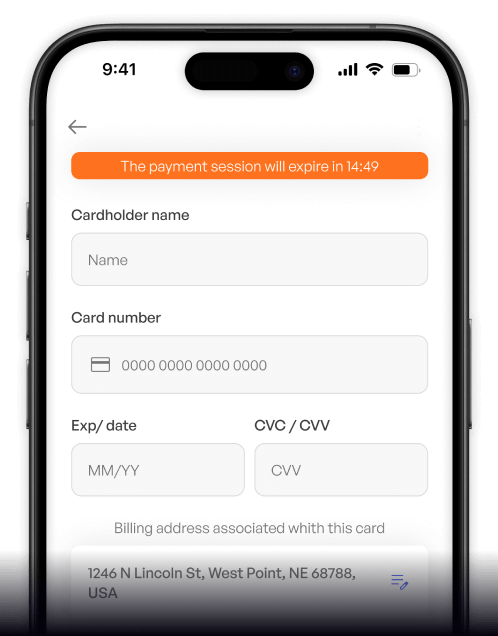
How to buy eCash (XEC) with Bancontact on Switchere
 Choose amount
 Add wallet address
 Confirm & receive
Why buy eCash (XEC) with Bancontact on Switchere
Secure Bank Payment
Bancontact offers a seamless, trusted connection to your bank. Approve the payment securely in your banking app without ever sharing raw debit card numbers online.
Lightning-Fast Delivery
Because eCash utilizes Avalanche pre-consensus alongside its Bitcoin Cash lineage, your coins reach your non-custodial wallet in mere seconds after your Bancontact payment clears.

Transparent Pricing
Never worry about hidden markups. We lock in the live XEC rate and show a clear service fee before you confirm your low-denomination micropayments or large orders.
Regulated & Secure
Powered by regulated partner infrastructure, Switchere ensures a compliant, safe fiat-to-crypto on-ramp. Enjoy 24/7 support and peace of mind with every Bancontact transaction.
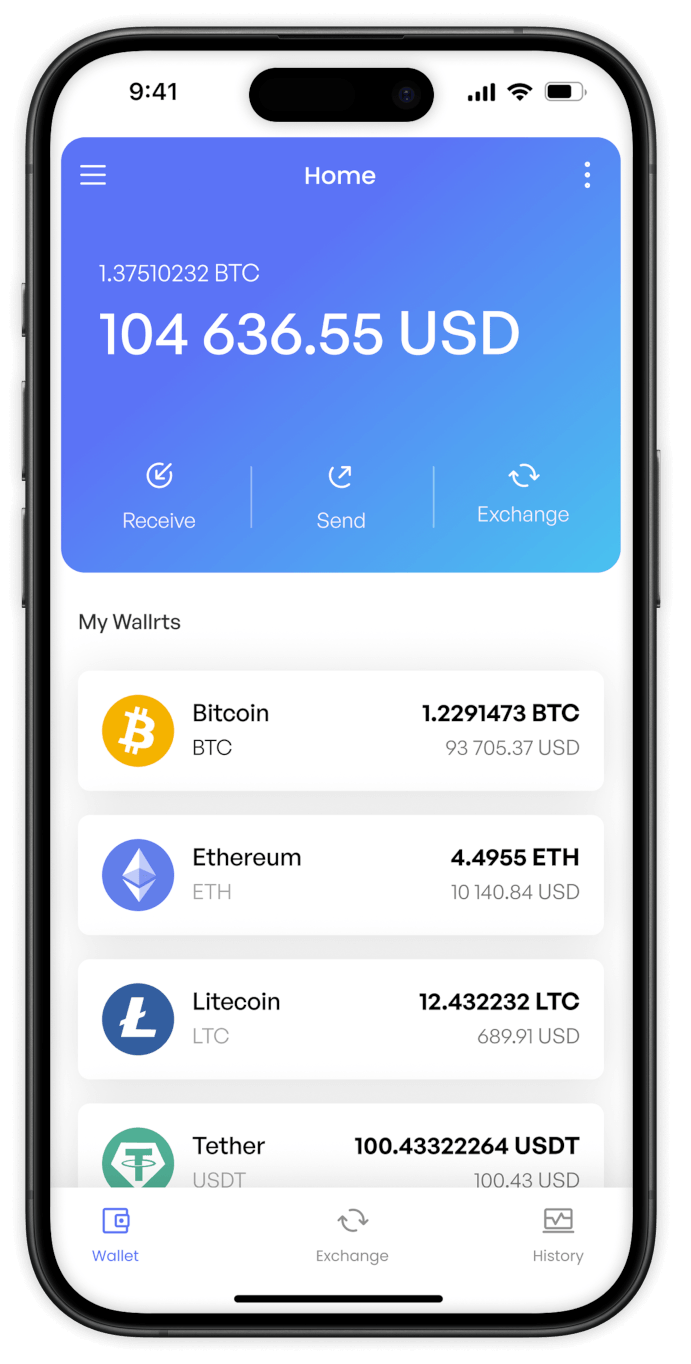
Buy eCash (XEC) with Bancontact from your phone
Download the Switchere app for iOS or Android to buy eCash on the go. Enjoy a seamless Bancontact integration, secure biometric logins, and instant access to the peer-to-peer electronic cash ecosystem.


Scan to download the app iOS and Android

Simply open the app, enter your XEC amount, and authenticate your Bancontact payment directly on your mobile device for effortless low-denomination micropayments.

Our interface displays the live exchange rate and exact service fee upfront, so you know exactly how much XEC you are getting before you confirm.
Frequently asked questions
-
Can I buy eCash (XEC) with Bancontact on Switchere?
Yes, you can easily buy XEC using Bancontact. Switchere provides a regulated on-ramp for this asset—known for its Bitcoin Cash lineage—delivering tokens directly to your non-custodial wallet. -
Why use Bancontact instead of typing credit card details?
Bancontact allows you to authorize the payment securely through your familiar Belgian banking app. This bypasses manual card entry, speeds up checkout, and leverages bank-grade security. -
How long until I receive my eCash (XEC)?
Bancontact settlement is instant. Once approved, the on-chain transfer takes just seconds for Avalanche pre-consensus, followed by a few minutes for full proof-of-work confirmation on the native XEC chain. -
What does it cost to buy XEC?
You will see the live exchange rate and a clear service fee before confirming your order. Switchere's loyalty program also offers fee discounts of up to 45% for active users. -
Are there limits on how much eCash I can purchase?
Yes, purchase ceilings are based on your KYC verification tier. As you complete higher tiers of verification on Switchere, your limits for Bancontact transactions will increase accordingly. -
What if Bancontact doesn't show at checkout?
Bancontact is typically available for verified users in supported European regions. If it is missing, check your selected fiat currency or contact our 24/7 customer support for troubleshooting.

Instant Bancontact Checkout
Ready to join the peer-to-peer electronic cash network? Select your amount, approve the payment in your banking app, and receive XEC in your wallet.
Scan to download the app iOS and Android
