


- Home
- Buy
- Binance USD (BUSD)
- BUSD via Swish

- Home
- Buy
- Binance USD (BUSD)
- BUSD via Swish

Buy Binance USD (BUSD) with Swish
Get this Paxos-issued digital dollar deposited straight to your wallet. Using Swish makes the checkout fast and familiar. Lock in your dollar peg today and receive your BUSD on the BNB Smart Chain in seconds to about a minute.



Scan to download the app iOS and Android
Additional payment methods



















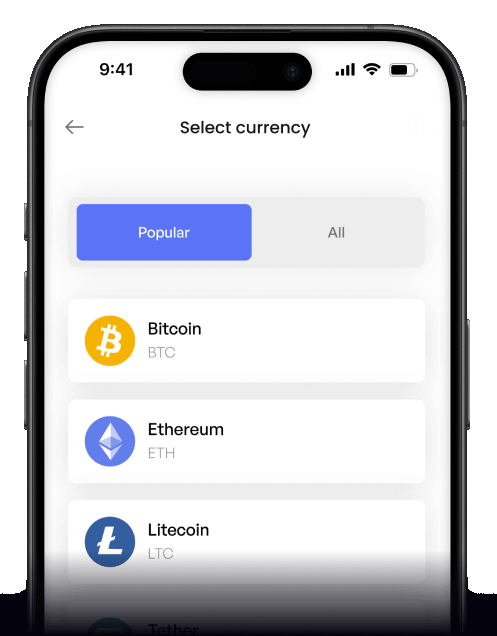
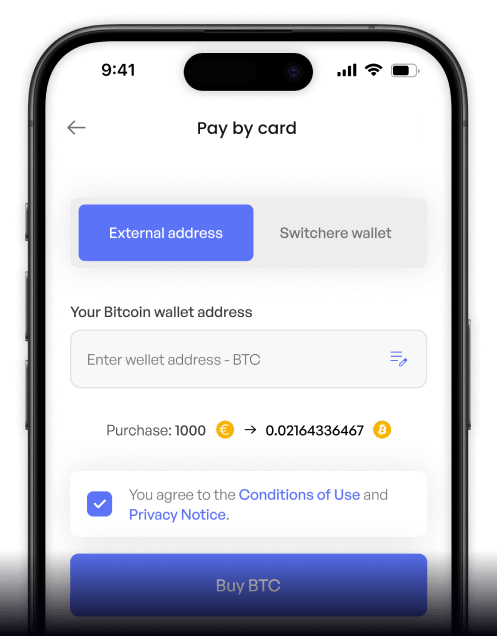
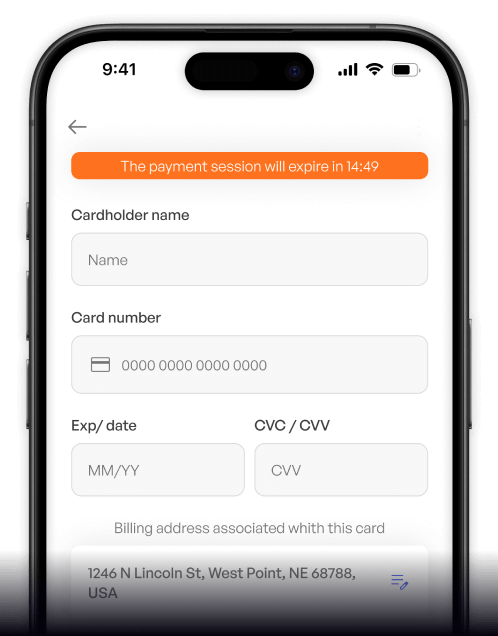
How to buy Binance USD (BUSD) with Swish on Switchere
 Choose amount
 Enter wallet address
 Confirm with Swish
Why buy Binance USD with Swish on Switchere
Instant Swish checkout
Skip typing card details. Pay directly and securely from your mobile device using Swish for a seamless, instantly authorized fiat transaction.
Stable dollar peg
Avoid crypto market volatility. BUSD is a fully backed, USD-pegged stablecoin, making it the perfect asset for locking in value and settling payments.

Lightning-fast delivery
Operating on the BNB Smart Chain, your Binance USD transaction settles incredibly quickly. Expect the BEP-20 tokens in your wallet in seconds to about a minute.
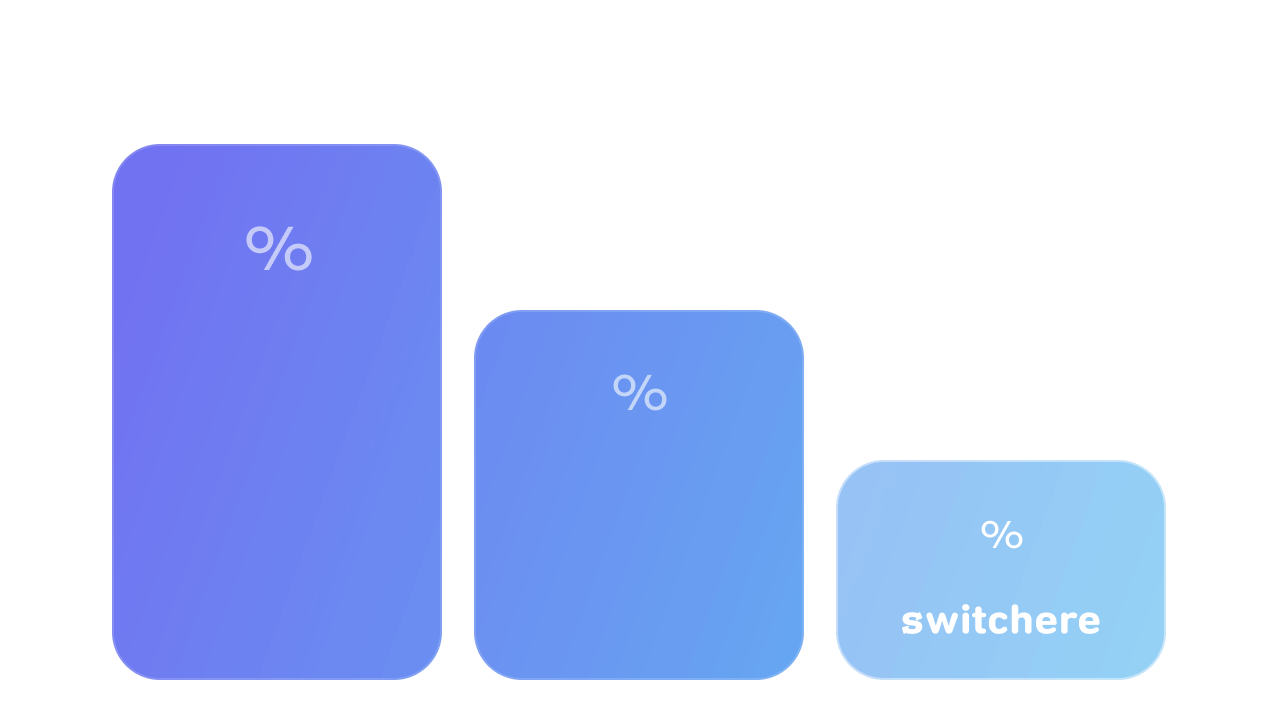
Transparent pricing
We believe in complete clarity. See the live exchange rate and service fee clearly displayed before you buy, ensuring no surprise charges at checkout.

Buy Binance USD (BUSD) with Swish from your phone
Download the Switchere app for iOS or Android to purchase this USD-pegged stablecoin wherever you are. Enjoy seamless BEP-20 Swish transfers, transparent pricing, and instant execution directly on your mobile device.


Scan to download the app iOS and Android

Use the Swish app to seamlessly approve your transaction in seconds, ensuring rapid and secure delivery of your digital dollars.

We display all live exchange rates and service fees upfront before you ever confirm your Binance USD purchase on our platform.
Frequently asked questions
-
Can I buy Binance USD (BUSD) with Swish on Switchere?
Yes, you can quickly purchase BUSD using Swish. Simply enter your BEP-20 wallet address, choose Swish at checkout, and approve the payment in your mobile app. -
Why use Swish to buy this USD-pegged stablecoin?
Swish offers an instant, secure mobile bank transfer experience. You avoid typing long card details and benefit from real-time settlement right from your smartphone. -
How long until I receive my BUSD?
Once your Swish payment is authorized, your BUSD is sent over the BNB Smart Chain. On-chain delivery usually takes from seconds to about a minute. -
What are the fees for buying BUSD?
Switchere shows the live exchange rate and a clear service fee upfront. There are no hidden charges, and loyalty program members can get fee discounts of up to 45%. -
Are there limits when buying Paxos-issued BUSD?
Yes, limits depend on your account's KYC verification tier. Higher verification levels unlock significantly larger purchase limits for your digital dollar transactions. -
What if my Swish payment is pending?
Swish transactions are typically instant. If a delay occurs, ensure your banking app approved the transfer. Our 24/7 support team is always available to help verify your order status.

Instant Swish Checkout
Tap into the reliability of a dollar peg. Approve the payment in your Swish app and receive your Binance USD in seconds.
Scan to download the app iOS and Android
