


- Home
- Buy
- Binance USD (BUSD)
- BUSD via EPS

- Home
- Buy
- Binance USD (BUSD)
- BUSD via EPS

Buy Binance USD (BUSD) with EPS
Secure your USD-pegged stablecoin quickly using Austria's eps-Überweisung. Log directly into your bank to approve the payment, and receive your digital dollar straight to your own wallet without needing a credit card.



Scan to download the app iOS and Android
Additional payment methods
















How to buy Binance USD (BUSD) with EPS on Switchere
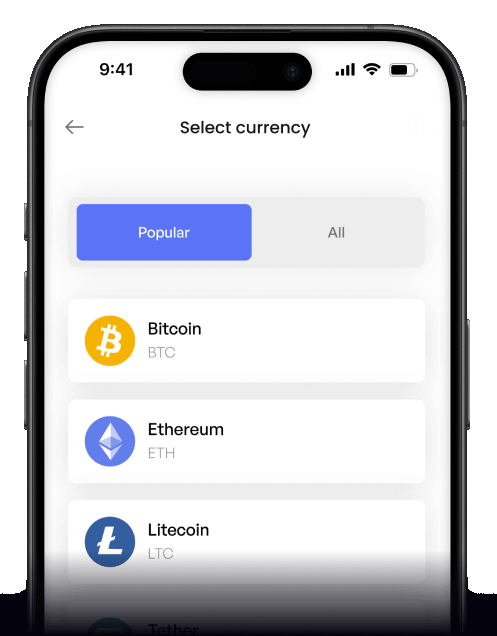
 Choose amount
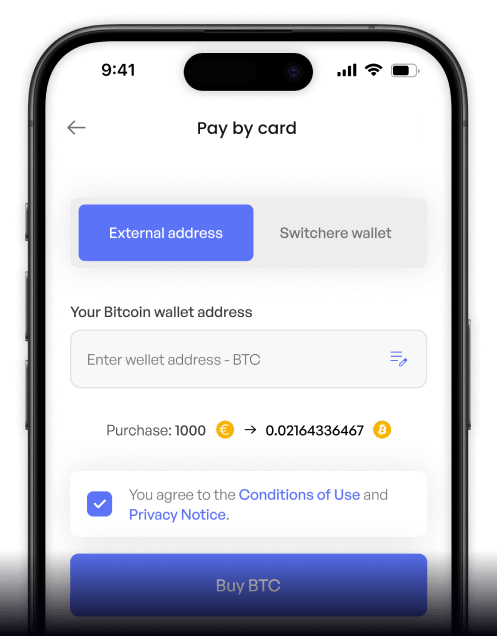
 Add wallet address
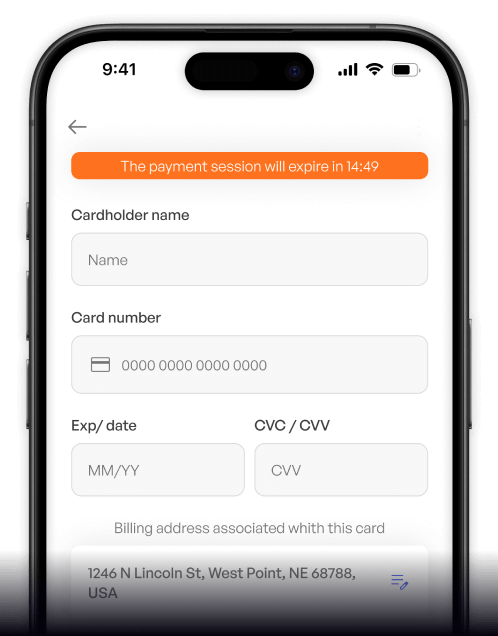
 Confirm & receive
Why buy Binance USD (BUSD) with EPS on Switchere
Direct Bank Approval
No credit card needed. Authorize the payment directly within your Austrian online banking environment for a highly secure, familiar, and seamless checkout experience.
Fast On-Chain Settlement
The BNB Smart Chain ensures your digital dollar arrives incredibly quickly, typically reaching your personal wallet in seconds to about a minute after bank confirmation.

Transparent Pricing
We always display the live exchange rate and our service fees before you confirm. You know exactly how much of the USD-pegged stablecoin you will receive.
Stable Dollar Peg
Avoid market volatility by holding a reliable asset. Buy BUSD directly to your own non-custodial wallet and keep your funds stable for trading or transfers.

Buy BUSD with EPS from your phone
Use the Switchere mobile app for iOS and Android to easily purchase Binance USD on the go. Link your Austrian bank via EPS for instant, secure digital dollar purchases anywhere.


Scan to download the app iOS and Android

Tap into eps-Überweisung right from your smartphone. Skip typing card numbers and seamlessly approve the transaction within your mobile banking app.

Track your USD-pegged stablecoin balance and transaction history in real-time. Designed for clarity, giving you full control over your digital assets.
Frequently asked questions
-
Can I buy Binance USD (BUSD) with EPS on Switchere?
Yes, you can easily buy BUSD using EPS on our platform. Just select EPS at checkout to securely fund your purchase directly from your Austrian bank account in EUR. -
Why use EPS instead of typing card details?
EPS (eps-Überweisung) lets you log into your own bank to approve the payment. It removes the need to share card numbers, offering a highly secure, bank-grade checkout experience. -
How long until I receive my Binance USD?
Because BUSD operates on the BNB Smart Chain (BEP-20 token standard), your crypto usually arrives in seconds to about a minute after your EPS payment clears. -
What does it cost to buy this Paxos-issued token?
You will see the live exchange rate and a transparent service fee before you confirm your order. Switchere's loyalty program can even reduce your fees by up to 45%. -
Are there limits on purchasing this digital dollar?
Yes, your purchase limits depend on your KYC verification tier. As you complete higher verification levels, your maximum transaction limits for EPS and other methods will increase. -
What if my EPS payment is pending?
EPS transfers are generally instant. If a payment remains pending, check your Austrian banking app for any required approvals, or contact our 24/7 Switchere support team for assistance.

Approve in your bank. Get BUSD.
Secure your dollar peg instantly. Select EPS, authorize the payment directly in your Austrian bank, and let Switchere handle the rest.
Scan to download the app iOS and Android
