


- Home
- Buy
- Binance Coin (BNB)
- BNB via EPS

- Home
- Buy
- Binance Coin (BNB)
- BNB via EPS

Buy Binance Coin (BNB) with EPS
Securely purchase BNB straight from your Austrian bank account via EPS. Skip the card details and enjoy fast, direct transfers to explore the Binance ecosystem and EVM-compatible chain apps in seconds.



Scan to download the app iOS and Android
Additional payment methods













How to buy Binance Coin (BNB) with EPS on Switchere
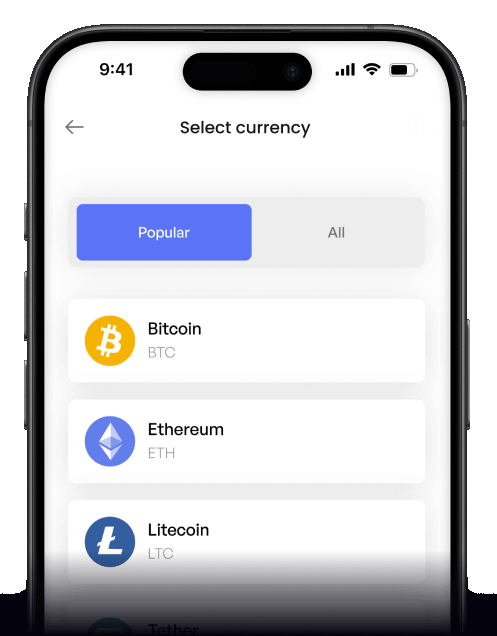
 Choose amount
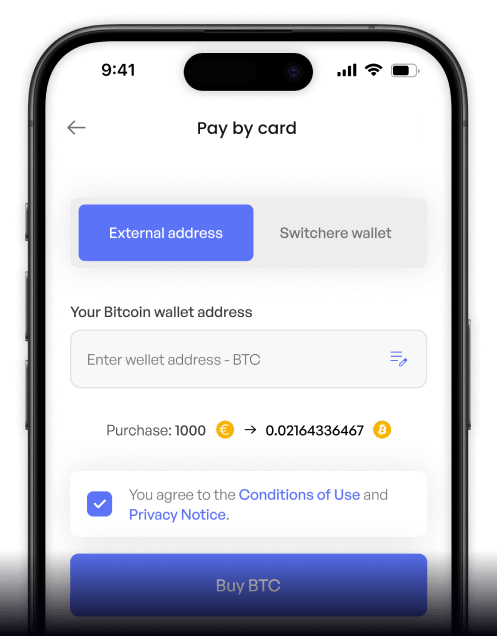
 Enter wallet
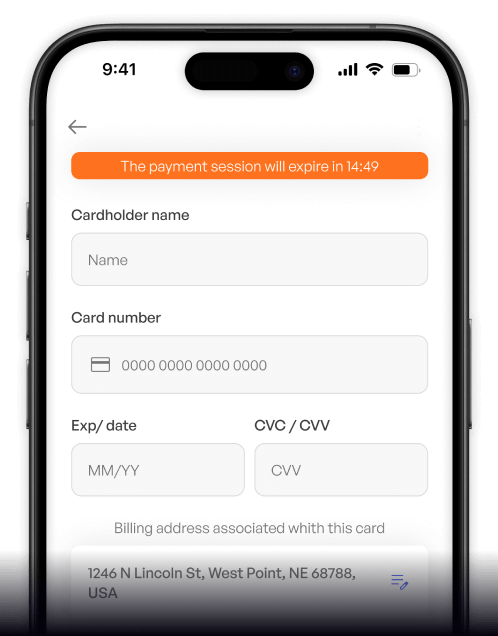
 Approve & receive
Why buy Binance Coin (BNB) with EPS on Switchere
Instant Austrian Bank Pay
EPS connects directly to your trusted Austrian banking app. No need to type out sensitive credit card numbers or wait for slow traditional transfers.
Lightning-Fast Delivery
With ~3-second block times on the BNB Smart Chain, your crypto arrives almost instantly once the EPS payment clears, perfect for accessing the PancakeSwap ecosystem quickly.

Built for Web3 Utility
Buy BNB to cover low transaction fees across the EVM-compatible chain. Switchere delivers your crypto straight to your personal wallet, ready for immediate use.
Transparent Pricing
Know exactly what you'll receive. We lock in the live BNB exchange rate and display all fees upfront, ensuring a fair and predictable purchase every time.

Buy Binance Coin (BNB) with EPS from your phone
Download the Switchere app for iOS or Android to buy BNB on the go. Use EPS for direct Austrian bank transfers, track your portfolio, and access the Binance ecosystem seamlessly.


Scan to download the app iOS and Android

Select EPS at checkout, securely log into your Austrian bank account, and authorize the payment instantly without manually entering any card numbers.

View the live exchange rate, transparent service fee, and exact BNB amount upfront. No hidden charges when interacting with the EVM-compatible chain.
Frequently asked questions
-
Can I buy Binance Coin with EPS on Switchere?
Yes, if you have an Austrian bank account, you can select EPS at checkout to buy BNB directly. The payment is processed instantly and securely through your banking portal. -
Why use EPS instead of typing card details?
EPS connects directly to your bank, eliminating the need to expose your card information. It provides bank-grade security, higher success rates, and seamless access to the BNB Smart Chain. -
How long until I receive my BNB?
EPS payments clear instantly. Once approved, your Binance Coin is delivered to your wallet in just a few seconds, taking full advantage of the network's rapid block times. -
What does it cost to buy BNB with EPS?
We show the exact service fee and final BNB amount before you confirm. There are no hidden costs, and our loyalty program offers fee discounts of up to 45%. -
Are there limits on how much BNB I can buy?
Yes, limits depend on your KYC verification tier. Higher tiers unlock larger purchasing limits for EPS bank transfers, making it easy to participate in the PancakeSwap ecosystem. -
What if EPS is pending or doesn't show at checkout?
Ensure your account is verified and set to EUR. If an EPS payment remains pending, check your banking app for final approval, or contact our 24/7 Switchere support team.

Approve in your bank. Get BNB.
Ready to explore low transaction fees? Use EPS to securely transfer funds directly from your Austrian bank and get Binance Coin in seconds on Switchere.
Scan to download the app iOS and Android
