


- Home
- Buy
- USDT (BEP20)
- USDT (BEP20) via Bancontact

- Home
- Buy
- USDT (BEP20)
- USDT (BEP20) via Bancontact

Buy USDT (BEP20) with Bancontact
Use your trusted Bancontact app to secure a dollar-pegged stablecoin instantly. Switchere provides seamless fiat-to-crypto purchases directly to your wallet. Enjoy low BNB Chain fees, transparent pricing, and fast on-chain settlement for all your DeFi or remittance needs.



Scan to download the app iOS and Android
Additional payment methods



















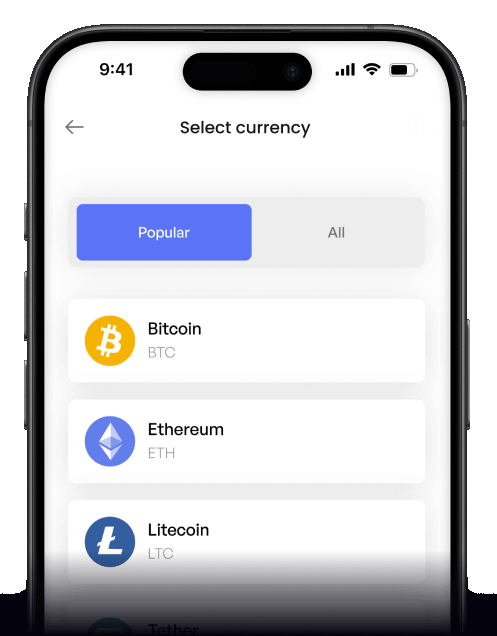
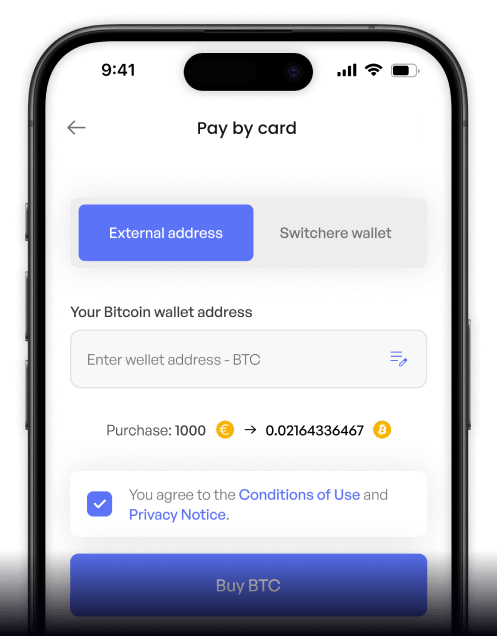
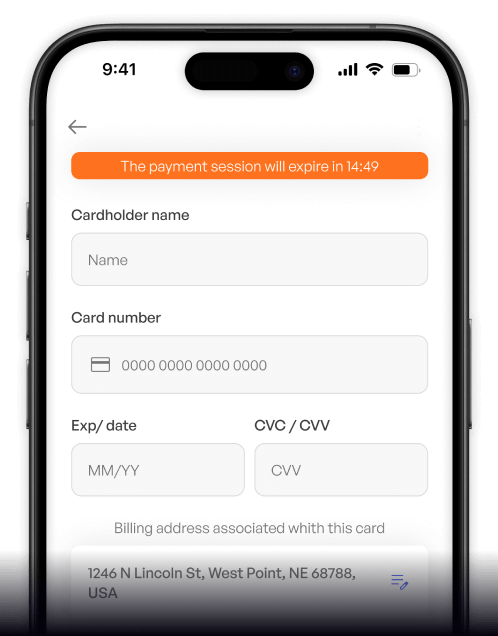
How to buy USDT (BEP20) with Bancontact on Switchere
 Choose amount
 Enter wallet
 Confirm & receive
Why buy USDT (BEP20) with Bancontact on Switchere
Trusted Belgian checkout
Bancontact provides a seamless, secure payment experience straight from your bank app, ensuring your fiat is processed safely without typing sensitive card numbers.
1:1 USD peg stability
Protect your portfolio against volatility. Tether maintains a 1:1 USD peg, making it the perfect asset for reliable remittances, trading, and digital savings.

Rapid on-chain settlement
Thanks to the BNB Smart Chain, you benefit from exceptionally low BNB Chain fees and lightning-fast delivery times. Your on-chain settlement arrives in under a minute.
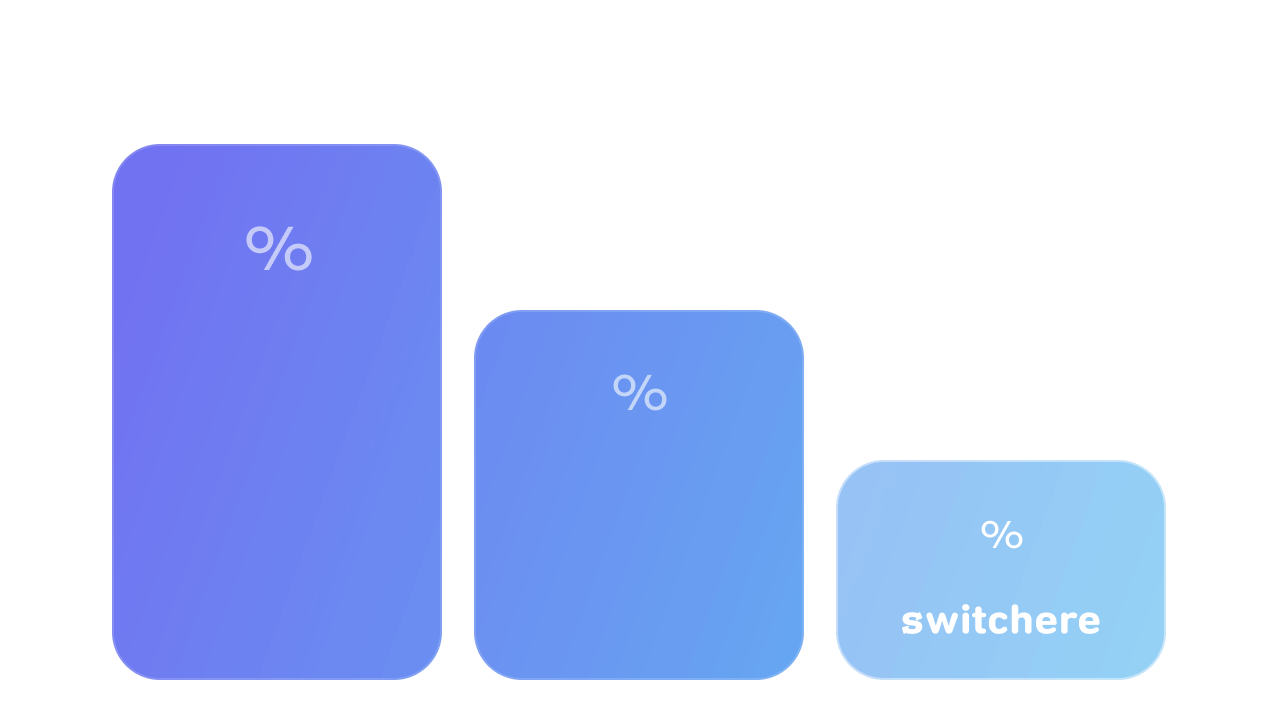
Total transparency
What you see is what you get. Switchere guarantees no hidden charges by displaying the final crypto amount and service fee clearly before checkout.
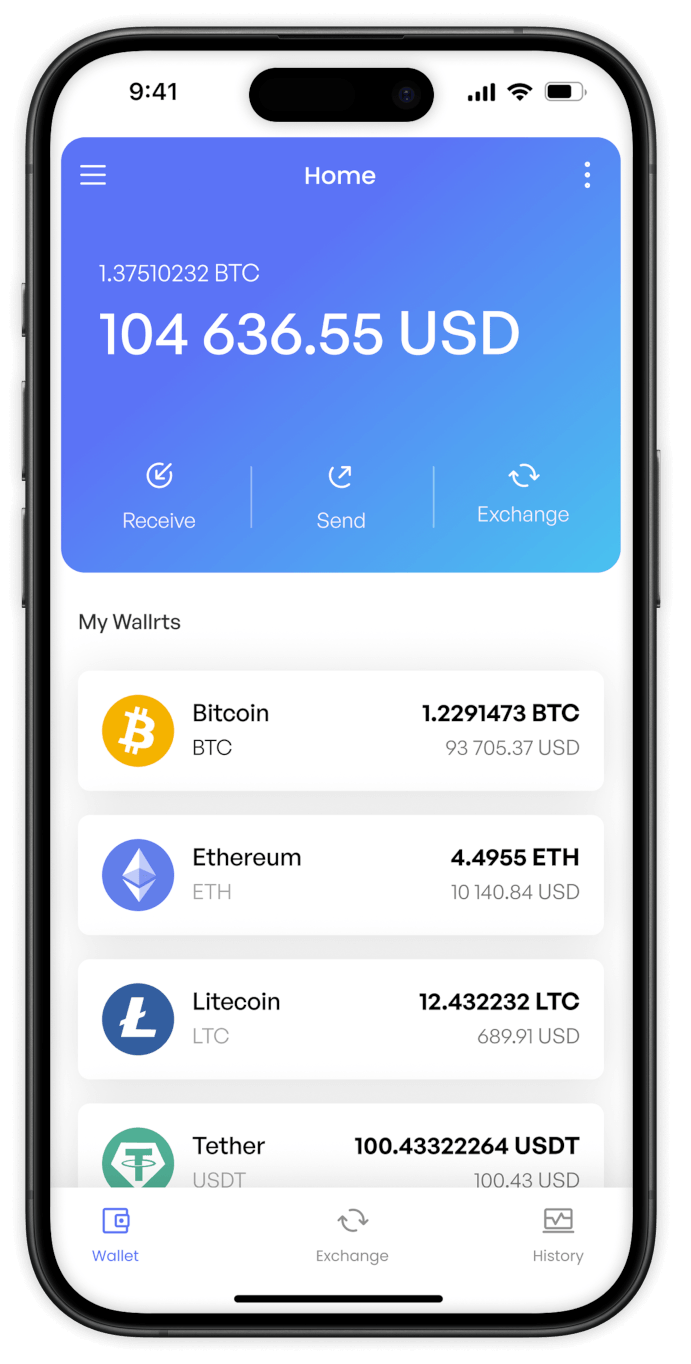
Buy USDT (BEP20) with Bancontact from your phone
Get the Switchere app for iOS or Android. Buy this dollar-pegged stablecoin seamlessly on the go using your Bancontact app for fast on-chain settlement.


Scan to download the app iOS and Android

Approve the transaction instantly in your mobile banking app without typing card numbers.

Track your low-fee BNB Chain transfer in real time as your stablecoin lands in seconds.
Frequently asked questions
-
Can I buy USDT (BEP20) with Bancontact on Switchere?
Yes, you can easily purchase this dollar-pegged stablecoin directly through Bancontact. Just enter your BEP-20 wallet address and approve the payment in your banking app. -
Why use Bancontact instead of typing card details?
Bancontact offers secure, direct bank authentication. You simply approve within your bank app, removing the need to manually enter or expose sensitive card numbers. -
How long until I receive my USDT?
Bancontact authorizes the payment instantly. Afterward, the BNB Smart Chain processes the token transfer, typically delivering your crypto in seconds to about a minute. -
What does it cost to use this service?
Switchere displays the live exchange rate and a transparent service fee upfront before you confirm. Plus, the BNB Chain ensures low on-chain network fees. -
Are there limits on my purchases?
Yes, your purchase limits depend on your account's KYC verification tier. Completing higher tiers unlocks greater limits for larger stablecoin remittances. -
What if my Bancontact payment is pending?
Bancontact transactions usually settle instantly. If your order remains pending, it may be a brief bank sync delay. Contact our 24/7 support for help.

Instant Bancontact Checkout
Secure your 1:1 USD peg in seconds. Choose Bancontact, approve the payment in your banking app, and get your USDT.
Scan to download the app iOS and Android
