


- Home
- Buy
- USDC (Polygon)
- USDC via Blik

- Home
- Buy
- USDC (Polygon)
- USDC via Blik

Buy USDC (Polygon) with Blik
Enter your 6-digit Blik code and acquire Polygon USDC in seconds. Experience fast on-chain dollar settlement with a trusted stablecoin maintaining a 1:1 USD peg. Switchere offers a seamless fiat-to-crypto gateway for effortless digital remittances.



Scan to download the app iOS and Android
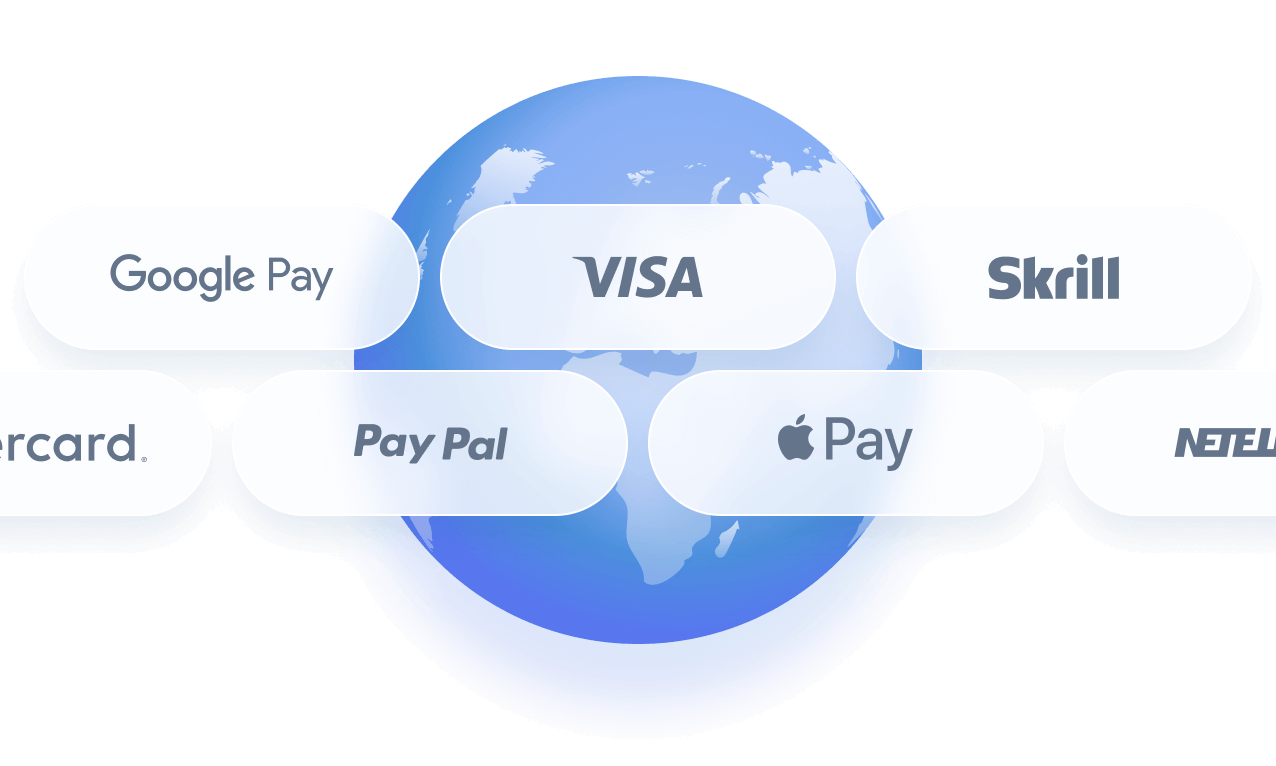
Additional payment methods

















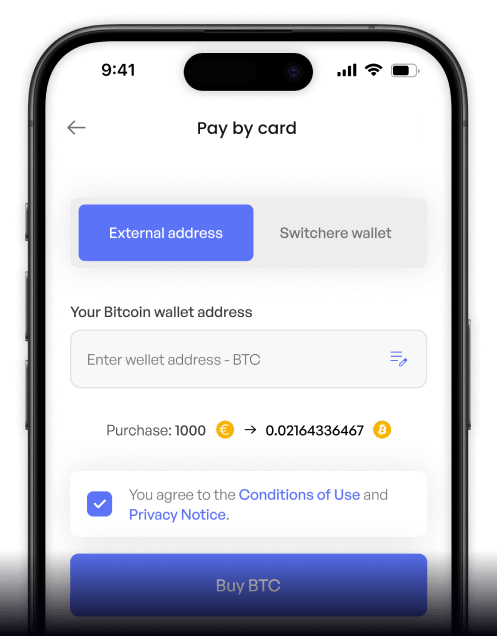
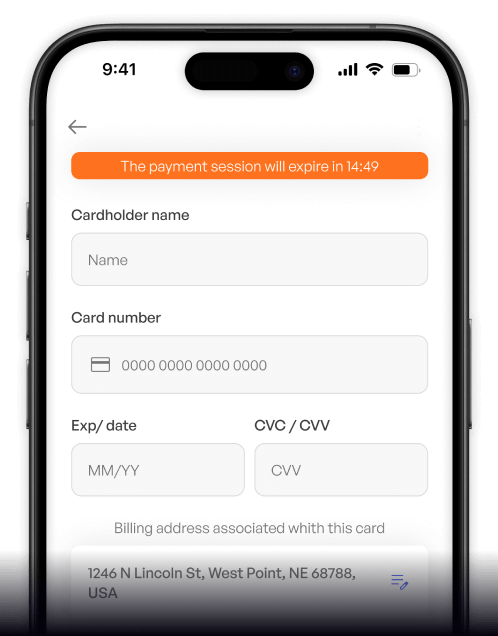
How to buy USDC (Polygon) with Blik on Switchere
 Choose amount
 Enter Blik code
 Confirm & receive
Why buy USDC (Polygon) with Blik on Switchere
Lightning-Fast Delivery
Blik provides immediate payment authorization, while the Polygon network settles your USDC on-chain in just a few seconds, perfect for rapid digital remittances.
Reliable Stablecoin Utility
Acquire a trusted asset with a 1:1 USD peg. Polygon USDC empowers you with seamless on-chain dollar settlement without the volatility of traditional cryptocurrencies.

Secure Banking Integration
Use your familiar banking app to generate a Blik code. This local payment flow guarantees high security without ever sharing sensitive card numbers online.
Transparent Pricing
Switchere displays the exact exchange rate and service fee before you pay. You always know exactly how much Polygon USDC you are going to receive.

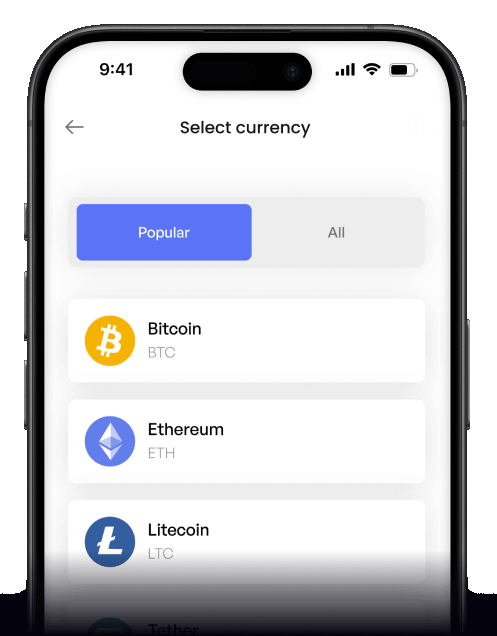
Buy USDC (Polygon) with Blik from your phone
Download the Switchere app for iOS or Android to buy Polygon-based USDC on the go. Enter your 6-digit Blik code and access on-chain dollar settlement from anywhere.


Scan to download the app iOS and Android

Open the app, select USDC, and use Blik to fund your purchase seamlessly without needing your physical bank card.

Monitor the 1:1 USD peg, track live exchange rates, and review all service fees transparently before you confirm your order.
Frequently asked questions
-
Can I buy USDC (Polygon) with Blik on Switchere?
Yes, you can easily buy native USDC directly on the Polygon PoS network using Blik. Just enter your wallet address and authenticate the payment via your mobile banking app. -
Why use Blik instead of typing card details?
Blik allows you to authorize the transaction directly in your bank's app using a secure 6-digit code. It is faster than typing card numbers and perfect for mobile checkouts. -
How long until I receive my USDC?
Once your Blik payment is approved, your stablecoin is dispatched immediately. Thanks to the Polygon network's speed, on-chain delivery takes just a few seconds. -
What does it cost to use this method?
You will see the live exchange rate and a transparent service fee before confirming. Switchere also offers a loyalty program that can discount fees by up to 45%. -
Are there limits on how much I can buy?
Yes, purchase limits are determined by your KYC verification tier. As you complete higher tiers of identity verification, your maximum limit for buying USDC with Blik increases. -
What if Blik doesn't show up at checkout?
Blik is generally available for supported regional users. If it does not appear, check that your selected fiat currency is compatible, or contact our 24/7 support for help.

Instant Blik Checkout
Ready to access Polygon low-fee rails for quick remittances? Generate your Blik code, approve the payment, and get your USDC delivered in seconds.
Scan to download the app iOS and Android
