


- Home
- Buy
- TRON (TRX)
- TRON via Blik

- Home
- Buy
- TRON (TRX)
- TRON via Blik

Buy TRON (TRX) with Blik
Experience high throughput and near-instant transactions when you buy TRX using Poland's favorite payment method. Use Blik to bypass manual card entries, secure your TRON quickly, and fuel your TRC-20 stablecoin settlements without worrying about energy & bandwidth limits.


Scan to download the app iOS and Android
Additional payment methods
















How to buy TRON (TRX) with Blik on Switchere
 Select TRX amount
 Add wallet address
 Confirm with Blik
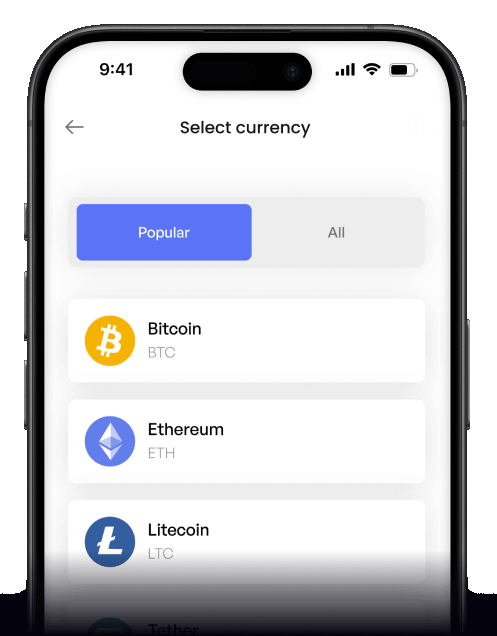
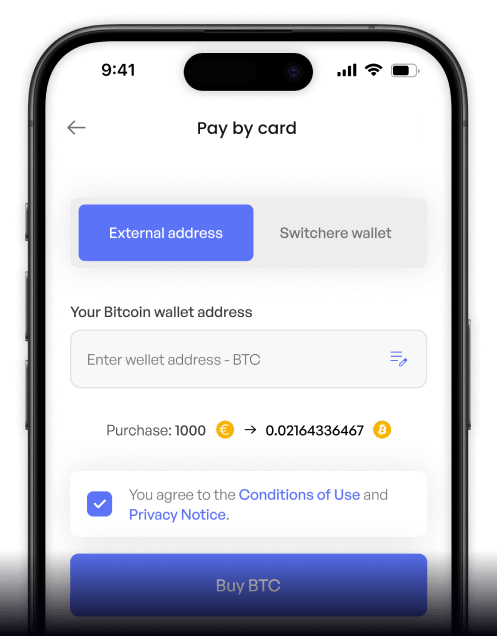
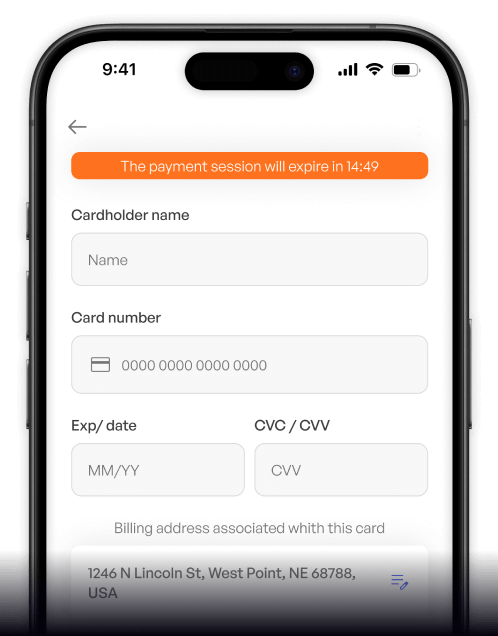
Why buy TRON (TRX) with Blik on Switchere
Instant Blik Transfers
Generate your code, authorize the transaction in your Polish banking app, and you're done. No need to type long credit card numbers to buy your TRON.
Lightning-Fast Settlement
The TRON network boasts incredibly high throughput. Once your Blik payment clears, your TRX arrives on-chain in usually under a minute.

Perfect for TRC-20
Stock up on TRX to cover energy & bandwidth for low-cost stablecoin settlement. Blik offers a seamless on-ramp directly to your non-custodial wallet.
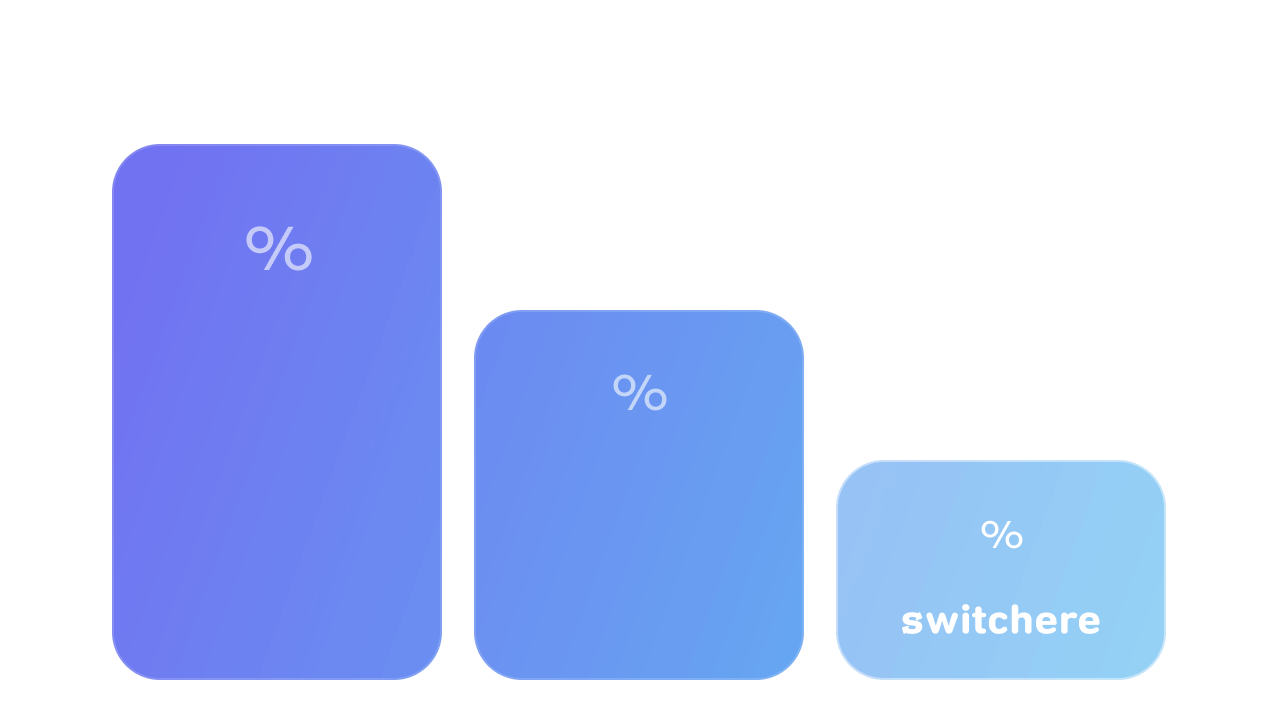
Transparent Pricing
We guarantee no hidden charges. Every TRON order displays the live market rate and our service fee before you confirm the transaction.
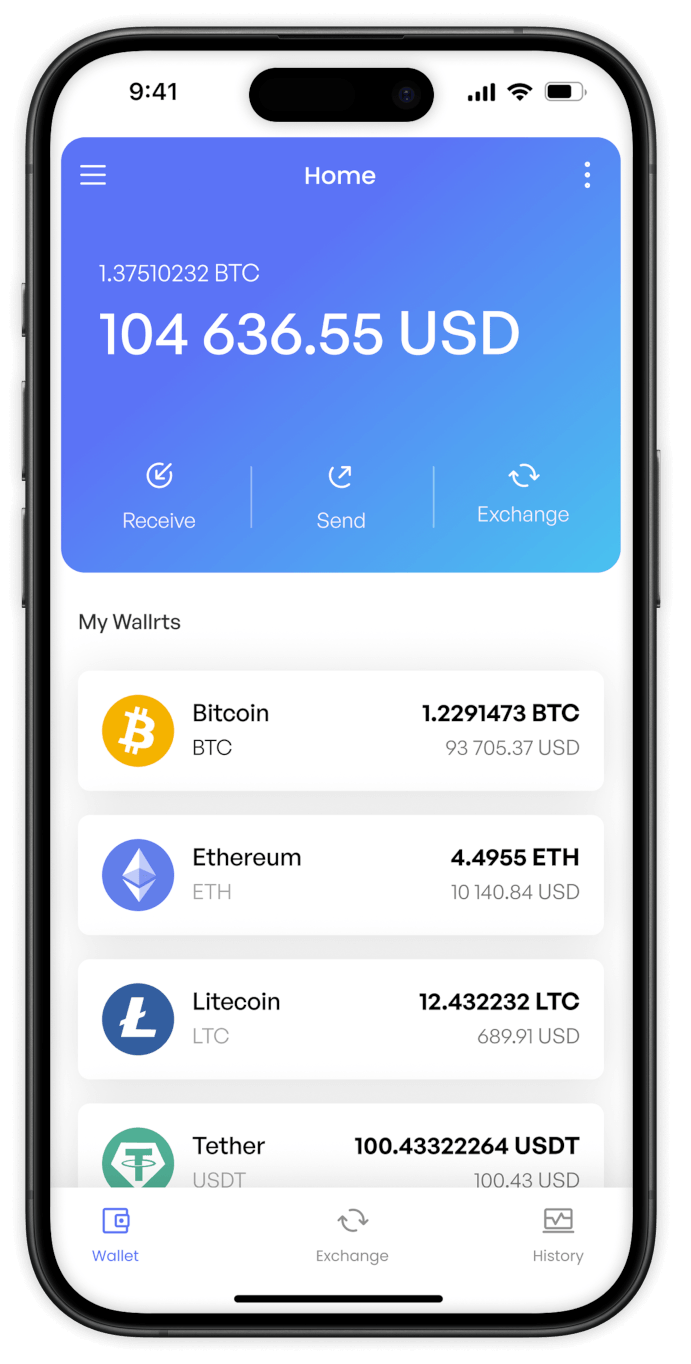
Buy TRON (TRX) with Blik from your phone
Get the Switchere app for iOS or Android to purchase TRX using Blik. It is the fastest way to acquire network energy & bandwidth directly from your smartphone, keeping your portfolio accessible anywhere.


Scan to download the app iOS and Android

Simply generate a Blik code in your banking app, enter it on Switchere, and approve the transfer in seconds.

View live exchange rates and exact fees before confirming your TRON purchase, ensuring complete transparency with zero hidden costs.
Frequently asked questions
-
Can I buy TRON (TRX) with Blik on Switchere?
Yes, you can quickly buy TRX using Blik. It allows you to fund your purchase directly through your Polish banking app without needing a credit card. -
Why use Blik instead of typing card details?
Blik provides high throughput security by eliminating the need to expose your card numbers. You just use a one-time 6-digit code, making your transactions faster and more secure. -
How long until I receive my TRX?
Once your Blik payment is authorized, TRON’s fast network typically processes and finalizes the transaction in under a minute, delivering TRX straight to your non-custodial wallet. -
What does it cost to buy TRX this way?
You will see a transparent service fee and the live market rate upfront before confirming. Regular users can even reduce fees by up to 45% through our loyalty program. -
Are there purchase limits for Blik?
Yes, limits depend on your KYC verification tier and the Blik system settings within your bank. Completing higher verification tiers unlocks higher purchasing ceilings for low-cost stablecoin settlement. -
What if I run out of time to approve the Blik code?
Blik codes expire after two minutes. If your code expires before you approve the payment in your bank app, simply generate a new one and restart the checkout process.

Instant Blik Checkout
Grab your Blik code, confirm the transfer, and get your TRX instantly to vote for Super Representatives or manage your TRC-20 tokens.
Scan to download the app iOS and Android
