


- Home
- Buy
- Tezos (XTZ)
- Tezos via Blik

- Home
- Buy
- Tezos (XTZ)
- Tezos via Blik

Buy Tezos (XTZ) with Blik
Experience seamless crypto purchases with Poland's favorite mobile payment method. Buy Tezos using a quick 6-digit Blik code and dive into a network known for on-chain governance, self-amendment, and secure smart contracts. Fast, non-custodial delivery to your personal wallet.


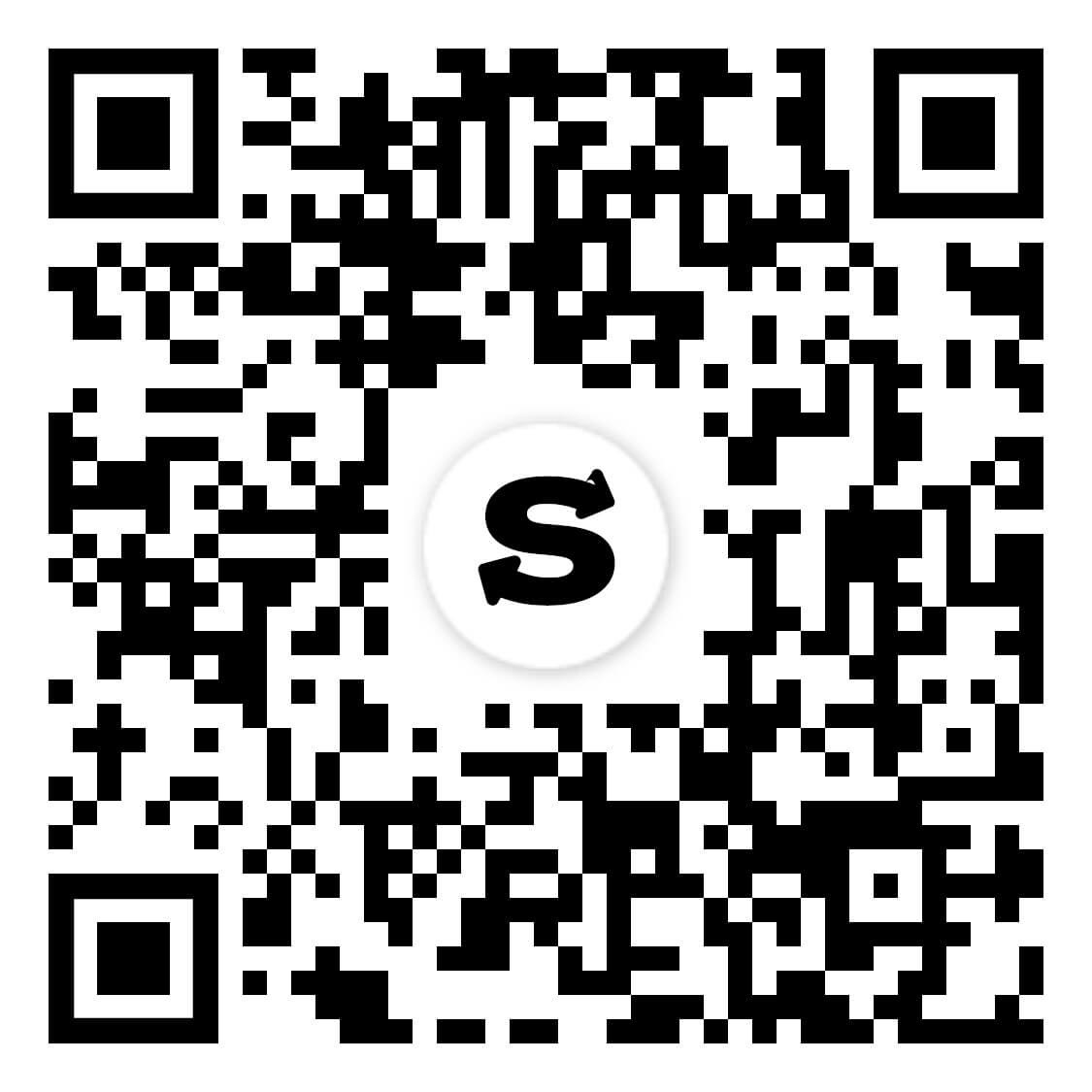
Scan to download the app iOS and Android
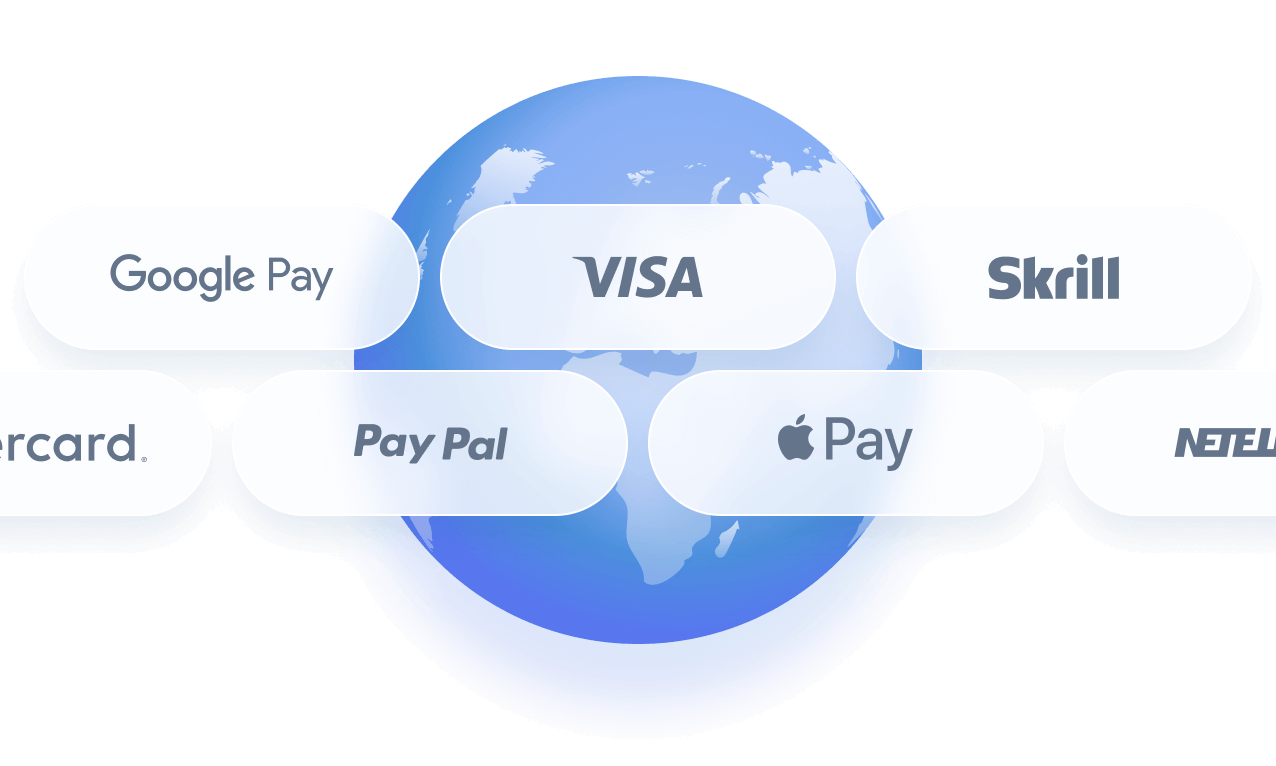
Additional payment methods

















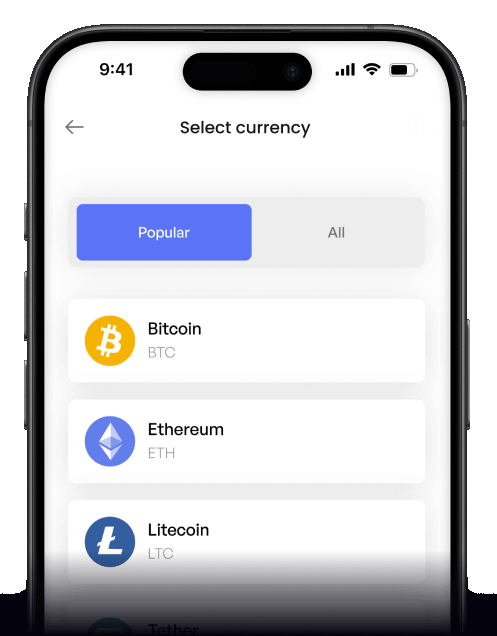
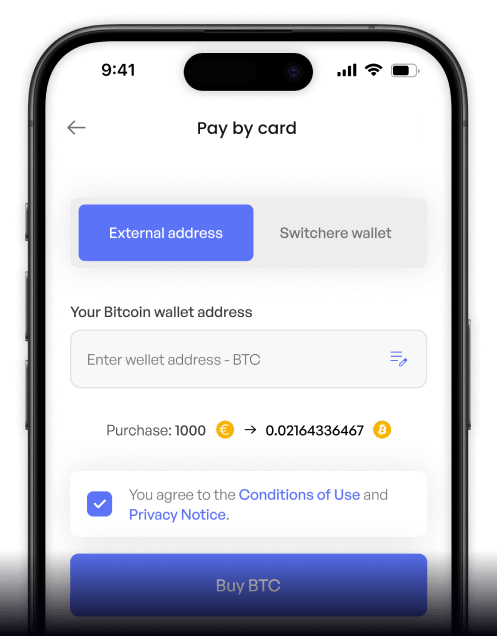
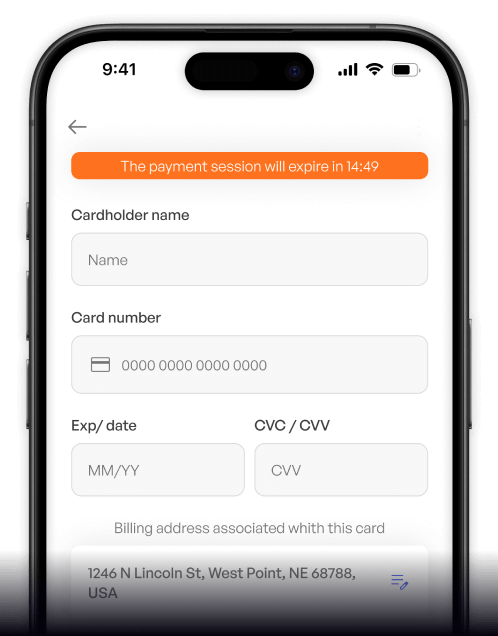
How to buy Tezos (XTZ) with Blik on Switchere
 Choose XTZ amount
 Enter wallet & Blik
 Confirm 6-digit code
Why buy Tezos (XTZ) with Blik on Switchere
Instant Blik checkout
Forget typing long credit card numbers. Just use the fast 6-digit Blik code from your Polish banking app to authorize your Tezos purchase in seconds.
Ready for baking
Receive XTZ directly to your own wallet in well under a minute. Start participating in on-chain governance and baking (staking/validating) immediately with full control of your assets.

Formal verification focus
Just as Tezos focuses on formal verification for top-tier security, Switchere ensures a highly secure, regulated environment for your fiat-to-crypto transactions, protecting your sensitive payment data.
Transparent pricing
No hidden surprises. See the final crypto amount and service fee upfront before you confirm the Blik payment. Higher verification tiers unlock significantly increased purchase limits.
Buy Tezos (XTZ) with Blik from your phone
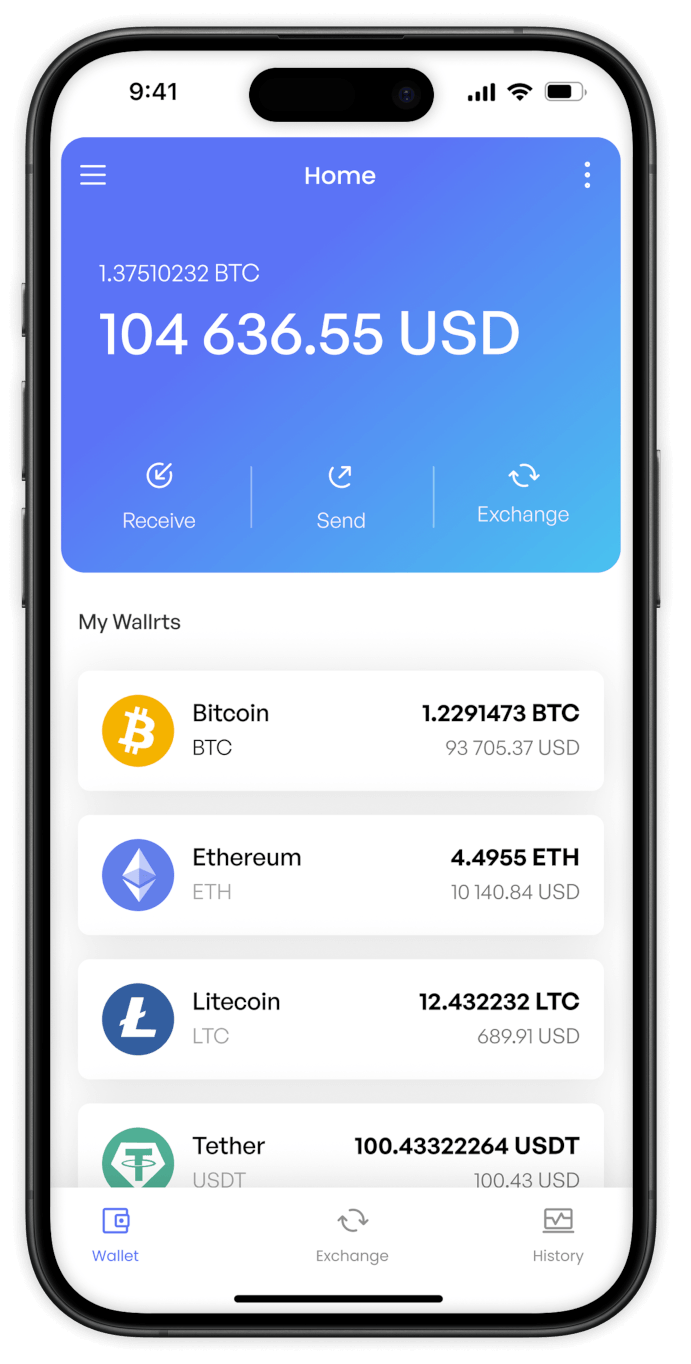
The Switchere iOS and Android app makes stacking XTZ effortless. Just enter your 6-digit Blik code to receive Tezos directly to your own non-custodial wallet on the go.


Scan to download the app iOS and Android

Track live exchange rates and the exact service fee before confirming. Enjoy full transparency without any hidden charges when finalizing your Blik transaction.

Open the app, select XTZ, and authorize your Blik payment to quickly secure an asset renowned for its formal verification and on-chain governance capabilities.
Frequently asked questions
-
Can I buy Tezos (XTZ) with Blik on Switchere?
Yes, you can easily purchase XTZ using Blik. Our fiat-to-crypto on-ramp securely processes your payment and sends the tokens directly to your personal, non-custodial Tezos wallet address. -
Why use Blik instead of typing card details?
Blik allows instant, secure payments directly from your banking app using a temporary code. It is the fastest way to get your XTZ ready for baking or participating in on-chain governance & self-amendment. -
How long until I receive my XTZ?
Blik authorizations are near-instant. Once confirmed, Tezos settles on its native Liquid Proof-of-Stake chain in well under a minute, delivering the crypto to your wallet rapidly. -
What does it cost to use Blik?
We display a transparent service fee and the live exchange rate upfront before you confirm. Regular users can also benefit from loyalty discounts, reducing fees by up to 45%. -
Are there any purchasing limits?
Yes, your purchase limits depend on your KYC verification tier. Completing higher verification levels allows you to increase your buying capacity on our platform seamlessly. -
What if my Blik code expires at checkout?
Blik codes are only valid for two minutes. If your code expires before you authorize the transaction in your mobile banking app, simply generate a new one and restart the checkout process.

Enter your code. Pay. Get Tezos.
Generate your Blik code, approve the transaction in your bank app, and watch your XTZ arrive in well under a minute. Try Switchere today.
Scan to download the app iOS and Android
