


- Home
- Buy
- Solana (SOL)
- Solana via Swish

- Home
- Buy
- Solana (SOL)
- Solana via Swish

Buy Solana (SOL) with Swish
Experience the speed of Solana's high throughput by purchasing SOL with Swish. Use your mobile device to securely authenticate the payment and receive crypto directly to your personal wallet. Enjoy low fees, live exchange rates, and sub-second finality.



Scan to download the app iOS and Android
Additional payment methods



















How to buy Solana (SOL) with Swish on Switchere
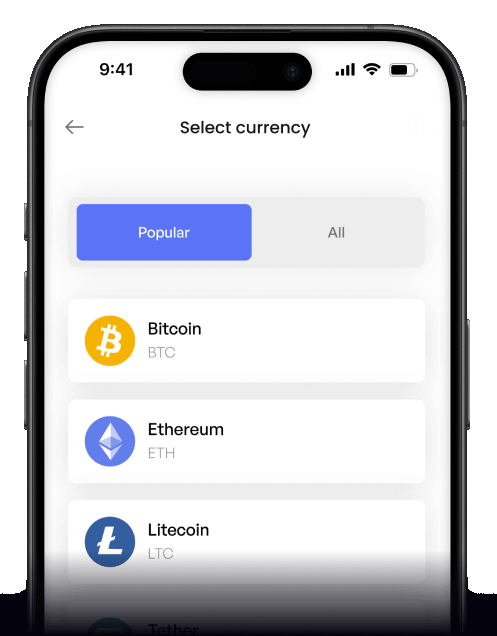
 Choose amount
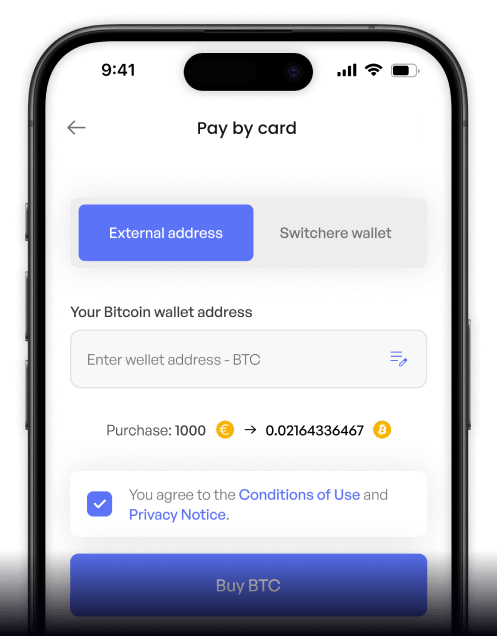
 Add wallet address
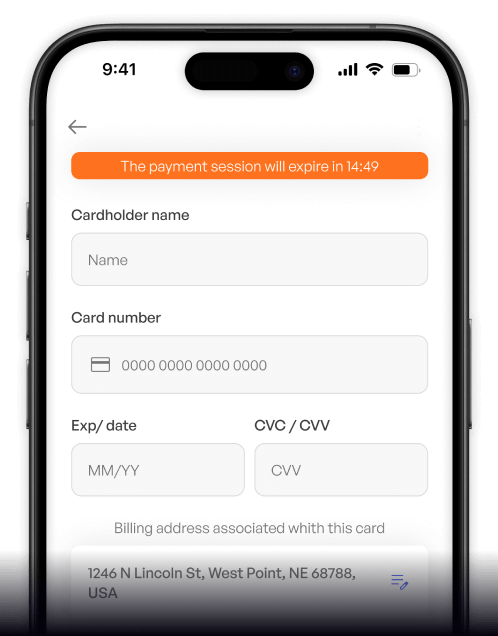
 Confirm & receive
Why buy Solana (SOL) with Swish on Switchere
Sub-Second Finality
Solana is renowned for its Proof of History consensus, delivering incredible speed. Buy SOL and watch it arrive in your personal wallet in just a few seconds.
Instant Mobile Payments
Swish provides a seamless, mobile-first checkout experience. Simply confirm the transaction in your app without the hassle of manually typing out long credit card numbers.

Transparent Pricing
We guarantee no hidden surprises. Switchere always shows the live exchange rate and the exact service fee upfront before you confirm your Swish payment.
Ready for Web3
Enter the Solana ecosystem with ease. Fund your wallet to interact with validators, manage SPL tokens, and explore decentralized apps with exceptionally low fees.

Buy Solana (SOL) with Swish from your phone
Download the Switchere app for iOS or Android to buy SOL on the go. Enjoy high throughput speeds, transparent pricing, and instant Swish approvals right from your mobile device.


Scan to download the app iOS and Android

Just select Swish at checkout, authorize the payment securely via your Swish app, and receive your Solana almost instantly.

Monitor live Solana exchange rates, track your orders, and effortlessly manage your purchases with our clean, intuitive mobile interface.
Frequently asked questions
-
Can I buy Solana (SOL) with Swish on Switchere?
Yes. You can directly purchase Solana using Swish. Simply select Swish as your payment method at checkout, approve the prompt, and the transaction settles quickly. -
Why use Swish instead of entering card details?
Swish connects directly to your bank account for secure, instant mobile approvals. You never have to manually type or share credit card numbers, ensuring a faster, safer checkout. -
How long until I receive my Solana?
Payment authorization is instant. Once confirmed, Solana’s sub-second finality means the SOL is delivered to your native wallet address in just a few seconds. -
What fees apply when using Swish for SOL?
We display the live SOL exchange rate and a transparent service fee upfront before you confirm. Regular users can also benefit from loyalty discounts on fees. -
Are there any limits on purchasing SOL with Swish?
Yes, purchase limits depend on your KYC verification tier. Completing higher verification levels grants you higher spending ceilings for your Swish transactions. -
What if the Swish app doesn't prompt me?
Ensure your Swish app is updated and properly linked to your bank. If the prompt doesn't appear, you can usually scan the checkout QR code manually to approve.

Instant Swish Checkout
Ready to experience low fees and Proof of History speed? Approve with Swish and get your Solana delivered in seconds.
Scan to download the app iOS and Android
