


- Home
- Buy
- Radix (XRD)
- Radix via Swish

- Home
- Buy
- Radix (XRD)
- Radix via Swish

Buy Radix (XRD) with Swish
Enter the DeFi-focused smart contract platform easily. Use your Swish app for a secure, seamless mobile checkout and receive XRD directly to your own wallet in just a few seconds.



Scan to download the app iOS and Android
Additional payment methods


















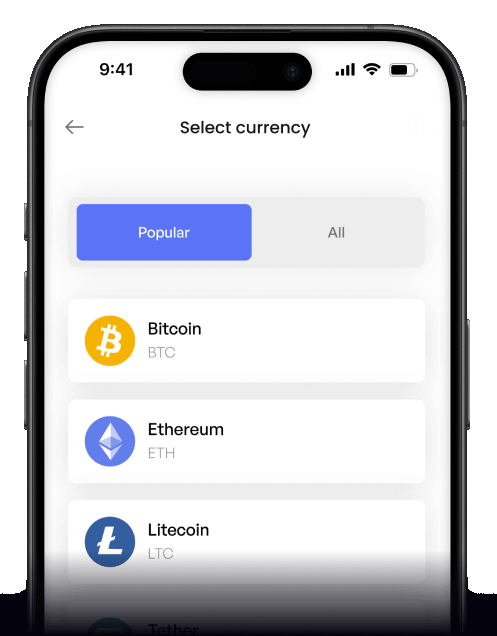
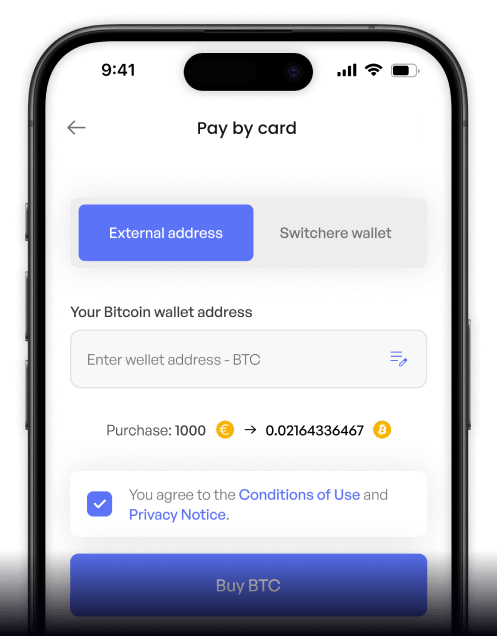
How to buy Radix with Swish on Switchere
 Choose amount
 Enter wallet address
 Confirm & receive
Why buy Radix with Swish on Switchere
Lightning-Fast Delivery
Swish settles instantly, and Radix's Cerberus consensus finalizes transactions in seconds. Get your XRD without the long waiting times of legacy blockchains.
Direct DeFi Access
Receive XRD directly to your non-custodial wallet. It is immediately ready to use within Radix's DeFi-focused smart contract platform and Scrypto ecosystem.

Secure Mobile Checkout
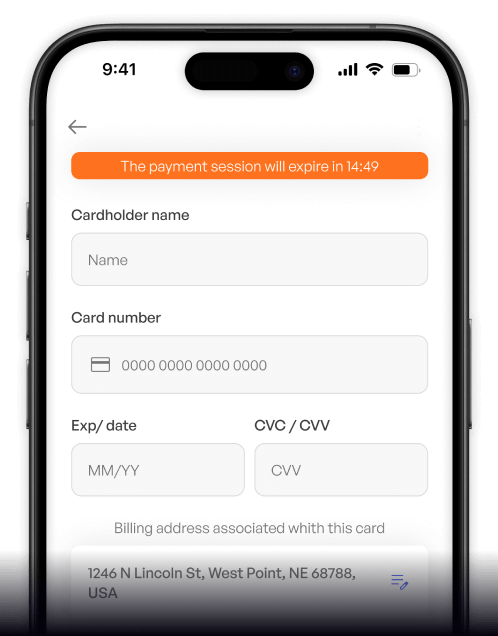
Authenticate directly through your trusted Swish app. No need to type out sensitive card numbers or bank details—just smooth, mobile-first security.
Transparent Pricing
What you see is exactly what you get. We display the live market rate and a clear service fee before you ever confirm the purchase.
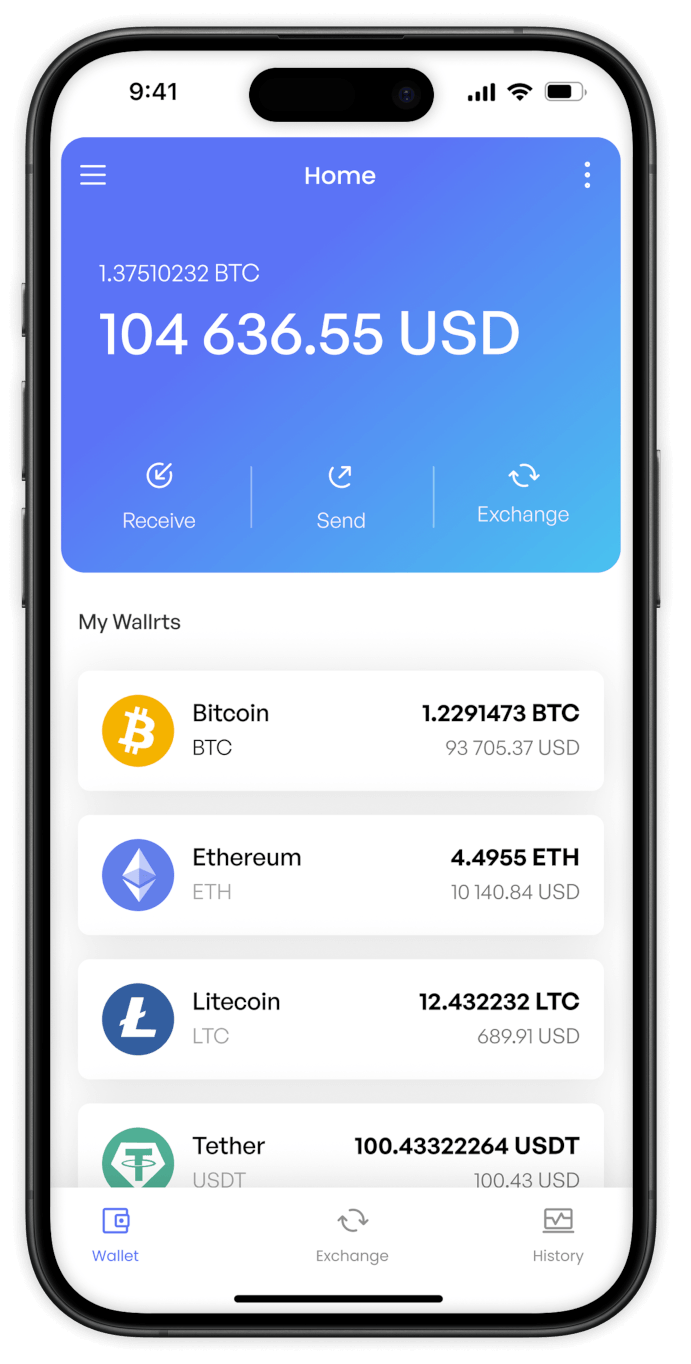
Buy Radix (XRD) with Swish from your phone
Download the Switchere app for iOS or Android to securely buy XRD on the go. Pair it with your Swish app for a lightning-fast, fully mobile crypto onboarding experience.


Scan to download the app iOS and Android

Tap through checkout and approve the payment directly in your Swish app. No tedious typing required, just a smooth, secure mobile authorization process.

Access linearly scalable sharding features faster. Our app provides clear live rates, easy navigation, and direct non-custodial delivery to your Radix wallet.
Frequently asked questions
-
Can I buy Radix (XRD) with Swish on Switchere?
Yes, you can easily buy Radix (XRD) using Swish. Just choose XRD, enter your non-custodial wallet address, and select Swish at checkout for a fast payment. -
Why use Swish instead of entering card details?
Swish connects directly to your bank account via your mobile number, eliminating the need to type out card details. It offers high-grade security and a seamless mobile checkout experience. -
How long until I receive my XRD?
Swish payment authorizations happen instantly. Once confirmed, your Radix tokens are sent over the native network, which uses the Cerberus consensus to finalize transactions on-chain in just a few seconds. -
What does it cost to buy XRD with Swish?
You will see a live, transparent exchange rate and a clear service fee before you confirm your Swish order. Switchere never adds hidden charges, and you can even earn loyalty discounts. -
Are there limits when buying Radix via Swish?
Yes, purchasing limits are tied to your KYC verification tier. As you complete higher verification levels, your buying limits increase, giving you more flexibility for larger XRD investments. -
What if I want to explore Scrypto and need more XRD?
Swish is perfect for repeat purchases. Whether you are using this DeFi-focused smart contract platform or writing Scrypto code, you can easily top up your wallet with Swish anytime.

Open Swish. Pay. Get Radix fast.
Ready to explore the Radix ecosystem? Use your Swish app to buy XRD in seconds and receive tokens directly into your own non-custodial wallet today.
Scan to download the app iOS and Android
