


Power your interest-earning accounts by purchasing Nexo directly through your Austrian bank. Use eps-Überweisung for secure, fast transactions, and get ERC-20 tokens sent straight to your personal wallet in minutes to unlock loyalty tier discounts.



Scan to download the app iOS and Android
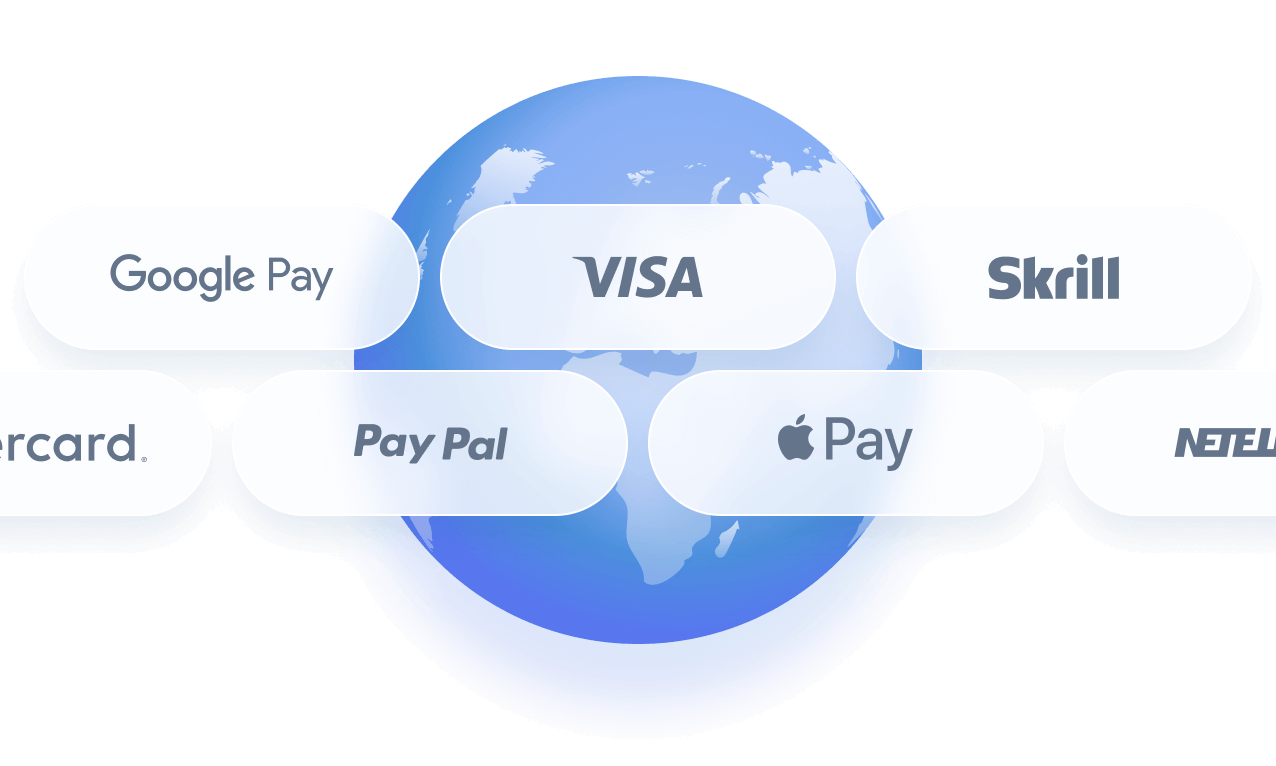
Additional payment methods

















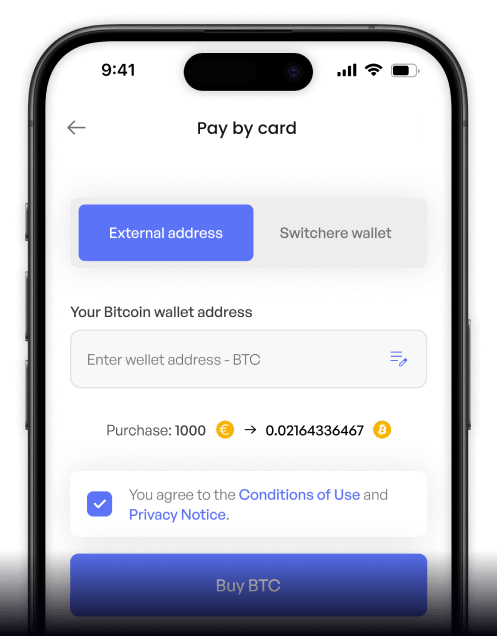
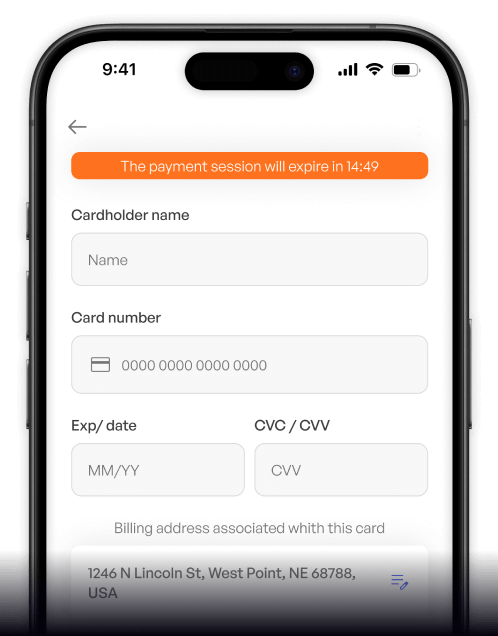
How to buy Nexo (NEXO) with EPS on Switchere
 Choose amount
 Enter wallet
 Confirm & receive
Why buy Nexo (NEXO) with EPS on Switchere
Direct Bank Approval
Skip the credit card details. With EPS, you simply log into your own bank to approve the payment, ensuring a highly secure and familiar checkout experience.
Ideal for Yield Seekers
Accumulate NEXO efficiently to upgrade your account status. More tokens mean better rates on instant crypto credit lines and boosted rewards for your interest-earning accounts.

Non-Custodial Delivery
You are always in control. Switchere sends your purchased tokens directly to your own wallet address, ensuring seamless access for use with the Nexo Card.
Transparent Pricing
What you see is exactly what you get. Our checkout displays the live exchange rate and all service fees upfront before you ever confirm your EPS transfer.

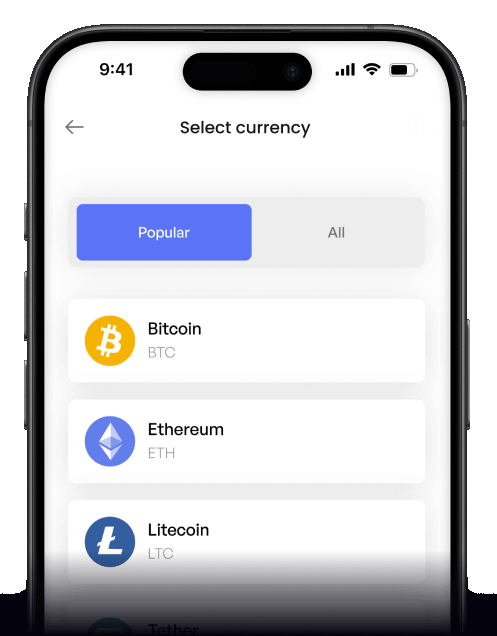
Buy NEXO with EPS from your phone
Use the Switchere app to securely purchase NEXO via EPS on the go. Available for iOS and Android, it provides a seamless bridge to your crypto lending & borrowing platform from anywhere.


Scan to download the app iOS and Android

No need to type card details on your phone. Just authorize the payment directly in your trusted Austrian banking app.

Track real-time ERC-20 network fees and live exchange rates before you confirm, ensuring complete transparency for your NEXO purchases.
Frequently asked questions
-
Can I buy Nexo (NEXO) with EPS on Switchere?
Yes, you can easily buy NEXO using EPS. Simply select EPS at checkout, log into your Austrian bank account, and authorize the EUR transfer. -
Why use EPS instead of typing credit card details?
EPS allows you to approve payments directly through your own bank's secure environment. You never have to expose your card numbers, ensuring higher privacy and safety. -
How long until I receive my NEXO tokens?
EPS payments clear instantly. Once approved, your NEXO is sent via the Ethereum network, typically arriving in seconds to a few minutes depending on ERC-20 gas congestion. -
What does it cost to buy NEXO?
You will see a transparent service fee and the live exchange rate upfront. Switchere's loyalty tier discounts can also reduce your purchase fees by up to 45%. -
Are there limits when buying NEXO with EPS?
Yes, purchase limits are based on your KYC verification tier. Completing higher verification levels unlocks greater purchasing capacity for funding your interest-earning accounts. -
What if EPS doesn't show at checkout?
Ensure your selected currency is set to EUR and you are checking out from an eligible Austrian IP. EPS is exclusively designed for supported Austrian bank accounts.

Approve in your bank. Get NEXO.
Ready to access instant crypto credit lines and earn rewards? Start your order, approve it via EPS, and get your NEXO delivered straight to your wallet.
Scan to download the app iOS and Android
