


Invest in NEM's Asia-focused enterprise blockchain heritage using Belgium's most trusted payment method. Approve the Bancontact transaction directly from your bank app and receive XEM in your wallet in about a minute, backed by the efficient NIS1 network.


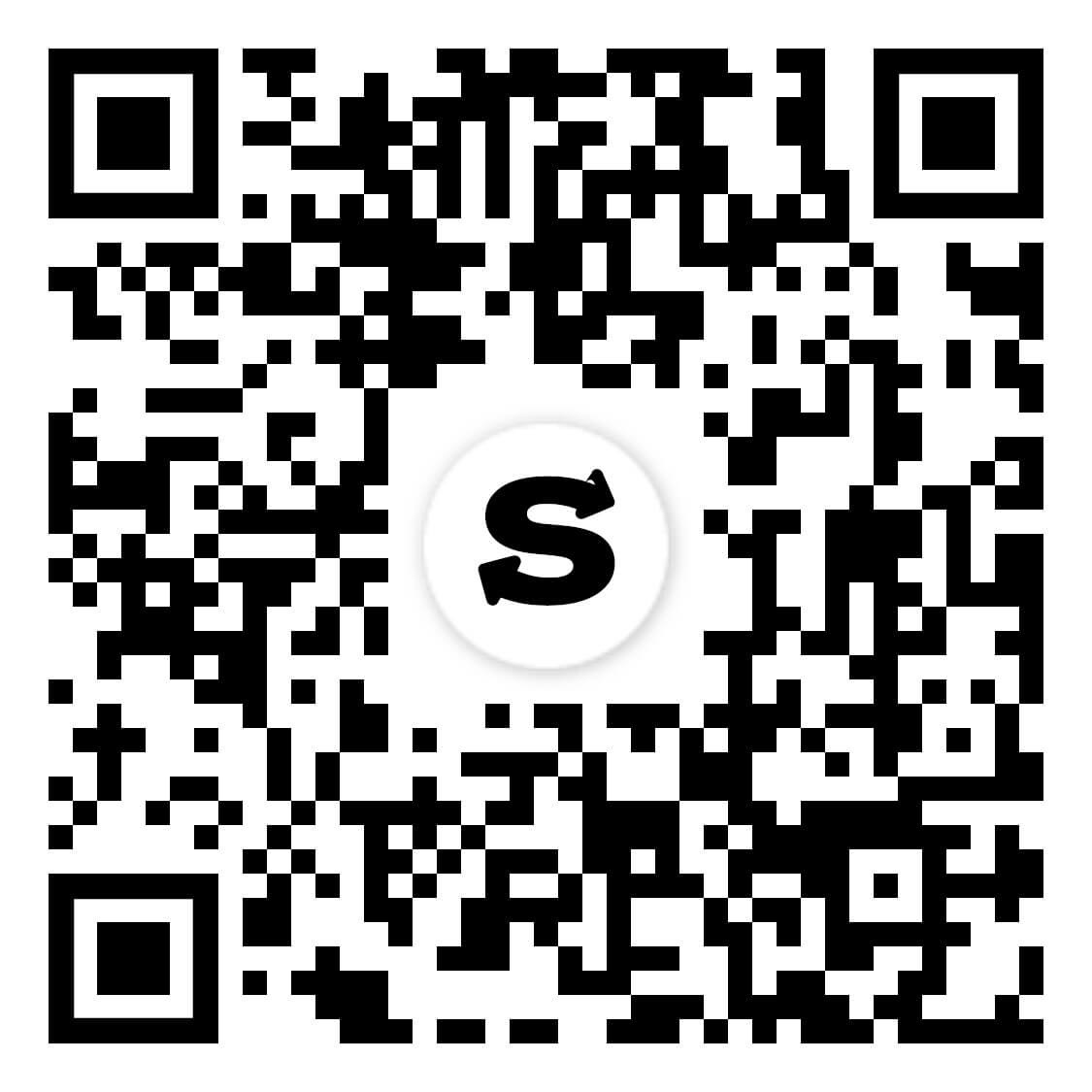
Scan to download the app iOS and Android
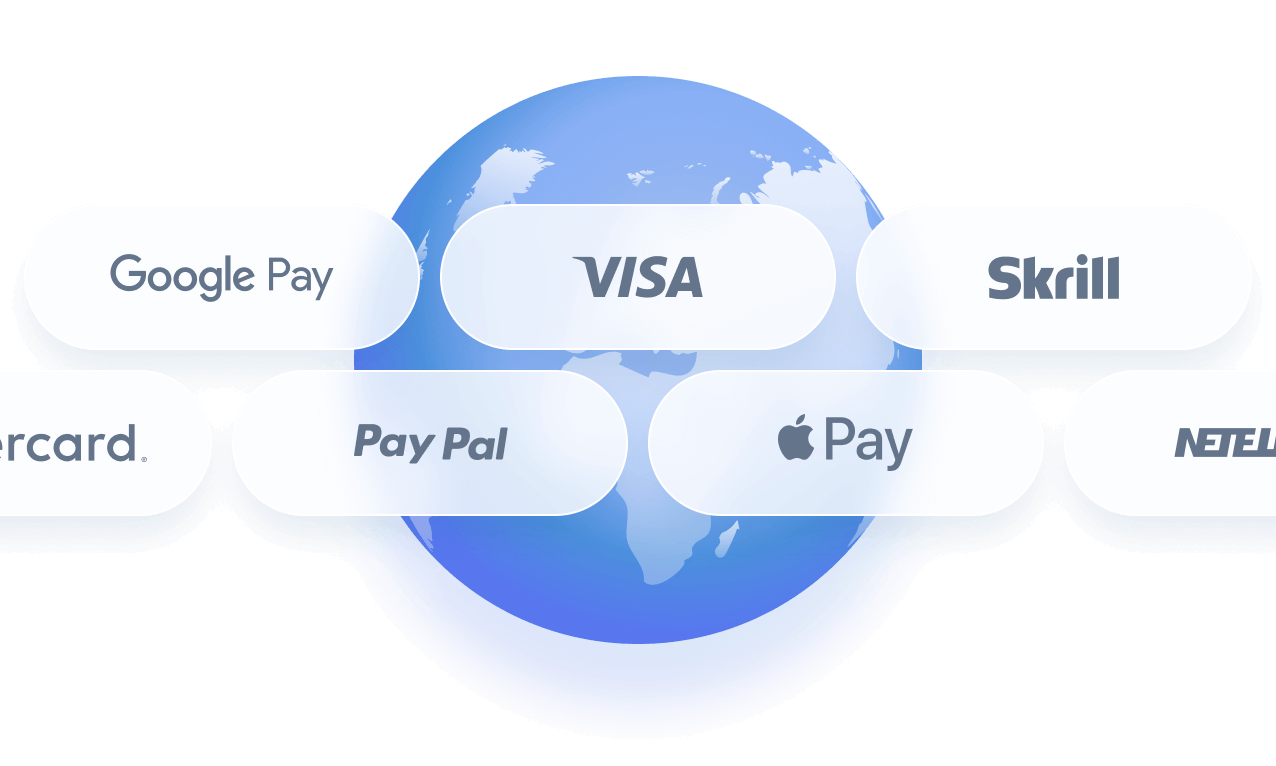
Additional payment methods

















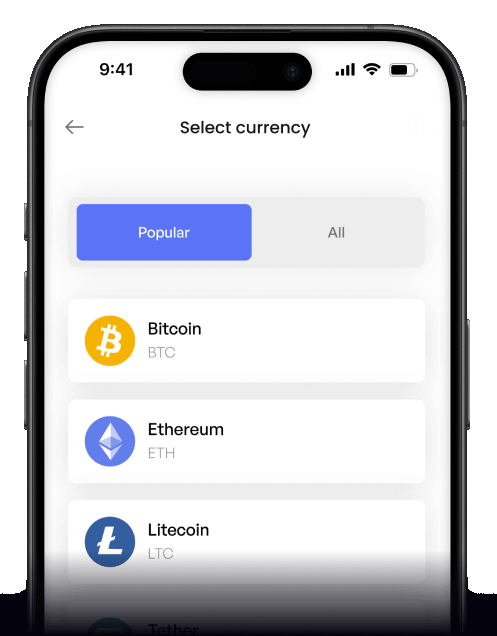
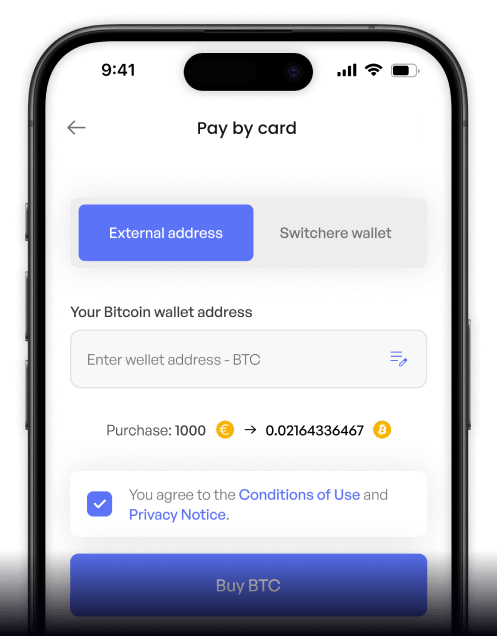
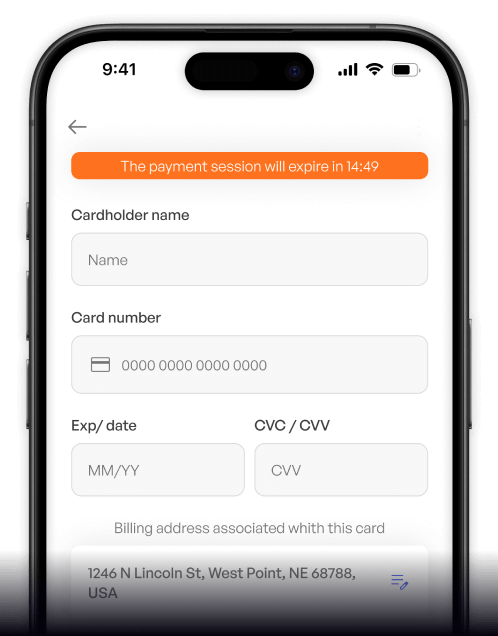
How to buy NEM (XEM) with Bancontact on Switchere
 Choose amount
 Enter Bancontact
 Confirm & receive
Why buy NEM (XEM) with Bancontact on Switchere
Trusted Belgian Checkout
Bancontact offers a seamless, highly secure way to pay using your local bank. Enjoy familiar authentication without the hassle of entering complex card details manually.
One-Minute Delivery
Thanks to NEM's efficient Proof-of-Importance consensus, your XEM transaction settles on the native chain in roughly 60 seconds after your bank approves the payment.

Transparent Pricing
We guarantee no hidden surprises. The live exchange rate and exact service fee are clearly displayed upfront, so you know exactly how much crypto you get.
Non-Custodial Security
Switchere delivers crypto directly to your personal wallet. Keep total control over your XEM assets, enabling you to participate in active node harvesting independently.

Buy NEM (XEM) with Bancontact from your phone
Experience the fastest way to add XEM to your portfolio using the Switchere iOS or Android app. Complete your Bancontact payment on the go and seamlessly track your XEM purchases.


Scan to download the app iOS and Android

Select NEM, choose Bancontact at checkout, and approve the transaction securely from your banking app. Your mobile screen guides you every step of the way.

See the exact XEM exchange rate and service fee before confirming. Monitor your multisignature accounts and track your enterprise blockchain assets all from your device.
Frequently asked questions
-
Can I buy NEM (XEM) with Bancontact on Switchere?
Yes, Switchere offers a direct fiat-to-crypto on-ramp for Belgian users. You can easily purchase XEM using Bancontact to fund your preferred NEM wallet directly. -
Why use Bancontact instead of typing card details?
Bancontact connects securely to your banking app, eliminating the need to type out sensitive card numbers. It provides a familiar, frictionless experience with higher success rates for buying crypto. -
How long until I receive my XEM?
Once your Bancontact payment clears, the transaction is broadcast to the NIS1 network. Because of the efficient Proof-of-Importance consensus, XEM typically settles in your wallet in about a minute. -
What does it cost to buy NEM here?
Switchere shows the exact live exchange rate and a transparent service fee before you confirm your Bancontact payment. Plus, our loyalty program offers fee discounts of up to 45%. -
Are there limits on my Bancontact purchases?
Yes, your purchasing capacity depends on your KYC verification tier. Moving up through the identity verification levels unlocks higher transaction ceilings for your Bancontact deposits and XEM harvesting activities. -
What if Bancontact doesn't show at checkout?
Bancontact is typically available for users paying in Euros (EUR) in supported regions like Belgium. Check that your selected fiat currency is EUR and your account settings match.

Pay from your bank. Get XEM fast.
Ready to explore its Asia-focused enterprise blockchain heritage? Start your Switchere order, approve the Bancontact payment in your banking app, and receive your XEM immediately.
Scan to download the app iOS and Android
