


Step into the Cosmos SDK DeFi hub in seconds. Connect your Kava wallet and approve the transaction directly from your Bancomat Pay app. Enjoy a smooth, cardless fiat-to-crypto gateway built for cross-chain lending enthusiasts.


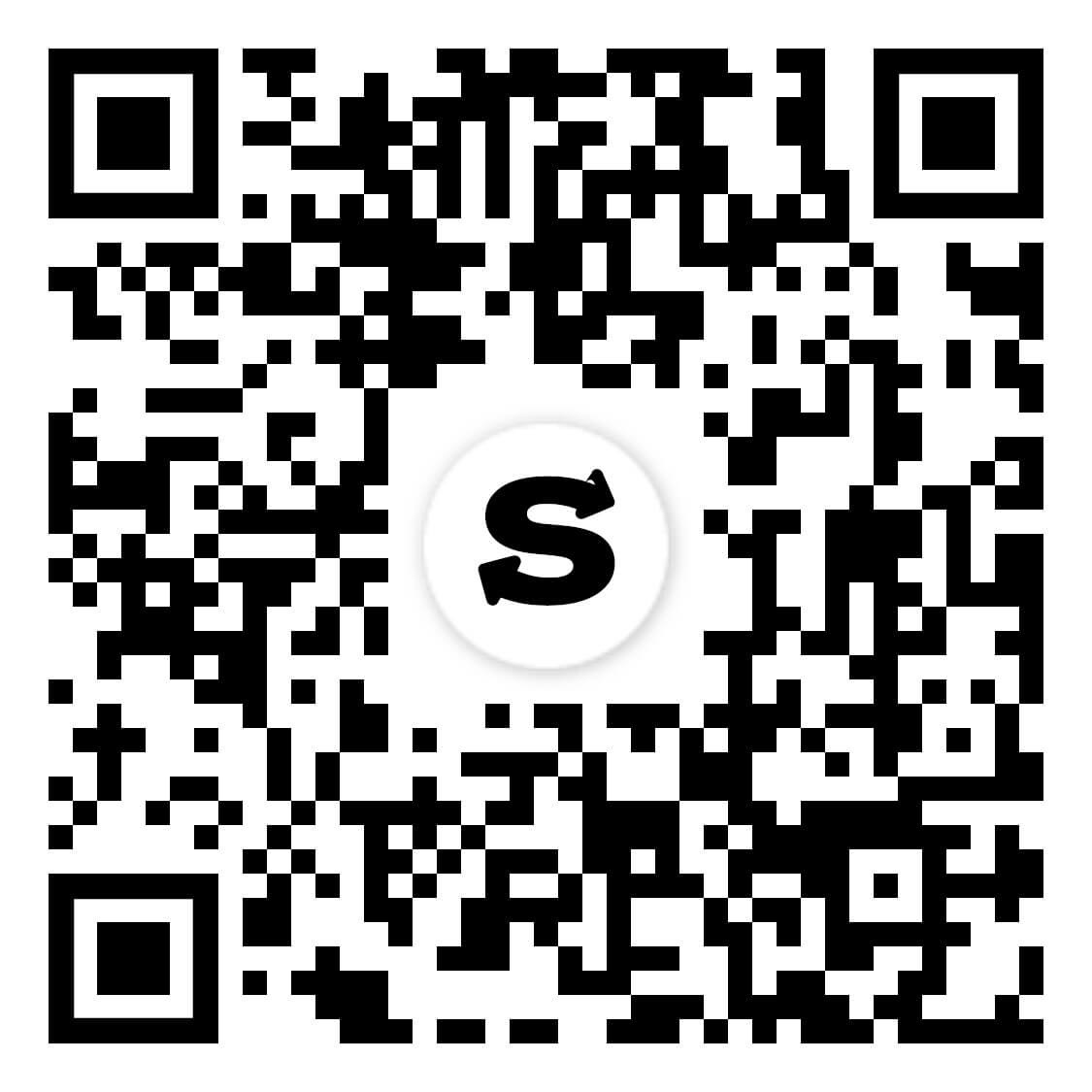
Scan to download the app iOS and Android
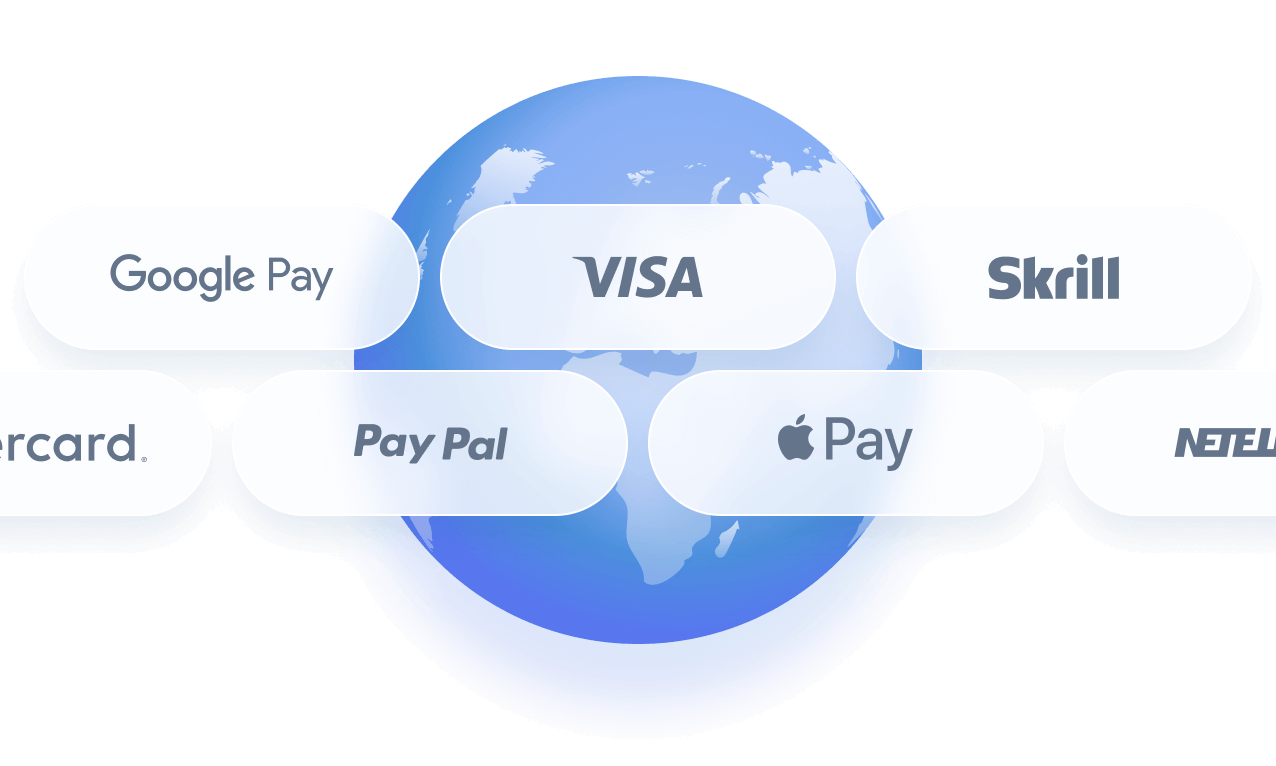
Additional payment methods

















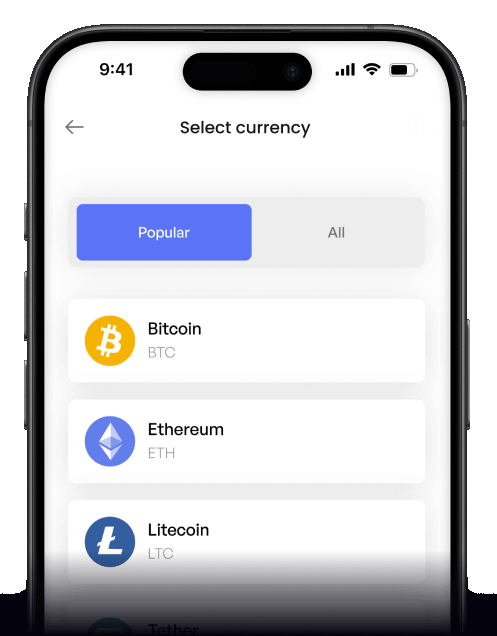
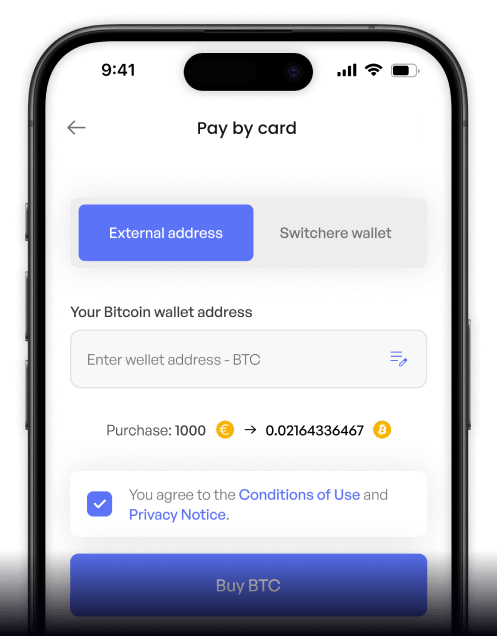
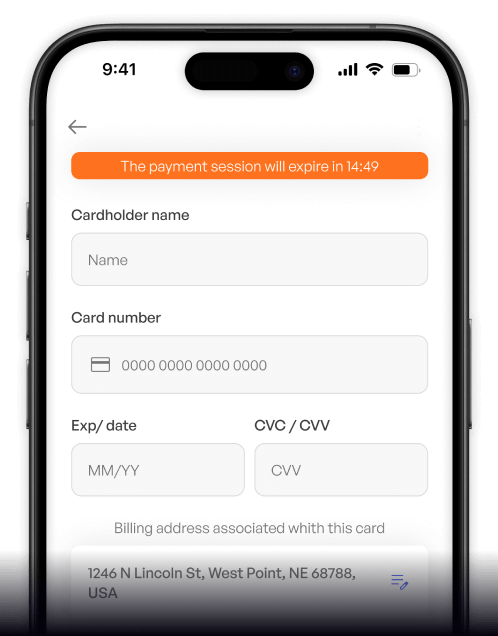
How to buy Kava with Bancomat Pay on Switchere
 Choose amount
 Add wallet address
 Confirm & receive
Why buy Kava with Bancomat Pay on Switchere
Instant App Approval
Skip typing lengthy card details. Approve your EUR payment directly in the Bancomat Pay app for a frictionless, highly secure fiat-to-crypto checkout.
Rapid On-Chain Delivery
Thanks to Kava's Tendermint BFT consensus, blocks settle in roughly 6 seconds. Once your Bancomat Pay transfer clears, your crypto arrives almost instantly.

Built for DeFi
Seamlessly fund your EVM co-chain wallet to explore IBC interoperability and decentralized money markets. We deliver non-custodial KAVA right to your personal address.
Transparent Pricing
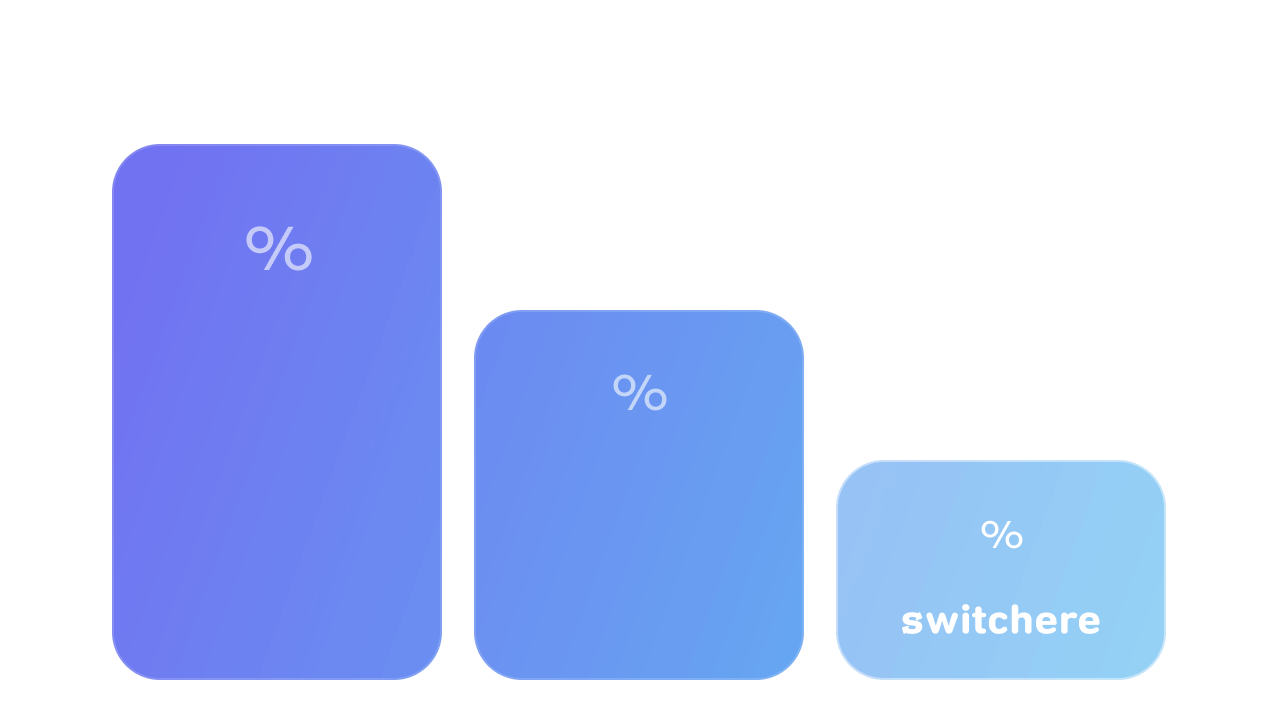
What you see is what you get. Switchere guarantees no hidden charges, displaying the exact exchange rate and service fee upfront before you confirm.
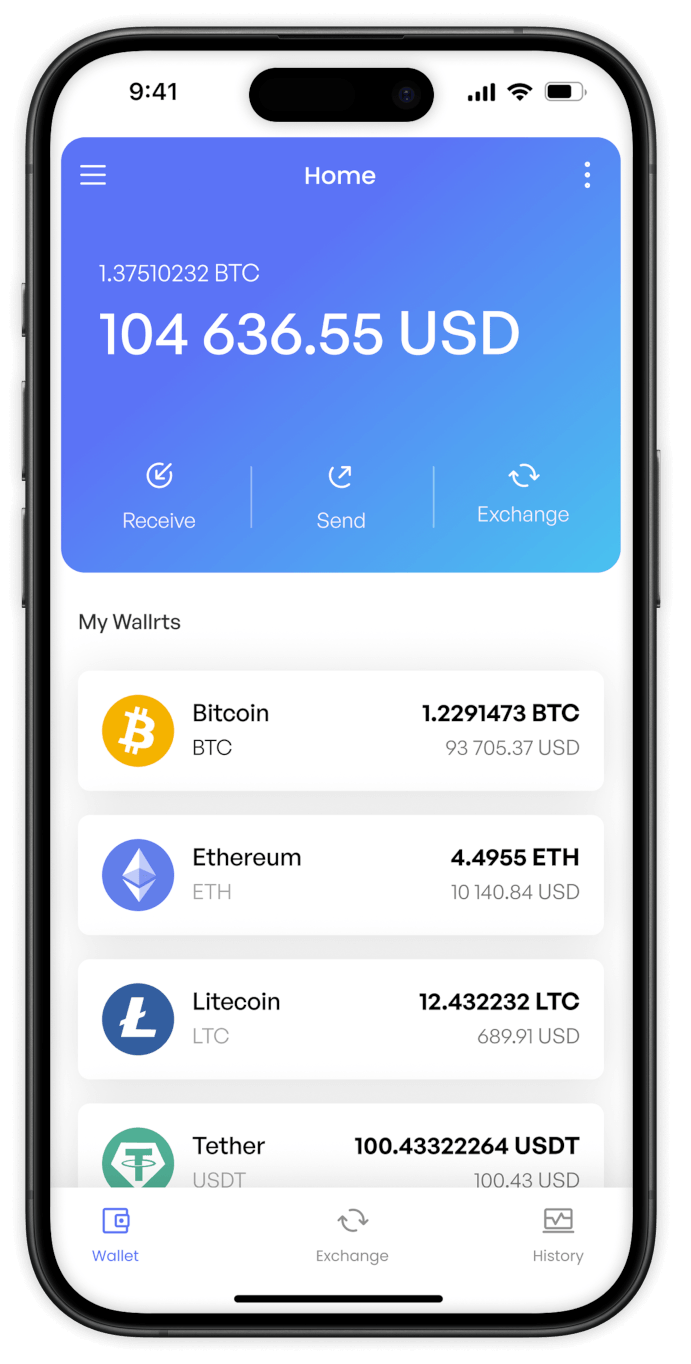
Buy Kava (KAVA) with Bancomat Pay from your phone
Access the Cosmos SDK DeFi hub on the go. Download the Switchere app for iOS or Android, select Bancomat Pay, and fund your cross-chain lending activities from anywhere, anytime.


Scan to download the app iOS and Android

Select KAVA, choose Bancomat Pay, and authenticate in your banking app. Your EVM co-chain assets are delivered without hassle.

Track live exchange rates and upfront fees. What you see is exactly what you get when exploring DeFi money markets.
Frequently asked questions
-
Can I buy Kava (KAVA) with Bancomat Pay on Switchere?
Yes. You can securely purchase KAVA directly to your own wallet using Bancomat Pay. It’s a fast, non-custodial way to enter the Cosmos SDK DeFi hub. -
Why use Bancomat Pay instead of typing card details?
Bancomat Pay lets you approve the transaction directly in your banking app or via QR code. No need to expose your card number, ensuring higher security and a smoother checkout. -
How long until I receive my KAVA?
Once authorized via Bancomat Pay, Kava's fast Tendermint BFT processes transactions quickly. Delivery to your EVM co-chain wallet typically takes just a few seconds. -
What does it cost to buy KAVA?
Switchere displays the live exchange rate and a transparent service fee before you confirm. Regular users can even unlock loyalty discounts up to 45% on fees. -
Are there limits on how much KAVA I can buy?
Yes, purchasing limits depend on your current KYC verification tier. Completing higher verification levels allows you to increase your buying capacity for cross-chain lending and trading. -
What if Bancomat Pay doesn't show at checkout?
Ensure your region supports Bancomat Pay and that you have completed the necessary KYC steps. Contact our 24/7 support if you need help funding your DeFi money markets journey.

Instant Bancomat Pay Checkout
Ready to explore IBC interoperability? Enter your KAVA wallet address, approve the payment via Bancomat Pay, and receive your tokens in seconds.
Scan to download the app iOS and Android
