


- Home
- Buy
- ICON (ICX)
- ICON via Swish

- Home
- Buy
- ICON (ICX)
- ICON via Swish

Buy ICON (ICX) with Swish
Enter the ICON Republic effortlessly. Use your Swish app to buy ICX instantly with a tap, fueling blockchain interoperability (BTP). Enjoy transparent rates and direct non-custodial delivery.



Scan to download the app iOS and Android
Additional payment methods



















How to buy ICON (ICX) with Swish on Switchere
 Choose amount
 Add wallet address
 Confirm & receive
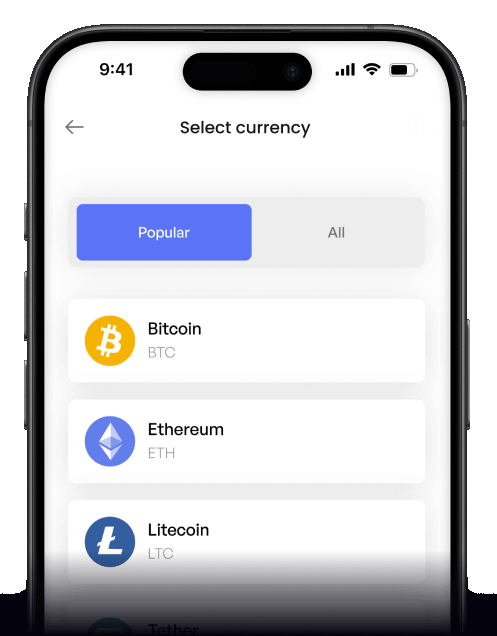
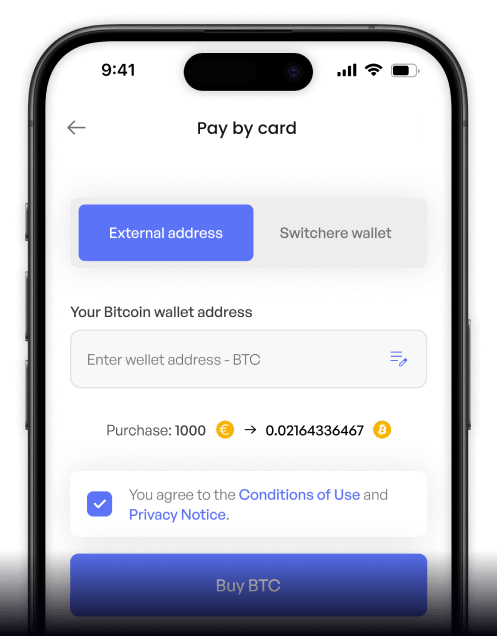
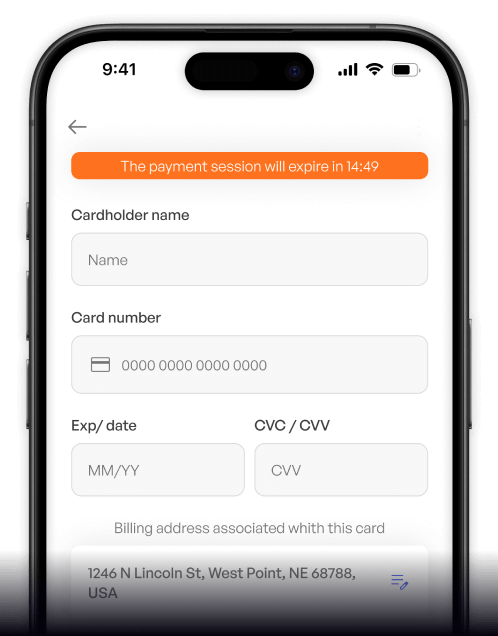
Why buy ICON (ICX) with Swish on Switchere
Instant Swish Approvals
Skip typing long card numbers. Just open your Swish app to approve the payment securely and instantly fund your crypto purchase without delays.
Built for the Ecosystem
Whether you are engaging with a DApp platform or exploring the Korean blockchain ecosystem, get your ICX directly to your non-custodial wallet.

Lightning-Fast Delivery
Capitalize on ICON's LFT2 consensus. After Swish payment confirmation, your ICX is delivered on-chain to your personal wallet address in a few seconds.
No Hidden Fees
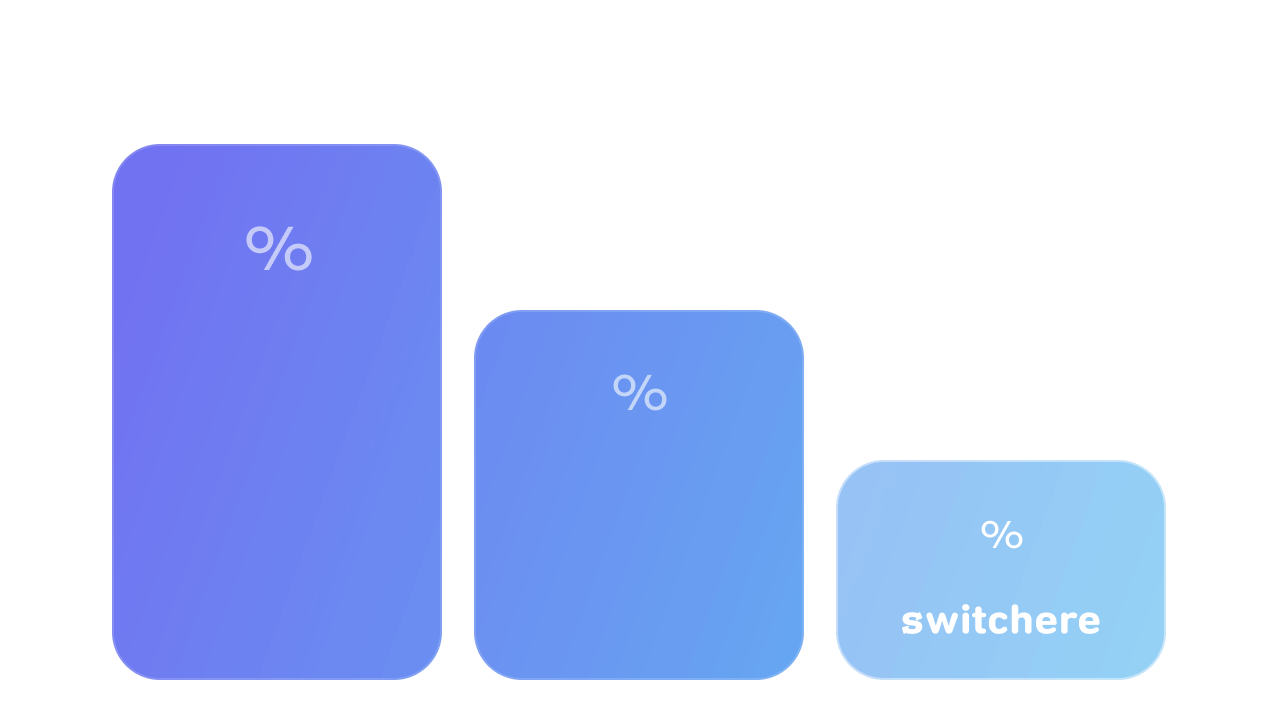
We guarantee complete transparency. The live ICX exchange rate and any service fees are fully displayed before you confirm your Swish payment.
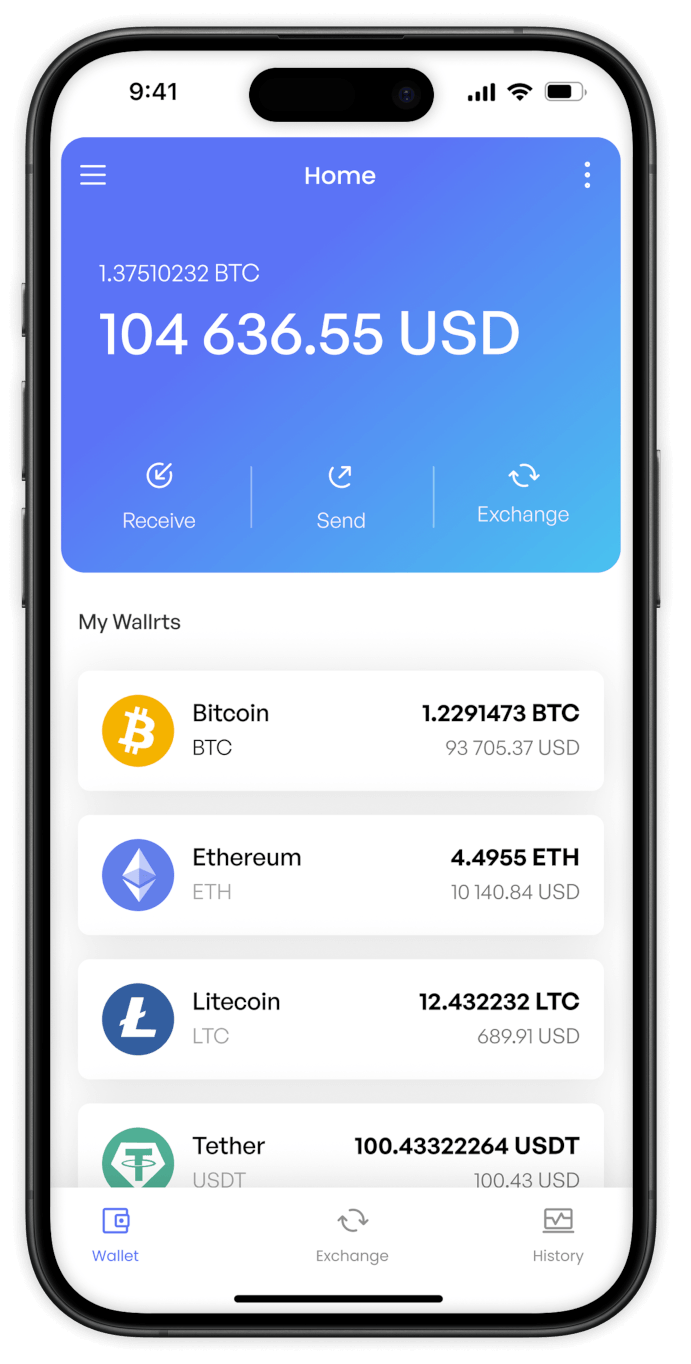
Buy ICON (ICX) with Swish from your phone
Tap into the ICON Republic wherever you are. Use the Switchere iOS or Android app to easily buy ICX using Swish. Our interface ensures smooth transactions for the Korean blockchain ecosystem and beyond.


Scan to download the app iOS and Android

Verify your account, pick ICX, and confirm via Swish. You will fund your DApp platform ventures in a few quick taps.

View the live exchange rate and our transparent service fee upfront. You always know the exact amount of ICX you will receive.
Frequently asked questions
-
Can I buy ICON (ICX) with Swish on Switchere?
Yes, you can easily buy native ICX using Swish on Switchere. Choose the coin, enter your wallet address, and use Swish at checkout for a fast, non-custodial delivery. -
Why use Swish instead of typing card details?
Swish offers an instant, mobile-first payment experience directly linked to your bank. You avoid typing long card numbers, reducing errors while ensuring maximum security for your transactions. -
How long until I receive my ICX?
Swish payments authorize instantly. Once confirmed, your ICX is sent via the native ICON network. Thanks to its fast LFT2 consensus, delivery to your wallet takes just a few seconds. -
What are the fees for buying ICX?
Switchere displays the live market rate and a transparent service fee before you confirm your Swish payment. There are no hidden charges. Regular buyers can even enjoy loyalty discounts. -
Are there limits when buying ICON with Swish?
Yes, limits depend on your KYC verification tier. By completing higher verification levels on Switchere, you can unlock higher purchasing ceilings to explore blockchain interoperability (BTP) and other features. -
What if my Swish payment stays pending?
Swish transfers are typically instant. If it stays pending, ensure you fully approved the prompt in your banking app. Our 24/7 customer support is also ready to help you.

Open Swish. Approve. Done.
Ready to explore the ICON network? Choose ICX, complete your Swish payment instantly, and receive your tokens to your own wallet in just a few seconds.
Scan to download the app iOS and Android
