


Skip the hassle of typing card numbers and use your trusted Bancontact app for seamless Belgian bank payments. Purchase EOS on Switchere and receive your crypto in seconds to interact with high-throughput smart contracts on the Antelope network.



Scan to download the app iOS and Android
Additional payment methods


















How to buy EOS with Bancontact on Switchere
 Choose amount
 Add wallet address
 Confirm & receive
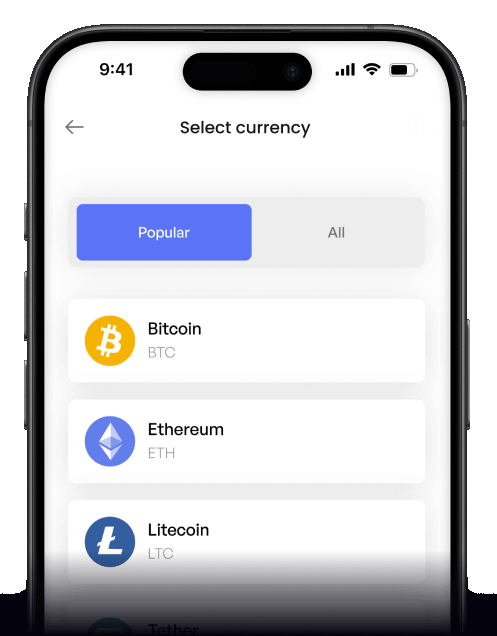
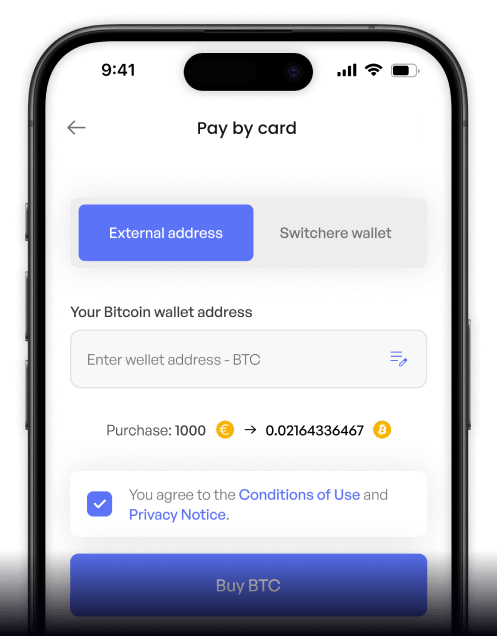
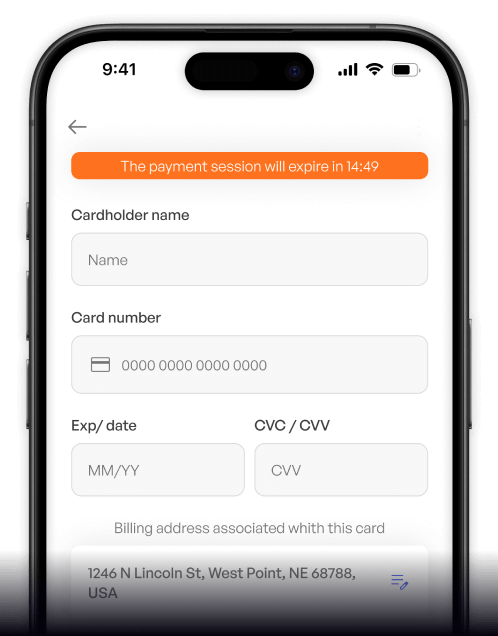
Why buy EOS with Bancontact on Switchere
Instant Belgian Bank Rails
Bancontact connects securely to your Belgian bank for real-time approvals. No credit card required—just tap to confirm in your familiar banking app and finalize your purchase.
Lightning-Fast Delivery
EOS is known for its sub-second blocks and feeless resource model. Once your payment clears, your tokens land in your non-custodial wallet in a few seconds.

Transparent & Secure Flow
We always display the final crypto amount upfront. Switchere uses regulated partner infrastructure to ensure your bank details and delegated proof-of-stake investments remain completely secure.
Optimized for Antelope
Built for Web3 enthusiasts and block producers, our platform ensures your assets are delivered natively on the Antelope (EOSIO) network exactly when you need them.
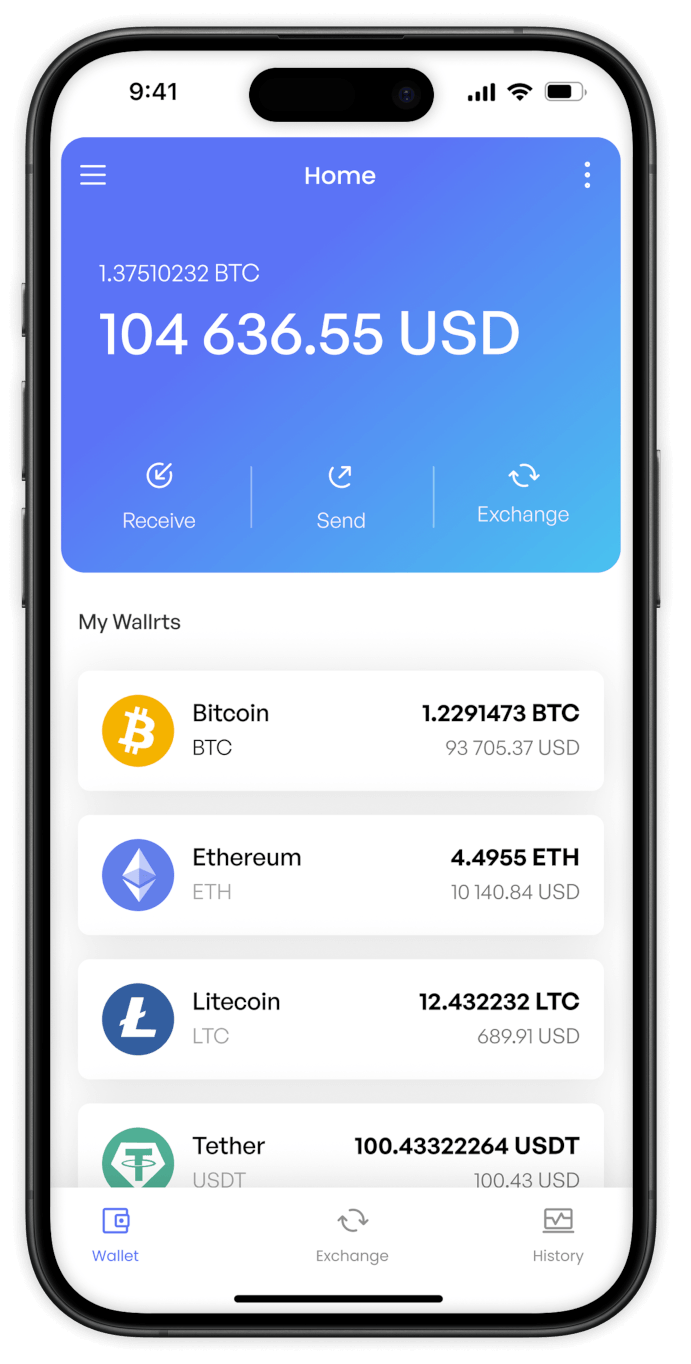
Buy EOS with Bancontact from your phone
Access the decentralized web on the go. Use the Switchere app for iOS or Android to buy EOS instantly with Bancontact, whether you are at home or commuting.


Scan to download the app iOS and Android

Simply connect to your Bancontact app, authorize the transaction securely, and receive EOS right into your mobile wallet.

Track live rates for high-throughput smart contracts and monitor your purchase limits directly from your smartphone dashboard.
Frequently asked questions
-
Can I buy EOS with Bancontact on Switchere?
Yes. Switchere allows you to purchase EOS using Bancontact. Enjoy a seamless checkout process and receive your tokens directly to your non-custodial wallet address. -
Why use Bancontact instead of typing card details?
Bancontact lets you authorize the payment directly through your secure banking environment or app. It is faster, eliminates manual card entry errors, and offers bank-grade security. -
How long until I receive my EOS?
Because the Antelope (EOSIO) network utilizes a delegated proof-of-stake system with sub-second blocks, your EOS typically arrives in just a few seconds after payment approval. -
What does it cost to buy EOS?
You will always see the live exchange rate and a transparent service fee before you confirm. Active users can also benefit from loyalty discounts up to 45%. -
Are there limits on my purchase?
Yes. Your Bancontact purchasing limits depend on your KYC verification tier. Completing higher verification levels unlocks greater ceilings for your crypto orders. -
What if my Bancontact payment is delayed?
Bancontact payments are typically real-time. If the settlement is pending, wait a moment. Once cleared, the block producers will validate your transaction instantly.

Instant Bancontact Checkout
Experience the feeless resource model of EOS. Choose your amount, authorize via Bancontact, and receive your crypto fast.
Scan to download the app iOS and Android
