


Use your Bancomat Pay app to invest in the mobile-first blockchain driving global financial inclusion. Authenticate seamlessly through your trusted Italian banking provider on Switchere and receive your CELO directly to your personal wallet in just a few seconds.



Scan to download the app iOS and Android
Additional payment methods



















How to buy Celo with Bancomat Pay on Switchere
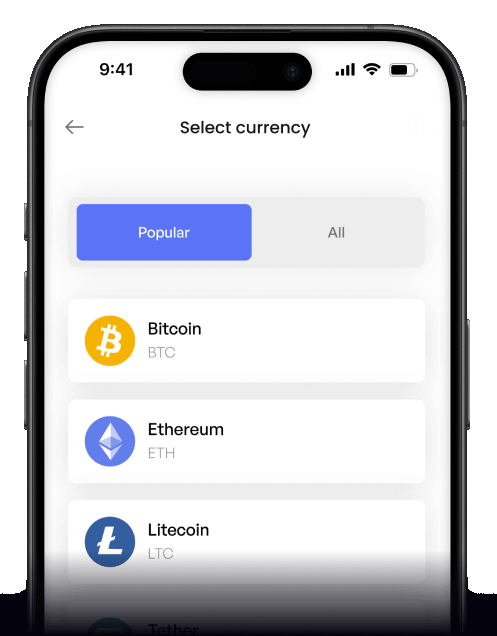
 Choose amount
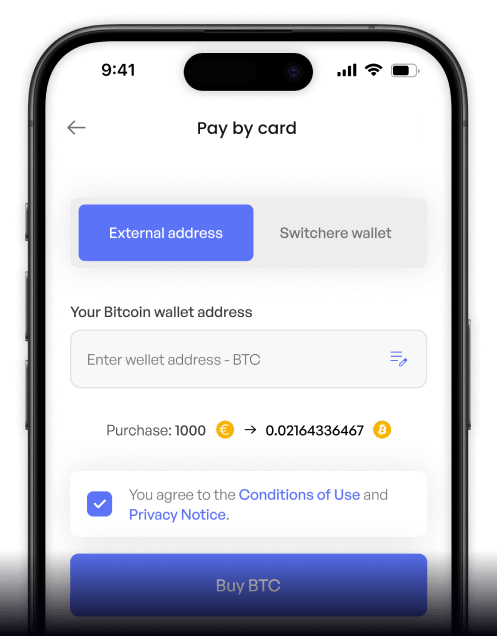
 Add wallet address
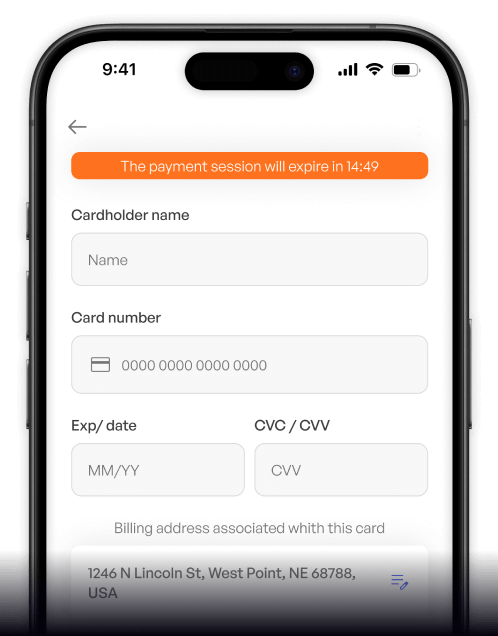
 Confirm & receive
Why buy Celo with Bancomat Pay on Switchere
Bank-Grade Security
Bancomat Pay links directly to your bank account, allowing you to authorize crypto purchases securely from your phone without ever exposing raw credit card numbers online.
Mobile Finance Match
Celo is a mobile-first blockchain supporting cUSD and cEUR stablecoins. Combine it with your Bancomat Pay app for a completely phone-centric DeFi and regenerative finance (ReFi) experience.

Transparent Pricing
Say goodbye to hidden charges. Switchere displays the exact exchange rate and service fee before you confirm your Bancomat Pay order, ensuring complete clarity at checkout.
Lightning-Fast Delivery
Because Celo operates as an efficient Ethereum Layer-2 network, your newly purchased assets arrive in your personal non-custodial wallet in mere seconds after payment approval.
Buy Celo (CELO) with Bancomat Pay from your phone
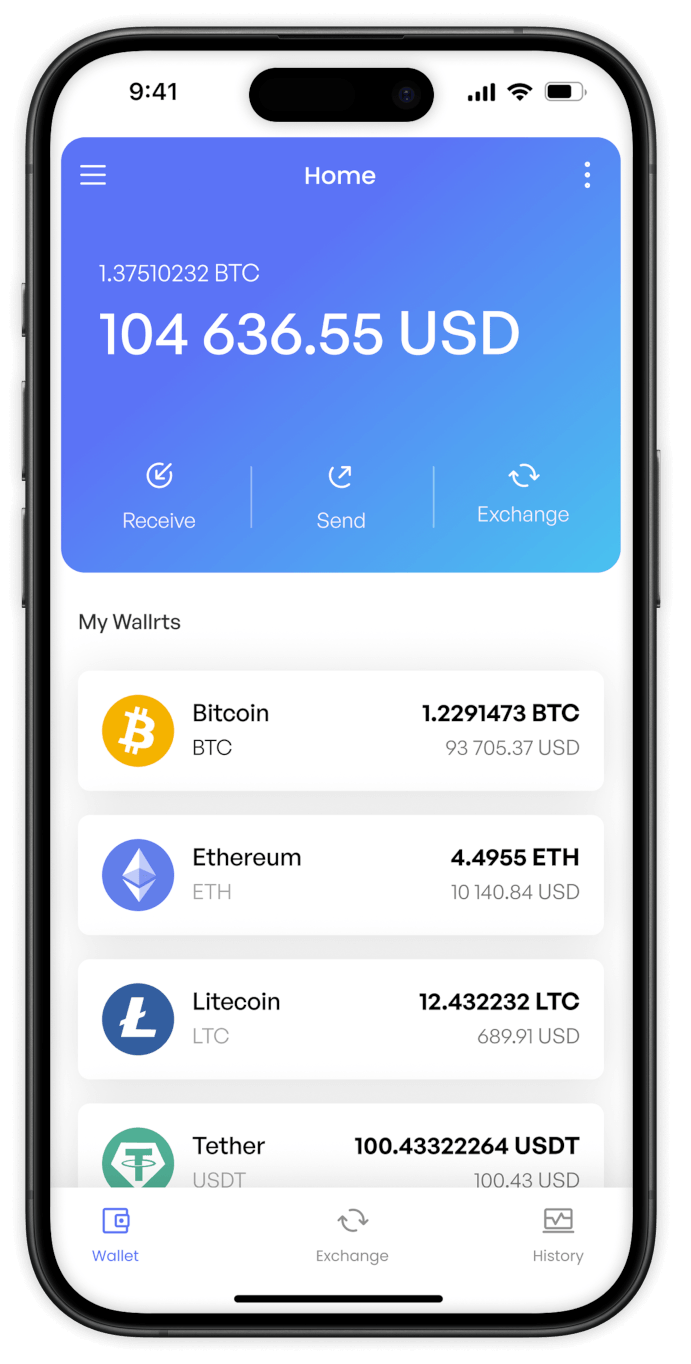
Take the mobile-first blockchain wherever you go. The Switchere app lets you purchase CELO using Bancomat Pay on both iOS and Android, offering secure and intuitive access to decentralized finance.


Scan to download the app iOS and Android

Navigate the crypto market easily. Our app provides transparent exchange rates and service fees upfront before you confirm your Bancomat Pay order.

Effortlessly fund your Celo wallet. Select your token amount, authenticate through your bank's Bancomat Pay interface, and secure your assets on the go.
Frequently asked questions
-
Can I buy Celo (CELO) with Bancomat Pay on Switchere?
Yes, you can instantly purchase CELO using Bancomat Pay. Simply select Celo, enter your amount, and confirm the transaction via your connected Italian banking app for seamless on-chain delivery. -
Why use Bancomat Pay instead of typing card details?
Bancomat Pay connects directly to your bank account, meaning you never expose card numbers. It is a highly secure, fast way to access the Celo ecosystem and its cUSD/cEUR stablecoins. -
How long until I receive my CELO?
Once you authorize the payment via your bank app, Switchere processes the order instantly. Delivery on the Celo network (an Ethereum Layer-2) finalizes in just a few seconds. -
What does it cost to buy CELO this way?
Switchere displays a fully transparent live exchange rate and a clear service fee before you pay. Regular buyers can also earn loyalty discounts of up to 45% on fees. -
Are there purchase limits for Bancomat Pay?
Yes, your buying limits depend on your KYC verification tier. Completing higher verification levels unlocks larger purchase limits, allowing you to participate more fully in regenerative finance (ReFi). -
What if the Bancomat Pay option doesn't appear at checkout?
Ensure your account meets the regional requirements for this Italian banking method. Once resolved, you can quickly fund your phone-number wallet addresses to support global financial inclusion.

Approve in your app. Get Celo fast.
Ready to explore a mobile-first blockchain? Log into Switchere, select Bancomat Pay, and have CELO sent straight to your personal wallet in seconds.
Scan to download the app iOS and Android
