


- Home
- Buy
- Binance Coin (BNB)
- BNB via Bancontact

- Home
- Buy
- Binance Coin (BNB)
- BNB via Bancontact

Buy Binance Coin (BNB) with Bancontact
Power your DeFi journey with the native token of the Binance ecosystem. Use Bancontact on Switchere to purchase BNB securely directly from your Belgian bank app. Enjoy low transaction fees and transparent rates before you confirm.


Scan to download the app iOS and Android
Additional payment methods



















How to buy Binance Coin (BNB) with Bancontact on Switchere
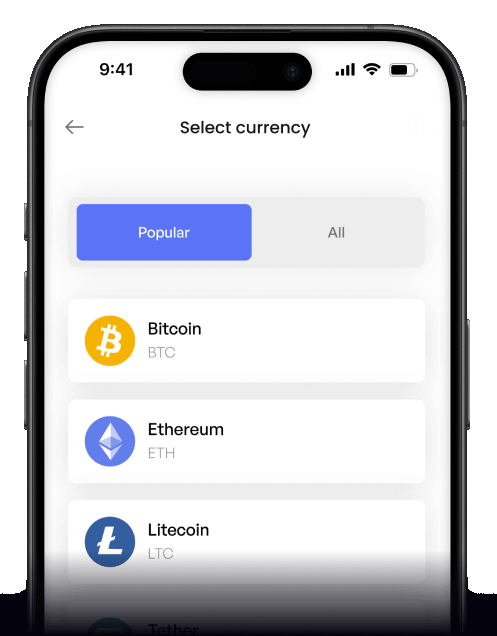
 Choose BNB amount
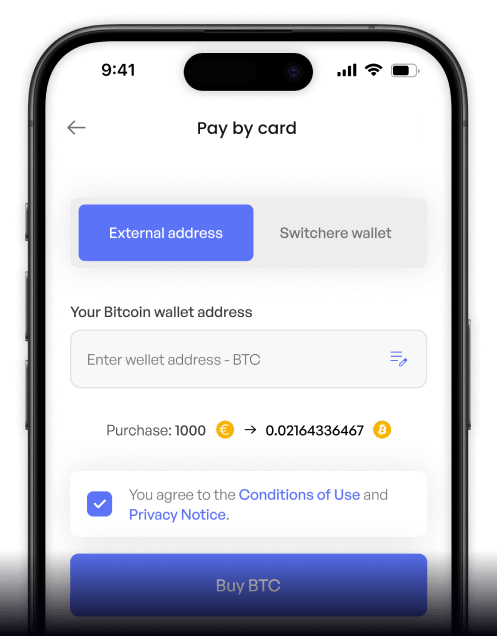
 Enter wallet address
 Approve & receive
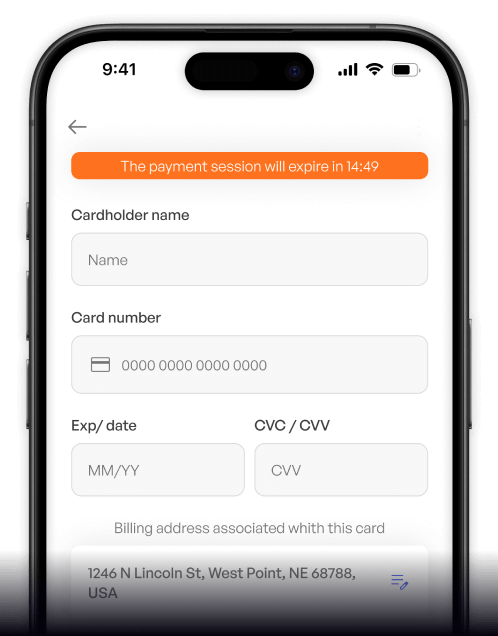
Why buy Binance Coin (BNB) with Bancontact on Switchere
Fast Belgian Checkout
Seamlessly approve the transaction using your familiar Bancontact banking app. There are no long forms or manual card entries—just instant, secure local payments.
Lightning-Fast Finality
The BNB Smart Chain is built for speed with roughly three-second block times. Your crypto lands in your non-custodial wallet almost the moment payment clears.

DeFi Ecosystem Access
Securing BNB gives you immediate access to the broader PancakeSwap ecosystem and other EVM-compatible dApps. Fuel your Web3 exploration with incredibly low transaction fees.
Transparent Pricing
Know exactly what you pay upfront. Switchere displays the live exchange rate and all service fees clearly before you confirm your Bancontact order.
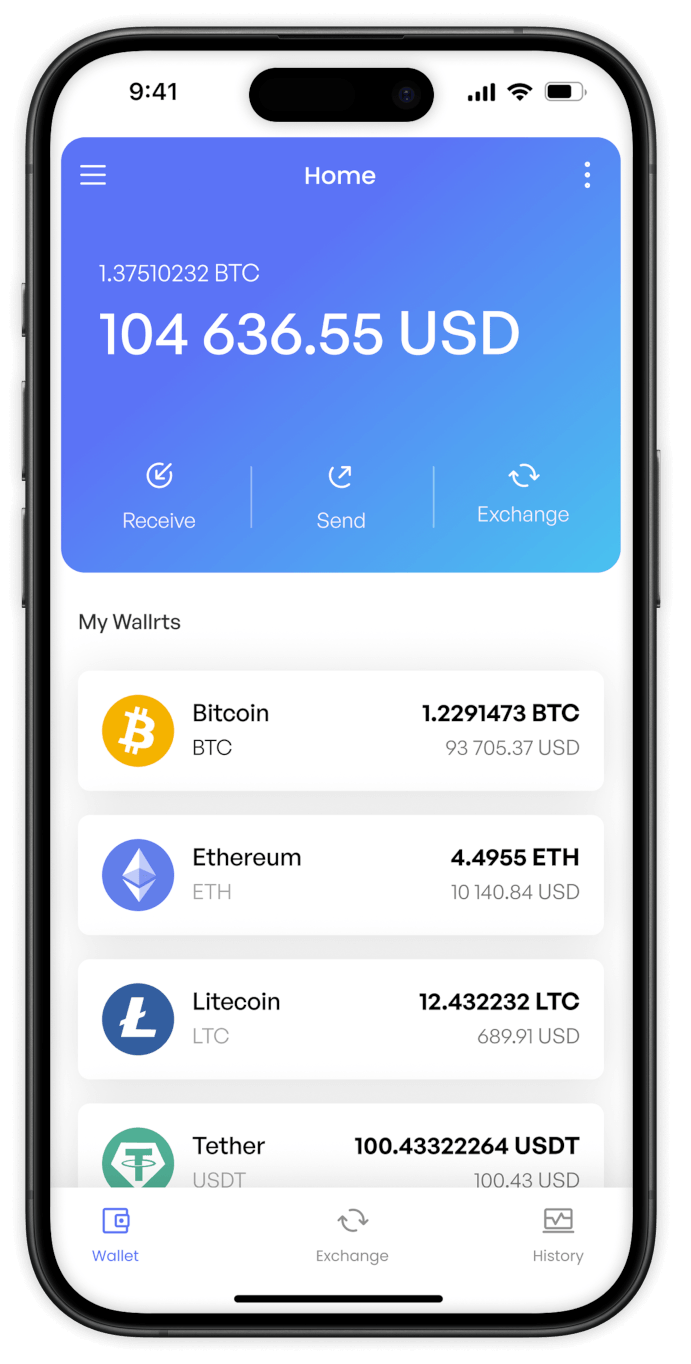
Buy Binance Coin (BNB) with Bancontact from your phone
Use the Switchere mobile app for iOS and Android to acquire BNB on the go. Connect directly to your Bancontact app for a smooth, bank-grade transaction anywhere you are.


Scan to download the app iOS and Android

Navigate our clean interface to select BNB, choose Bancontact at checkout, and approve the payment via your mobile banking app instantly.

Track real-time market rates and monitor your order history easily. Every service fee and final crypto amount is fully transparent before you hit confirm.
Frequently asked questions
-
Can I buy Binance Coin (BNB) with Bancontact on Switchere?
Yes, Switchere supports direct BNB purchases using Bancontact. You can securely pay via your trusted banking environment and receive BNB, known for its low transaction fees, straight to your wallet. -
Why use Bancontact instead of a standard credit card?
Bancontact processes payments directly through your bank's secure rails. It typically offers higher transaction ceilings, avoids the need to type out card numbers, and provides a seamless mobile banking flow. -
How long until I receive my Binance Coin (BNB)?
Bancontact authorization is virtually instant. Once approved, the BNB Smart Chain processes your transaction in just a few seconds, delivering the crypto to your non-custodial wallet almost immediately. -
What does it cost to buy BNB with Bancontact?
Switchere displays the live Binance Coin exchange rate and a transparent service fee upfront before confirmation. Active users can also enjoy loyalty program discounts that reduce processing fees significantly. -
Are there any limits when buying BNB?
Yes, purchase limits are based on your KYC verification tier. By verifying your identity to a higher tier, you can increase your limits and further explore the broad Binance ecosystem. -
What if my Bancontact payment stays pending?
Bancontact authorizations normally settle right away. If your payment remains pending or fails to redirect back to checkout, check your banking app or contact our 24/7 support for help.

Instant Bancontact Checkout
Place your order, approve it in your banking app, and get your BNB on this EVM-compatible chain to explore the PancakeSwap ecosystem in seconds.
Scan to download the app iOS and Android
