


Convert
Australian Dollar (AUD) to Uniswap (UNI) Instantly


Purchase Uniswap (UNI) with Australian Dollar (AUD) easily at Switchere and benefit from fast, secure transactions.
About
Uniswap (UNI)
Uniswap (UNI) stands as a pioneering decentralized exchange (DEX) protocol built on the Ethereum blockchain, designed to facilitate automated, permissionless token swaps. Its core innovation lies in the Automated Market Maker (AMM) model, which replaces traditional order books with liquidity pools. Users, known as liquidity providers, deposit pairs of digital assets into these pools, enabling peer-to-peer trading based on a constant product formula. This on-chain system allows for the seamless exchange of ERC-20 tokens without intermediaries, significantly enhancing accessibility within the DeFi ecosystem.
The platform has evolved through multiple versions, with Uniswap V3 introducing groundbreaking features like concentrated liquidity, allowing liquidity providers to allocate capital within custom price ranges, thereby increasing capital efficiency. The native UNI token primarily serves as a governance token, granting holders voting rights on key protocol decisions, upgrades, and treasury allocations. This cryptographic security and community-driven governance model are central to its decentralized network ethos. Uniswap's robust smart contract architecture and significant liquidity have solidified its position as a foundational DeFi application, crucial for token discovery and liquidity provision across the broader Web3 infrastructure.

How to Buy Uniswap (UNI)
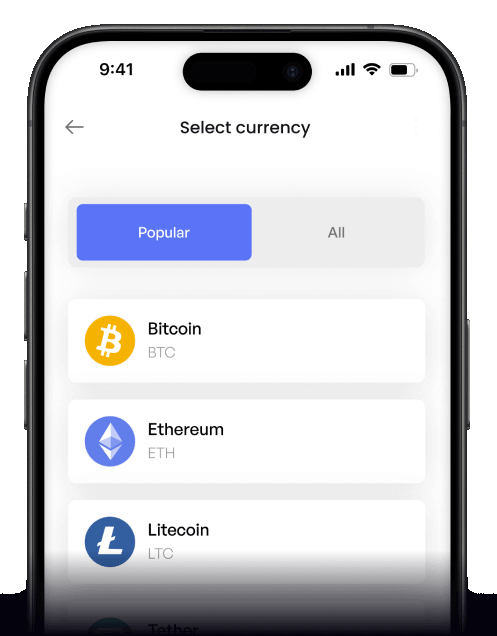
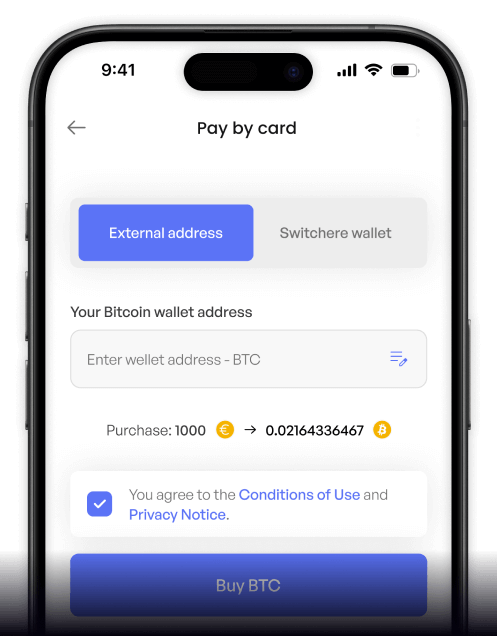
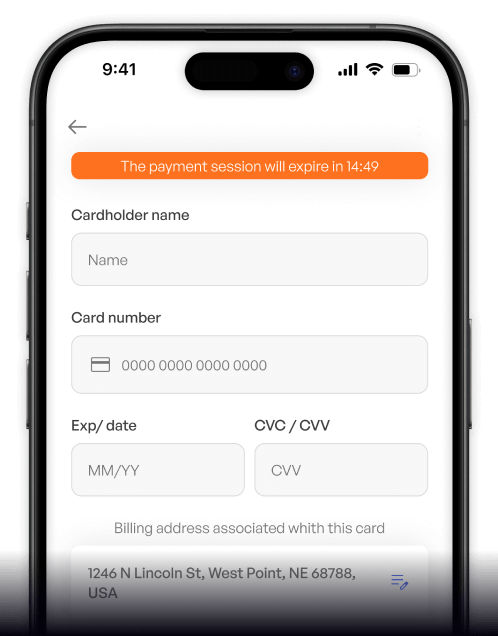
 Step-by-step guidance
 Easy credit card payments
 Streamlined purchase process
 Web
Web
Popular Coins for Australian Dollar (AUD)





Other Coins for Australian Dollar (AUD)





Frequently asked questions
-
What are the common methods to buy Uniswap (UNI) with Australian Dollars (AUD)?
To purchase UNI tokens with AUD, the most common method is using an Australian-regulated cryptocurrency exchange that acts as a fiat on-ramp. These platforms typically accept AUD deposits via PayID, BPAY, or direct bank transfer. After completing the mandatory KYC/AML verification, you can place an order for UNI, which is an ERC-20 token operating on the Ethereum network. -
What is the primary role of the UNI token within the Uniswap ecosystem?
UNI is the native governance token of the Uniswap Protocol, a leading decentralized exchange (DEX). Its primary function is to empower UNI token holders with voting rights on key protocol decisions, such as treasury fund allocation, protocol fee switches, or future upgrades. It represents a stake in the governance of this critical piece of DeFi infrastructure, not a token used for transaction fees on the network. -
After buying UNI with AUD, can I use it directly on the Uniswap DEX?
Yes, but it involves a few steps. After your digital asset purchase of UNI on a centralized exchange using AUD, you must withdraw the UNI tokens to a self-custody digital wallet, like MetaMask or a hardware wallet. From there, you can connect your wallet to the Uniswap DEX to participate in governance voting or provide liquidity to its automated market maker (AMM) pools. -
What are the main differences between a centralized exchange order book and Uniswap's Automated Market Maker (AMM)?
When you buy UNI with AUD on a centralized exchange, you're interacting with a traditional order book that matches buyers and sellers at specific prices. In contrast, the Uniswap Protocol uses an Automated Market Maker (AMM). This system facilitates token swaps using liquidity pools, where prices are determined by a mathematical formula based on the ratio of assets in the pool, offering a permissionless trading experience. -
What security measures are crucial when handling UNI tokens bought with Australian Dollars?
For secure trading, always use an AUSTRAC-regulated exchange for your initial AUD to UNI purchase and enable two-factor authentication (2FA). For long-term holding or interacting with DeFi, it is highly recommended to transfer your UNI tokens from the exchange to a non-custodial hardware wallet. This protects your assets from exchange-related risks and gives you sole control over your private keys.

Buy on the go
Anywhere. Anytime.
Buy crypto with your credit card from anywhere. Live rates, transparent fees, and 3D Secure on every order - the full Switchere card-buy experience in your pocket.



Scan to download the app iOS and Android

